A Chroma alternative with no install and no subscription
Chroma is Ricoma's full desktop digitizing suite for Windows and Mac, sold on a subscription. StitchFast gives you the same AI image-to-stitch workflow in the browser — on any device, pay-as-you-go, nothing to install.
StitchFast is a Chroma alternative that needs no install and no subscription. Both are AI digitizers that work with any embroidery machine, but Chroma is desktop software (Windows or Mac) sold on a subscription, while StitchFast runs in any browser — including Chromebook, iPad and phone — and is pay-as-you-go from £3.50 per design.
- No install — browser-based on Chromebook, iPad and phone too (Chroma is desktop-only)
- No subscription — pay per design or £29.99/month, cancel any time
- Instant, with no training or tiers to work through
What is Chroma by Ricoma?
Chroma is Ricoma's proprietary digitizing software, sold in three tiers — Inspire for beginners (often bundled with Ricoma machines), Plus for intermediate users, and Luxe for professionals. It is a capable, full-featured desktop application for Windows and Mac, combining AI auto-digitizing with manual stitch editing, a large font library (up to 250 fonts in Luxe), 3D previews, appliqué tools and photo embroidery. Despite the Ricoma name, Chroma is machine-agnostic — it exports more than 30 formats and works with any embroidery machine, not just Ricoma's. In the US it now runs on a subscription (an upfront purchase plus ongoing monthly or yearly payments for updates and support), while in Europe it remains a permanent licence. It is installed software, though, and does not run on Chromebooks, tablets or phones.
The honest view
Chroma by Ricoma: pros and cons
A fair look at what Chroma by Ricoma does well and where it falls short — so you can judge whether an alternative is worth it.
What Chroma by Ricoma gets right
- Full desktop suite: AI auto-digitizing plus manual stitch editing
- Machine-agnostic — 30+ formats, works with any embroidery machine
- Large font library (up to 250 in Luxe), 3D previews and appliqué tools
- Runs on both Windows and Mac
- Live training classes and 7-day-a-week tech support
Where it frustrates people
- Installed software — doesn't run on Chromebooks, tablets or phones
- US pricing is a subscription: upfront purchase plus ongoing payments
- Tiered — some features need the higher Plus or Luxe plans
- A real learning curve; users note training is needed to master it
- Overkill if you only need quick logos and text
Why people switch
Why embroiderers look for a Chroma by Ricoma alternative
Chroma is a strong, full-featured suite. Here is where StitchFast differs.
Desktop only, not on tablets
Chroma installs on a Windows or Mac desktop and explicitly does not run on Chromebooks, tablets or phones. StitchFast works in any browser, on any device.
Upfront plus ongoing (US)
In the US, Chroma is now a subscription: you buy the software upfront, then pay monthly or yearly to keep updates and support. StitchFast is pay-as-you-go with no commitment.
There's a lot to master
Chroma is a full digitizing suite with tiers, manual editing and training classes. That depth is powerful but means a real ramp-up. StitchFast is upload-and-download.
Before & After
From image to stitch file
Drag the slider — your image goes in, a production-ready embroidery file comes out in under 60 seconds.
Real StitchFast output — the same engine behind every file, whatever design you upload.
Head to head
StitchFast vs Chroma by Ricoma
Two AI digitizers, compared on what matters when you just want a clean file fast.
| Feature | StitchFast | Chroma by Ricoma |
|---|---|---|
| AI auto-digitizing | Yes | Yes |
| Works with any machine brand | Yes | Yes |
| Runs in a browser | Yes | No (desktop app) |
| Chromebook, iPad & phone | Yes | No |
| Install required | None | Windows or Mac install |
| Price model | Pay per design | Subscription (US) |
| Try without buying | First design free | Purchase to activate |
| Time to first file | Under 60 seconds | Minutes |
| Manual editing & font library | AI, no manual editor | Extensive (up to 250 fonts) |
| Training required | None | Tutorials & classes |
StitchFast vs Chroma by Ricoma, feature by feature
Install vs browser
Chroma is desktop software you install on Windows or Mac, and it explicitly does not run on Chromebooks, tablets or phones. StitchFast runs entirely in the browser, so it works on any of those with nothing to install or update.
Pricing model
In the US, Chroma moved to a subscription in 2024: an upfront purchase plus ongoing monthly or yearly payments to keep updates and support (Europe keeps a permanent licence). StitchFast is pay-as-you-go from £3.50 per design, or £29.99 a month unlimited, with no upfront purchase.
Machine compatibility
This one is a tie. Despite the Ricoma name, Chroma is machine-agnostic and exports 30-plus formats, and StitchFast covers PES, DST, JEF, EXP, VP3 and HUS. Neither locks you to a particular brand of machine.
Features and control
Chroma is the deeper tool, with manual stitch editing, a large font library, 3D previews, appliqué and photo embroidery across its tiers. StitchFast trades that depth for speed: upload, AI-digitize, download, with no manual editing.
Learning curve and support
Chroma leans on tutorials, live classes and 7-day support because there is genuinely a lot to learn. StitchFast is designed so there is nothing to learn — the AI makes the digitizing decisions for you.
Buyer's guide
What to look for in a Chroma by Ricoma alternative
Not every tool that calls itself a Chroma by Ricoma alternative actually improves on it. These are the things that matter.
Install vs browser
Desktop tools tie you to specific computers and operating systems. Browser-based tools work on anything, including Chromebooks and tablets.
Pricing structure
Weigh a subscription (upfront plus ongoing) against pay-as-you-go, based on how regularly you actually digitize.
Learning curve
Full suites reward training and practice. If you want a finished file now, an automatic tool skips the ramp-up.
Machine and format coverage
Check the tool exports the formats your machines read — most good tools, Chroma and StitchFast included, are machine-agnostic.
Feature depth you'll use
Manual editing and huge font libraries are powerful, but only worth paying for if your work actually needs them.
Speed to a usable file
For logos and text, seconds from upload to download beats minutes of setup and editing.
When Chroma by Ricoma is still the right choice
Chroma is a strong choice if you want a full desktop digitizing suite with manual stitch editing, a big font library, 3D previews, appliqué and photo embroidery — and you value Ricoma's live training classes and 7-day support while you learn. Its output quality, especially on the Luxe tier, is excellent. StitchFast is the better fit when you want a finished file in seconds without installing software, working through tiers, or committing to a subscription — and when you need to digitize from a Chromebook, iPad or phone, which Chroma does not support.
Pricing
What StitchFast costs
No licence, no install, no contract. Pay per design or go unlimited monthly — cancel any time.
One design credit
£3.99 per design
£3.50 per design
Unlimited digitizing
Making the switch
How to move from Chroma by Ricoma to StitchFast
No data to migrate, no software to uninstall. You can switch in the time it takes to digitize one design.
Gather your artwork. There is nothing to migrate from Chroma — StitchFast works from your original image, so collect the logos and designs you want to stitch.
Open StitchFast in your browser. No install, no activation. You can try your first design without even creating an account.
Upload and let the AI digitize. Drop in a PNG, JPG or SVG; StitchFast analyses the design and generates the stitches automatically.
Proof
StitchFast in the real world
Chroma by Ricoma builds beautiful designs. So does StitchFast — here is what that looks like in practice.
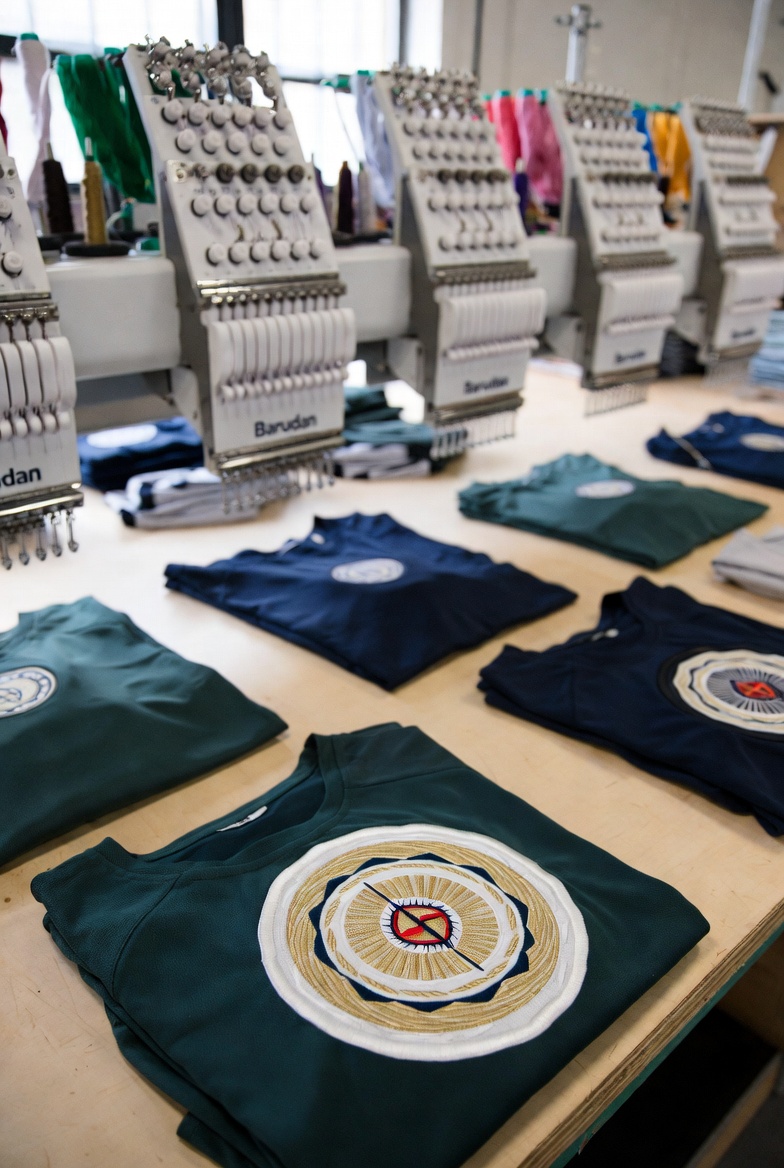
Apex Sportswear
A Manchester sports kit manufacturer scaled from 50 to 300 team clients per season after switching to StitchFast — eliminating the digitizing queue that previously capped their capacity.
Read case study →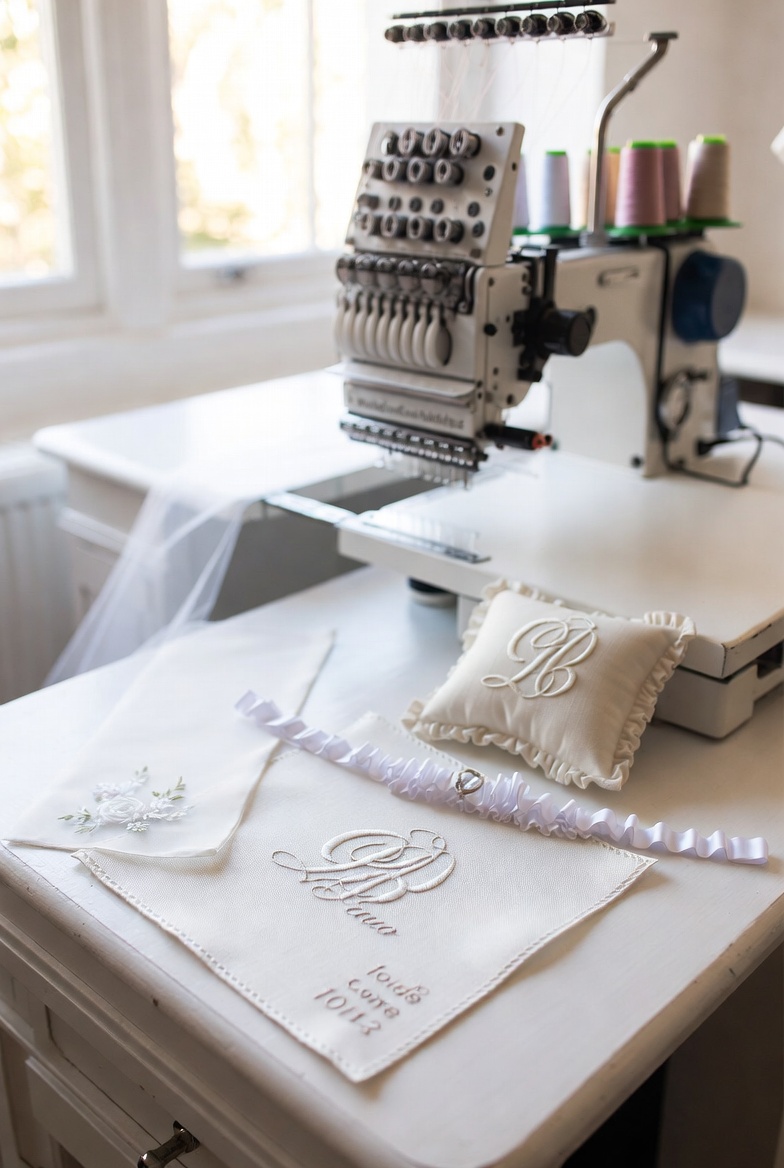
Grace Bridal Embroidery
A luxury bridal embroiderer in Bath uses StitchFast to offer same-day bespoke monograms, wedding date stitching, and personalised veil embellishments — a service that previously required a 2-week lead time.
Read case study →FAQ
Chroma by Ricoma alternative — common questions
It depends what you need. Chroma is a full desktop suite with manual editing and a big font library; StitchFast is a fast, browser-based auto-digitizer. If you want speed and no install, StitchFast wins; if you want deep manual control, Chroma has more.
Yes, on all of them — it's browser-based. Chroma runs on Windows and Mac desktops but not on Chromebooks, tablets or phones, which is a common reason people look for a browser-based alternative.
In the US, Chroma is a subscription: an upfront purchase plus ongoing monthly or yearly payments. StitchFast is pay-as-you-go from £3.50 per design, or £29.99 a month unlimited, with no upfront cost and nothing to commit to.
You can digitize your first design without creating an account, then it's pay-as-you-go. Chroma offers a trial too, but you generally purchase and activate the software to use it fully.
StitchFast creates new stitch files from your original artwork rather than editing existing embroidery files. Keep your finished Chroma files as they are — they already work on your machine — and upload the source images for anything new.
No — StitchFast is automatic by design, with no manual stitch editor. If you need to hand-edit individual stitches, adjust density region by region, or use a large font library, Chroma Luxe or another desktop suite is the better fit.
StitchFast has no learning curve — you upload and download. Chroma is beginner-friendly for desktop software and has strong training, but there is still a genuine learning curve, which is why Ricoma provides tutorials and live classes.
Keep reading
Related guides
Go deeper on formats, stitch quality and getting started.
More on Chroma by Ricoma
Everything else worth knowing about Chroma by Ricoma
Quick, honest answers to the most-searched Chroma by Ricoma questions — each with the practical alternative.
Chroma for Mac
It runs natively on Mac, Apple Silicon included. The honest detail.
Read →How much does Chroma cost?
Inspire, Plus and Luxe pricing, and the US subscription twist.
Read →Which Chroma version?
Inspire, Plus or Luxe. What each tier actually adds.
Read →Is Chroma worth it?
An honest verdict on Ricoma's modern digitizing suite.
Read →Does Chroma work with my machine?
Yes, any brand. It's machine-agnostic, not Ricoma-locked.
Read →Free Chroma alternative
Chroma isn't free. The genuinely free and low-cost routes.
Read →AI digitizing, minus the install.
Upload your design and download a ready-to-stitch file in under a minute — any device, any machine, no subscription.
Open StitchFast