Upload Your Image
Drag and drop any PNG, JPG, or SVG. Logos, text, and solid artwork produce the best DST output.
Upload a PNG, JPG, or SVG and get a production-ready DST file in under 60 seconds. Real AI digitizing with proper stitch data — not auto-tracing.
How It Works
No embroidery software required. No experience needed. Works on any device.
Drag and drop any PNG, JPG, or SVG. Logos, text, and solid artwork produce the best DST output.
AI identifies regions, assigns stitch types, calculates density, and applies pull compensation automatically.
Watch a real-time stitch simulation, colour by colour, before you commit to downloading.
Get a proper binary DST file with correct stitch lengths, jumps, and colour changes. Machine-ready.
Before & After
Drag the slider to see the transformation. Your image goes in — a production-ready embroidery file comes out.




Edit Suite
Dark backgrounds, metallic finishes, messy photography — our Edit Suite isolates the subject cleanly with AI before you digitize. Drag the slider to see it in action on a real customer logo.
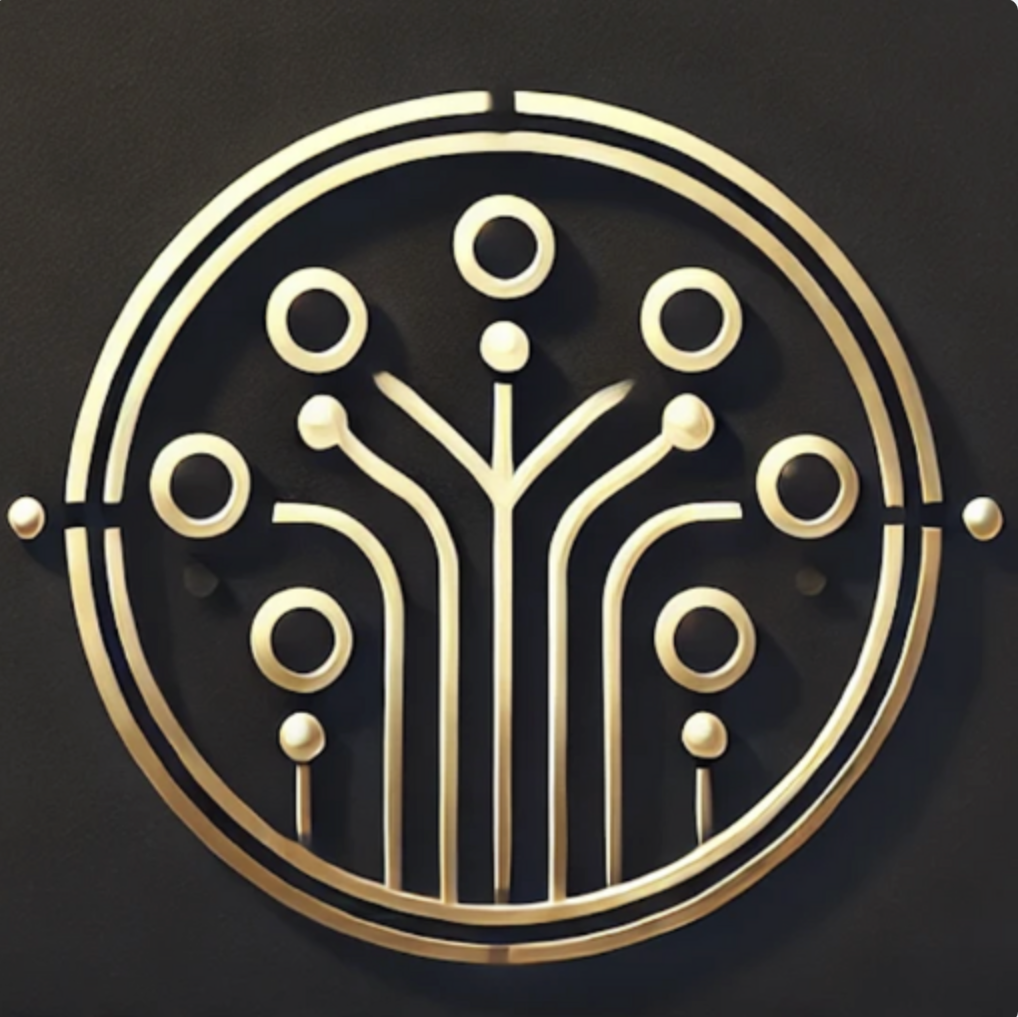
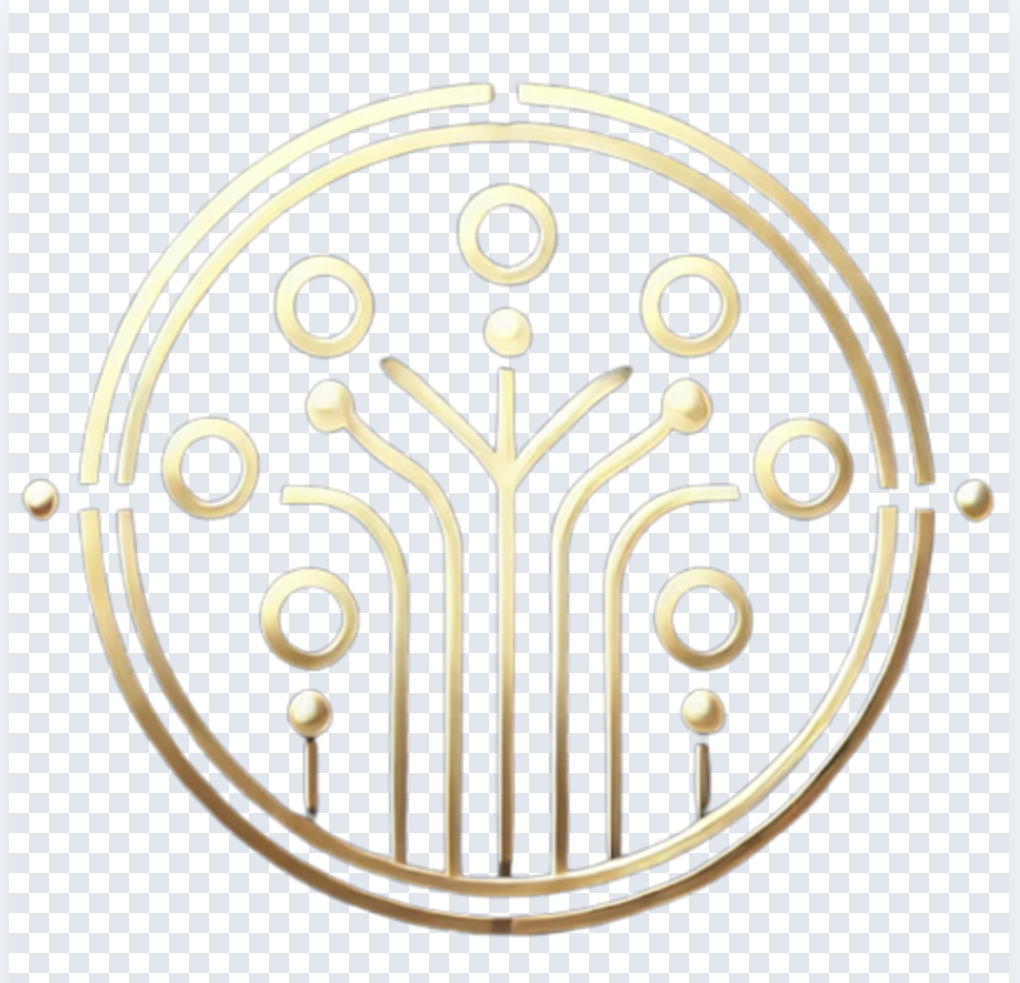
Example shown with permission from our friends at Team Connect — the AI receptionist for UK small businesses. If their metallic gold-on-black logo can come out clean, yours will too.
Understanding DST
A DST file (Data Stitch Tajima) is the industry-standard binary format for commercial embroidery machines. Unlike image files that store a grid of coloured pixels, a DST file contains a precise sequence of machine commands: move the needle here, stitch this length, change thread colour, trim, jump. It is the language your embroidery machine actually reads. For a full comparison of all major formats, see our guide to DST vs PES vs JEF embroidery file formats.
This is why you cannot simply rename a .jpg to .dst and expect it to work. A JPEG stores visual data — gradients, pixels, compression artefacts. An embroidery machine has no idea what to do with any of that. To go from image to DST, you need digitizing: the process of analysing an image and generating real stitch data from it.
Digitizing involves deciding which areas get fill stitches versus satin stitches, calculating stitch angles for optimal thread coverage, setting density per region, adding underlay for fabric stability, and applying pull compensation so shapes don't shrink when thread tension pulls the fabric inward. This is what separates a production-ready DST file from a useless auto-traced outline.
Search for "convert image to DST" and you will find dozens of tools that claim to do it. Most of them fall into two categories: format swappers that can convert between existing embroidery files (PES to DST, for example) but cannot digitize an image, and auto-tracers that trace the outline of an image and call it digitizing. Neither produces a file you would want to put on a machine.
Auto-tracers skip underlay stitching, ignore pull compensation, use a single stitch type for everything, and produce wildly inconsistent density. The result is a DST file that technically opens but stitches out as a tangled, puckered mess with gaps, thread breaks, and misaligned colours. We cover this in detail in the hidden cost of cheap digitizing.
StitchFast is different. It uses AI to analyse your image the way a professional digitizer would — identifying distinct regions, recommending stitch types per area, calculating optimal angles, applying pull compensation, and matching every colour to a real Madeira Rayon thread code. The output is a proper binary DST file with correct max stitch lengths, jump commands, and colour stop data. Ready for Tajima, Brother, Barudan, SWF, or any machine that reads DST.
What You Get
No extra charges. Every feature is included with every conversion.
Fill, satin, and running stitches assigned per region. Stitch angles optimised for thread coverage and minimal thread breaks.
Automatic edge overshoot so fill areas don't shrink when thread tension pulls fabric inward. Adjustable from 0 to 1mm. Technical guide →
Every colour in your design is matched to a real Madeira Rayon thread number so you know exactly which spool to buy. Thread types guide →
Preview your design stitching out in real time, colour by colour, before downloading. Catch issues before they hit fabric.
Offset row fill pattern for professional coverage. Configurable density from 2 to 8 lines per millimetre.
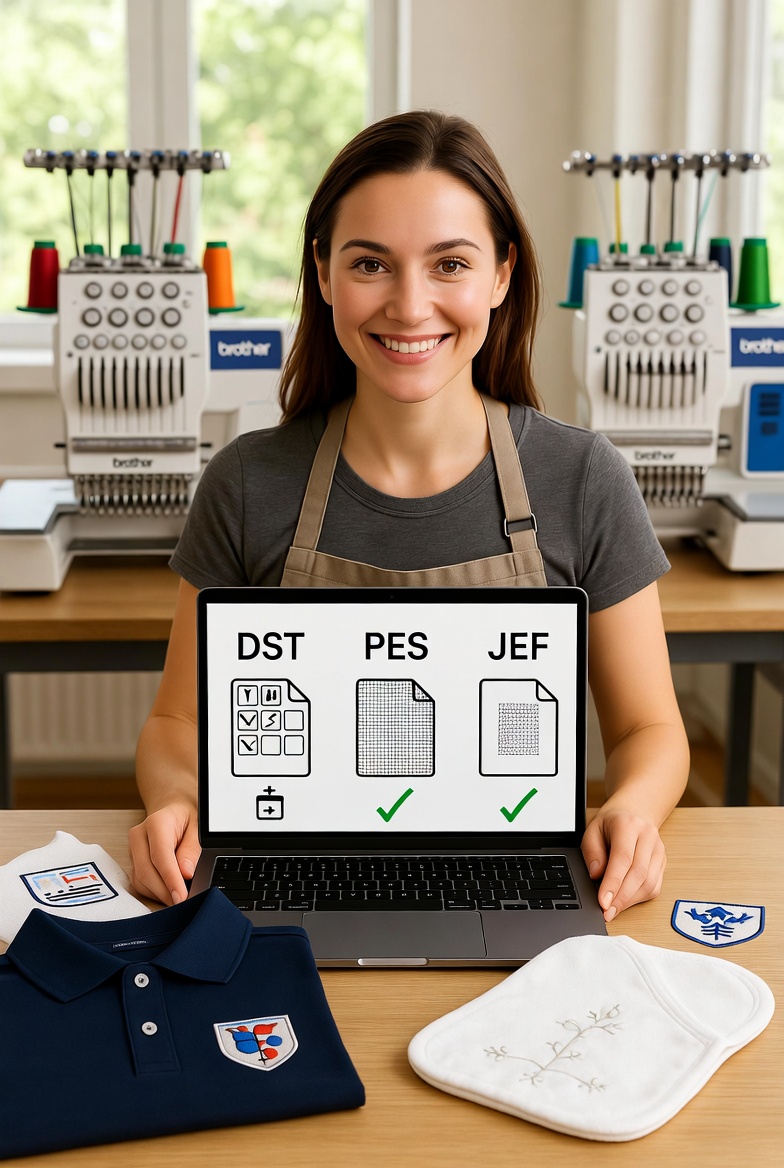
Download DST plus PES, JEF, EXP, VP3, HUS, and XXX from every single upload. No extra cost.
Comparison
Side-by-side comparison of the most common ways to convert an image to a DST file.
| StitchFast | Free Auto-Tracers | Manual Digitizer | |
|---|---|---|---|
| Real digitizing | Yes — AI | No — trace only | Yes |
| Turnaround | <60 seconds | Seconds | 24–48 hours |
| Pull compensation | Automatic | None | Manual |
| Underlay stitches | Included | None | Included |
| Thread codes | Madeira | None | Sometimes |
| Stitch preview | Live simulation | None | Static image |
| Cost per design | From £3.50 | Free | £5–£15 |
| Software required | None — web | Varies | None |
| Output quality | Production-ready | Usually poor | Professional |
Tips
The quality of your DST file depends heavily on the quality of the image you upload. Here are the most important things to get right before you hit convert. New to embroidery files? Start with our beginner's guide to embroidery stitch files.
Logos, text, and artwork with solid, distinct colour areas convert far better than photographs with subtle gradients. If your image has a busy background, remove it first. PNG files with transparent backgrounds produce the cleanest results because StitchFast can clearly identify the edges of each region.
Low-resolution images with pixelated edges produce jagged stitch paths. Upload at the highest resolution you have. Vector files (SVG) are ideal because they scale cleanly at any size.
Each colour in your design becomes a separate thread colour with a colour change command in the DST file. Fewer colours means fewer stops, faster stitch-out times, and lower thread costs. For most embroidery, 6–12 colours is plenty.
Very small text (under 5mm tall) and extremely fine lines may not reproduce well in thread. If your design has small details, consider simplifying them or increasing the overall embroidery size before converting.
Compatibility
DST is the most widely supported embroidery file format in the world. StitchFast DST files are compatible with machines from Tajima, Brother, Barudan, SWF, Happy, Toyota, ZSK, Melco, Ricoma, and most other commercial and semi-commercial embroidery machines. If your machine reads DST — and nearly all of them do — StitchFast files will work.
If your machine uses a different format, StitchFast also generates PES (Brother/Babylock), JEF (Janome/Elna), EXP (Melco), VP3 (Husqvarna Viking/Pfaff), HUS (Husqvarna), and XXX files from every single upload — all included at no extra cost. See our format comparison guide to find which format your machine needs.
Reviews
Rated 4.8 out of 5 from 312 users in over 40 countries.
FAQ
Common questions about converting images to DST embroidery files.
DST (Data Stitch Tajima) is a binary embroidery file format containing stitch commands for embroidery machines. Unlike image files that store pixels, DST files contain precise instructions for needle movement, stitch type, colour changes, and trim commands. It is the industry standard supported by virtually every commercial embroidery machine.
Yes, but it requires digitizing — not just a file format swap. A JPG or PNG stores pixels, while a DST file stores stitch commands. StitchFast uses AI to analyse your image, identify regions, assign stitch types, and generate a proper binary DST file with fill stitches, underlay, pull compensation, and colour changes.
Yes. StitchFast generates proper binary DST files with correct max stitch lengths, jump commands, and colour stop data. DST works on virtually every commercial machine including Tajima, Brother, Babylock, Barudan, SWF, Happy, and most home embroidery machines that support DST import.
Most free online converters only swap file formats between existing embroidery files — they cannot digitize an image. Tools that claim to auto-digitize typically skip underlay stitching, pull compensation, stitch angle optimisation, and proper density settings. StitchFast uses AI to perform real digitizing with all of these features included.
Pull compensation counteracts thread tension that naturally pulls fabric inward during stitching. Without it, fill areas shrink and shapes distort. StitchFast automatically applies pull compensation to every DST file so your stitched design matches the original image dimensions.
Most images convert to a production-ready DST file in under 60 seconds. Complex designs with many colours may take slightly longer. There is no queue — your file is processed immediately.
Yes. StitchFast generates 7 embroidery formats from every upload: DST, PES, JEF, EXP, VP3, HUS, and XXX. Download whichever format your machine requires. All formats are included at no extra cost. See our format comparison guide to find which one your machine needs.
Wilcom and Hatch are professional desktop software costing hundreds or thousands of pounds with advanced manual controls. StitchFast handles the majority of common digitizing jobs — logos, text, standard artwork — instantly at a fraction of the cost. For most users who need quick, reliable DST files, StitchFast is faster, cheaper, and requires no software. See all features.
Single designs cost £4.99. Credit packs reduce the cost to as low as £3.50 per design. An unlimited plan is available at £29.99/month with no per-design charges. Credits never expire. See full pricing.
Yes. StitchFast is a web-based tool used by embroiderers in over 40 countries. Upload your image from anywhere, download your DST file instantly. No software to install — works on any device with a browser.
Case Studies
See how embroidery businesses use StitchFast to generate production-ready DST files instantly.
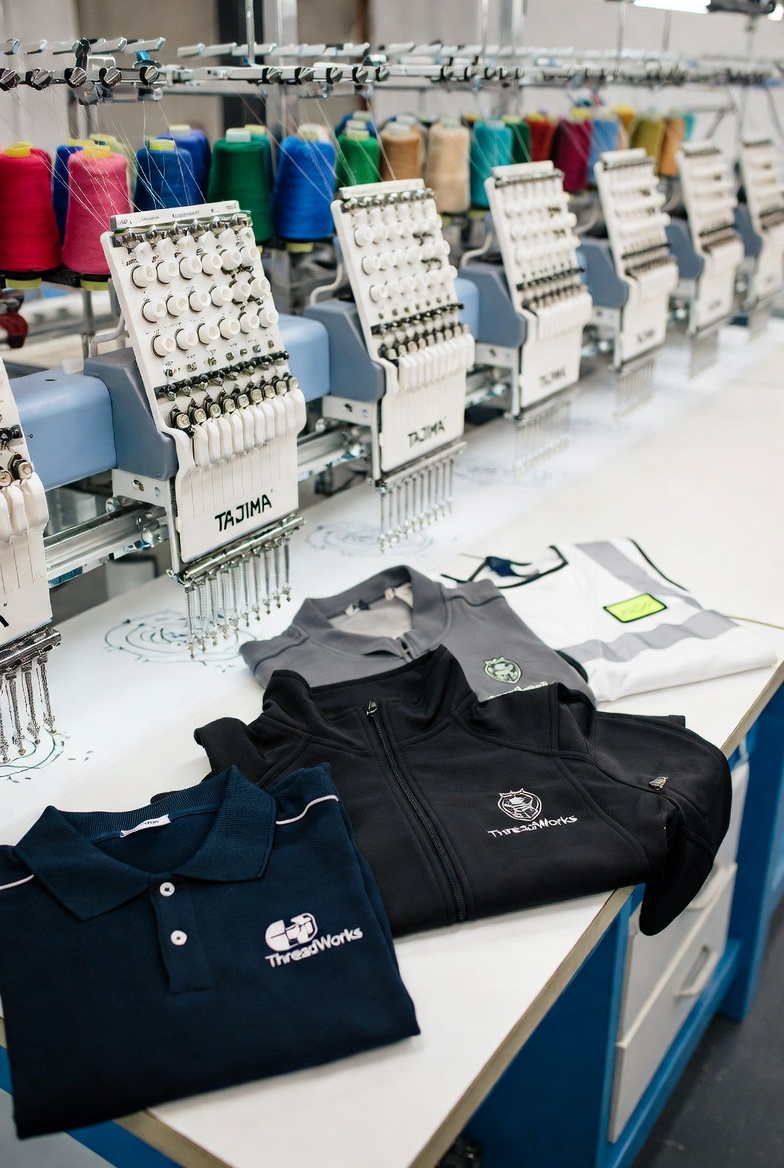
A Birmingham-based uniform supplier processing 800+ corporate logos per year slashed digitizing costs from £25 per design to £3.50 using StitchFast — and cut turnaround from 48 hours to under 60 seconds.
Read case study →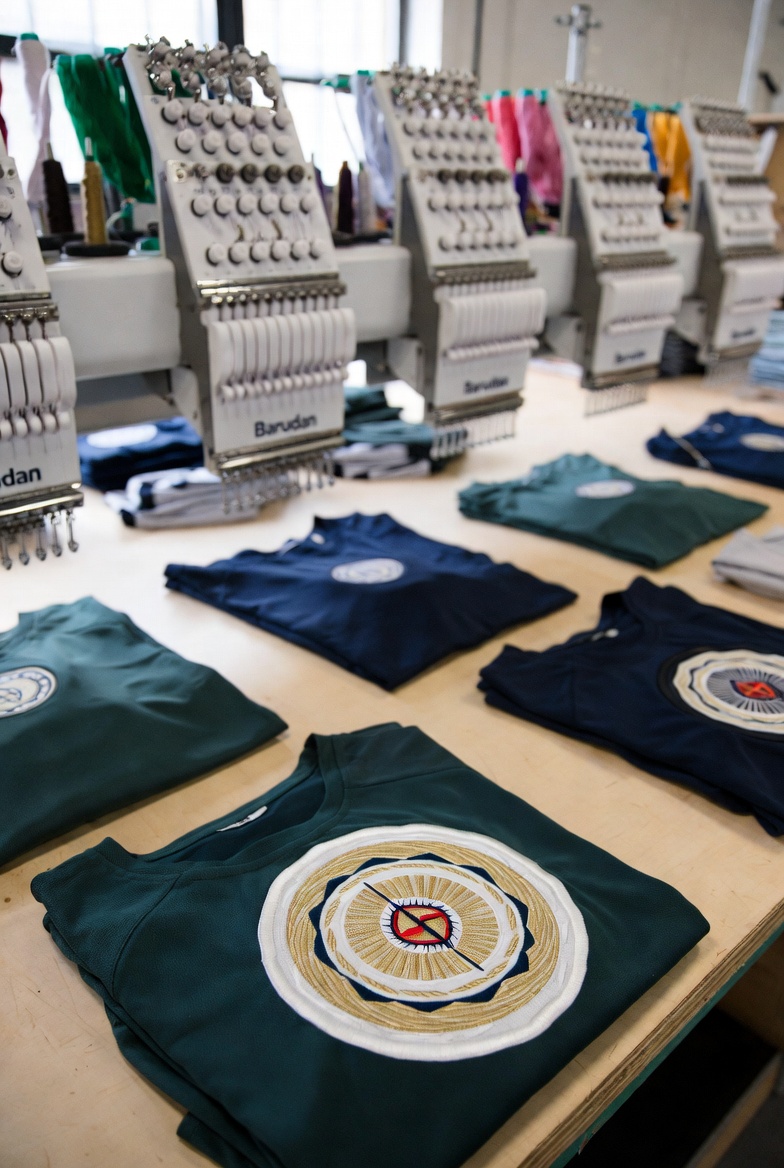
A Manchester sports kit manufacturer scaled from 50 to 300 team clients per season after switching to StitchFast — eliminating the digitizing queue that previously capped their capacity.
Read case study →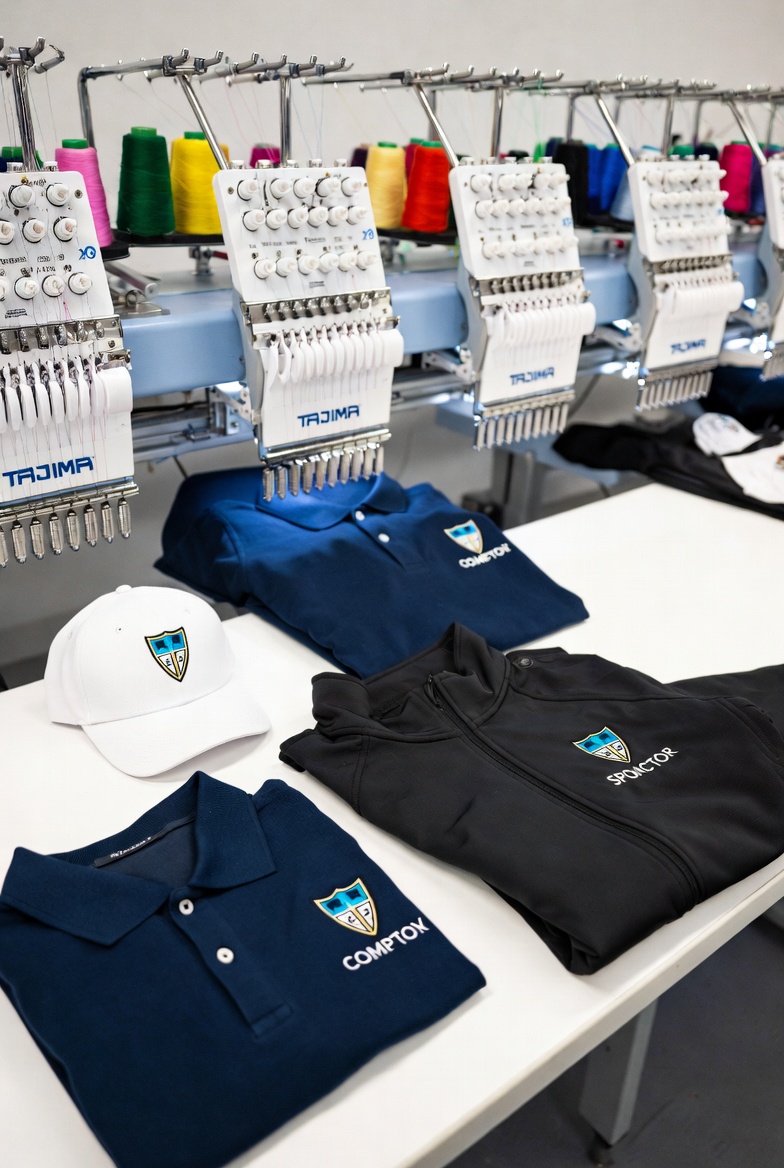
A Leeds promotional merchandise company processing 1,400+ unique client logos per year eliminated their entire five-day digitizing queue overnight using StitchFast — saving over £35,000 annually.
Read case study →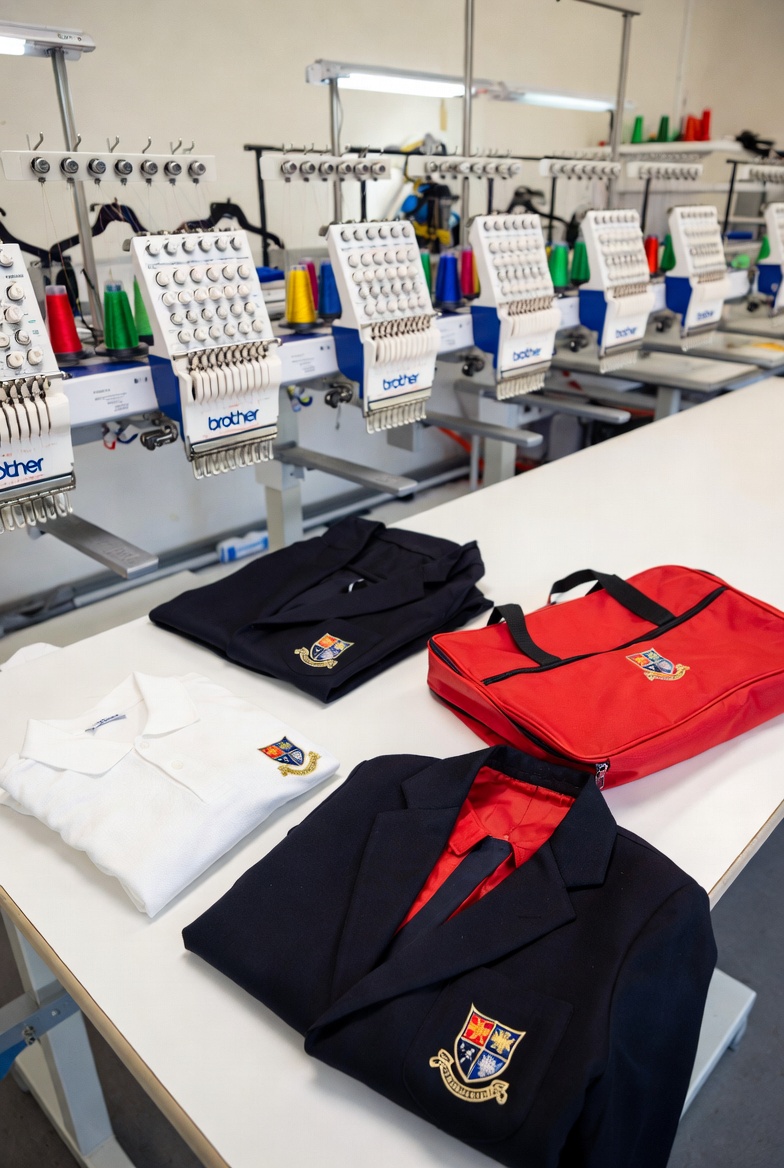
A Nottingham school uniform supplier digitized their entire catalogue of 165 school badges in a single week using StitchFast — a task that previously took three months of outsourced digitizing.
Read case study →Blog & Resources
From beginner guides to factory-floor automation — everything about DST files and embroidery digitizing.
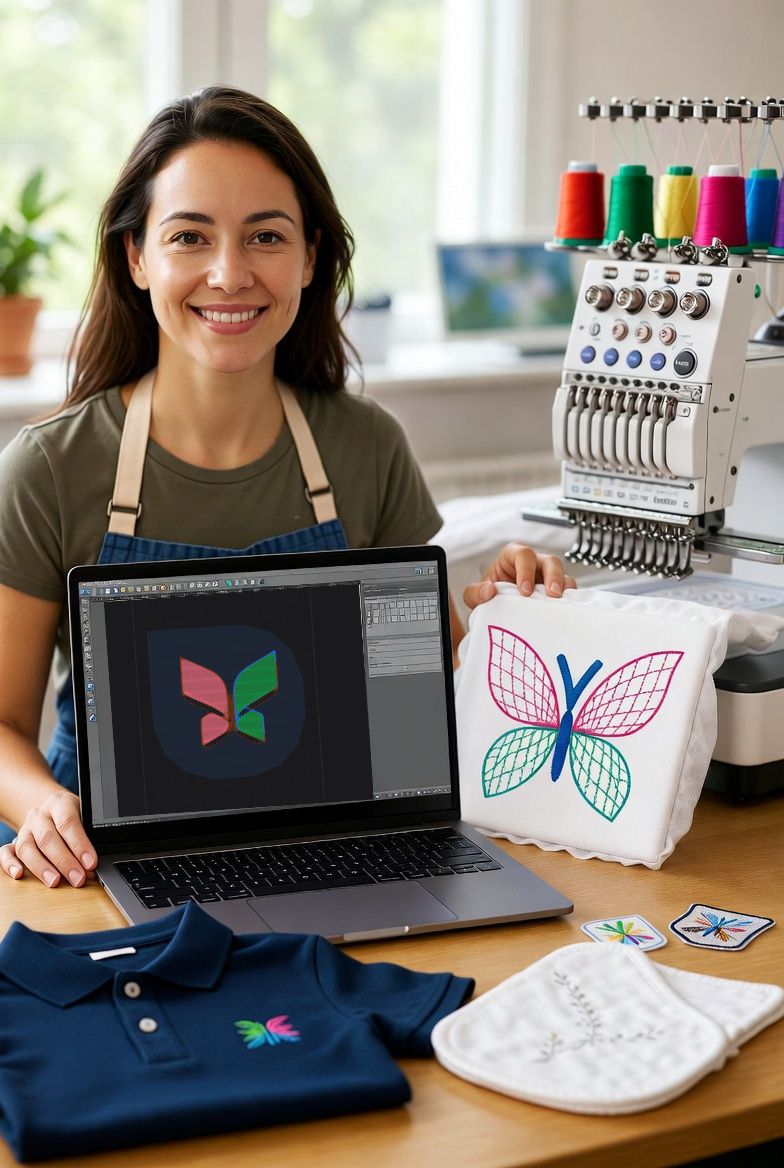

Upload an image and download a production-ready DST file in under 60 seconds. From £3.50 per design.
Open DST Converter