Upload Your Image
Drag and drop any PNG, JPG, or SVG. Logos and solid artwork produce the best PES output.
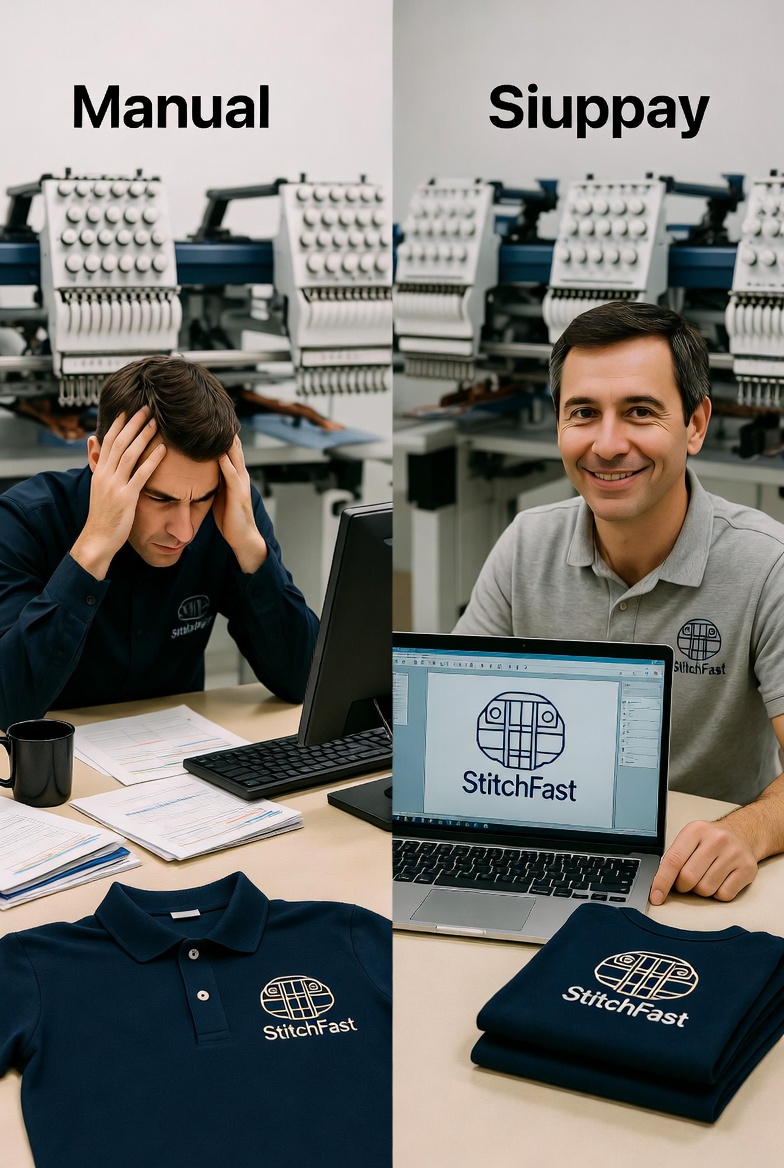
Upload a PNG, JPG, or SVG and get a production-ready PES file for Brother and Babylock machines in under 60 seconds. Real AI digitizing — not auto-tracing.
How It Works
No embroidery software required. No PE-Design needed. Works on any device.
Drag and drop any PNG, JPG, or SVG. Logos and solid artwork produce the best PES output.
AI identifies regions, assigns stitch types, calculates density, and applies pull compensation.
Watch a real-time stitch simulation, colour by colour, before downloading.
Get a proper PES file with colour data, stitch paths, and metadata. Load via USB and stitch.
Before & After
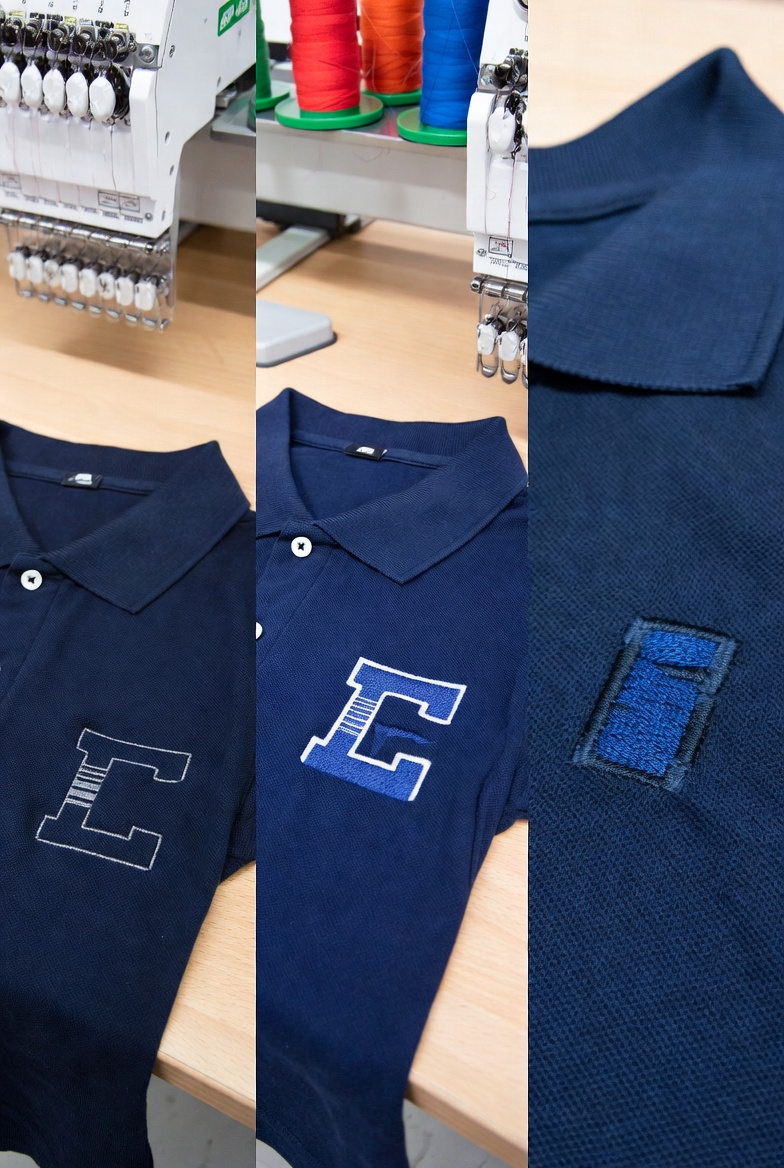
Drag the slider to see the transformation. Your image goes in — a production-ready embroidery file comes out.



Edit Suite ✨
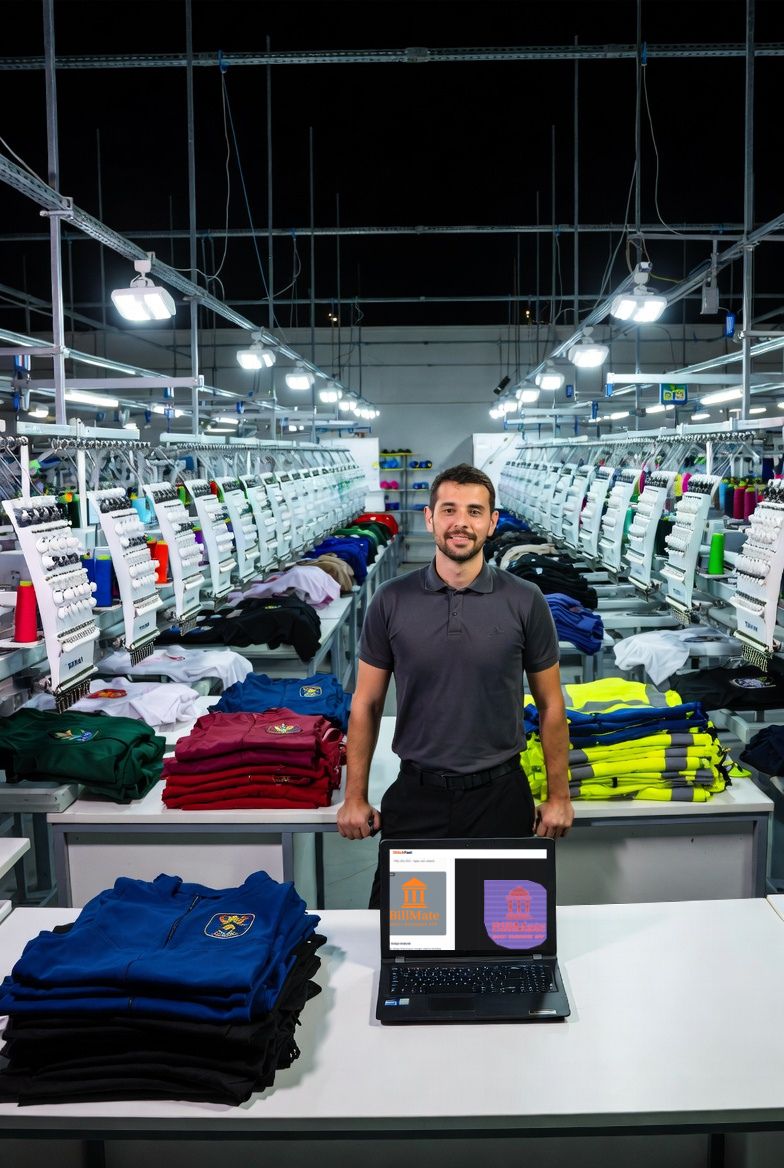
Dark backgrounds, metallic finishes, messy photography — our Edit Suite isolates the subject cleanly with AI before you digitize. Drag the slider to see it in action on a real customer logo.
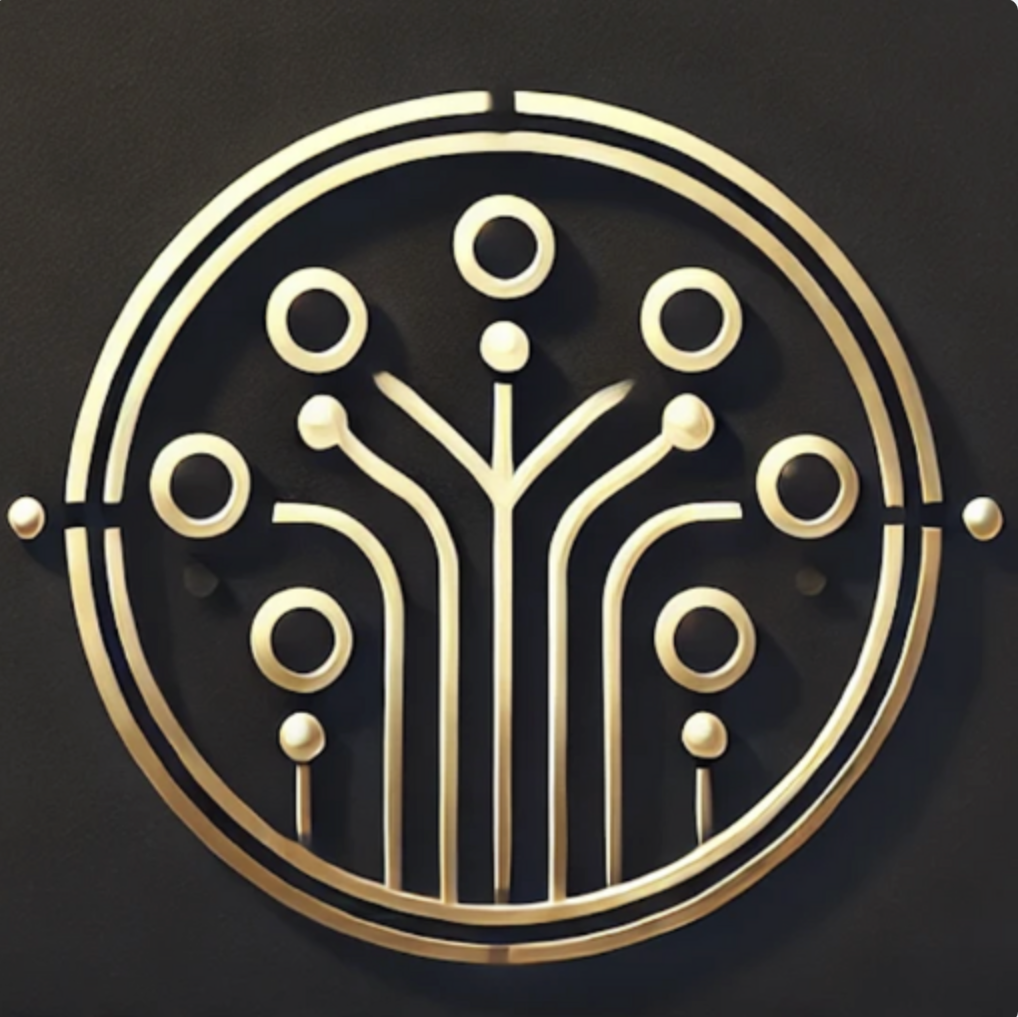
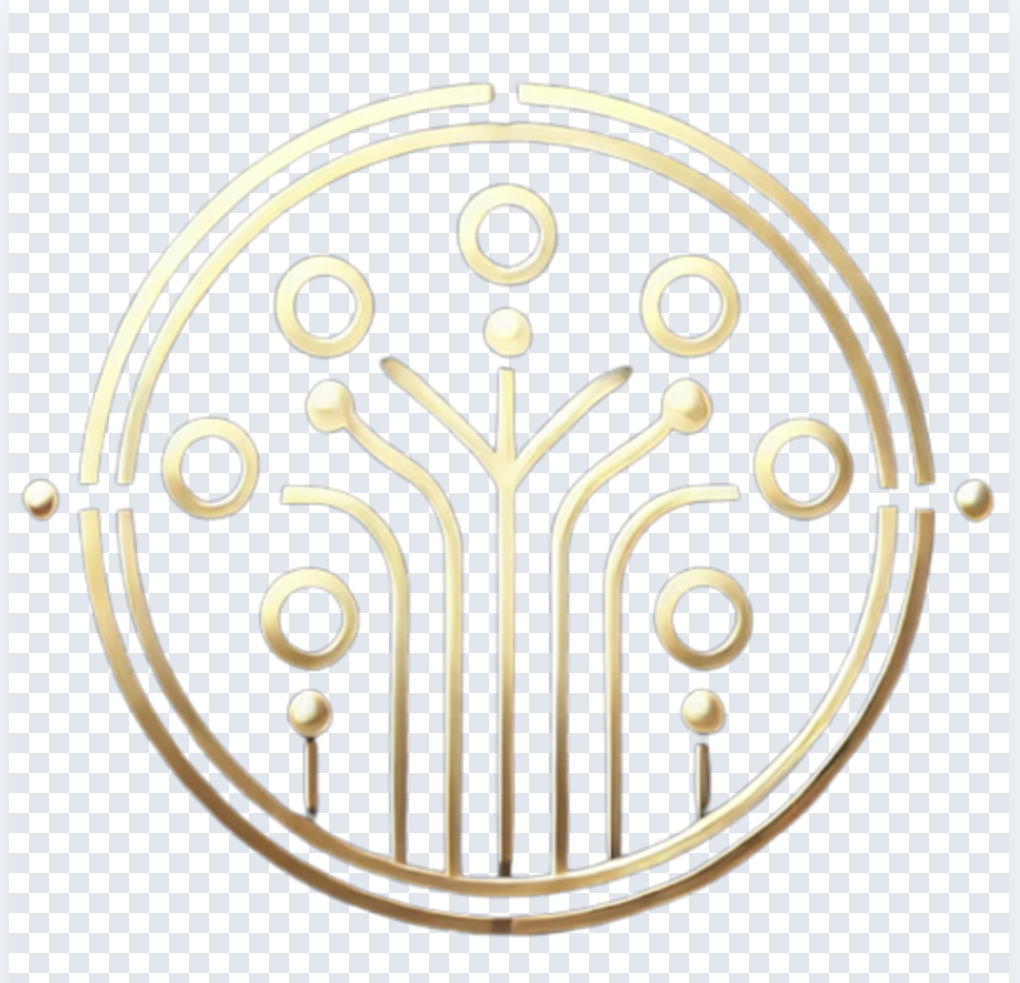
Example shown with permission from our friends at Team Connect — the AI receptionist for UK small businesses. If their metallic gold-on-black logo can come out clean, yours will too.
Understanding PES
A PES file is an embroidery format developed by Brother Industries specifically for their embroidery machines. Unlike the universal DST format which only stores stitch coordinates, PES files include thread colour information, design metadata, and hoop size data. When you load a PES file into a Brother machine, it knows exactly which colours to use and in what order — no manual colour assignment needed. For a full breakdown, see our guide to DST vs PES vs JEF file formats.
PES is the native format for all Brother embroidery machines and is also read natively by Babylock machines (Babylock is manufactured by Brother). If you own a Brother PE800, PE535, SE600, SE1900, PR1050X, PR680W, or any Brother embroidery machine, PES is the format you want.
An image file stores pixels. A PES file stores stitch commands — needle positions, stitch types, colour changes, trim commands, and thread colour data. Converting an image to PES requires digitizing: analysing the image, breaking it into regions, assigning stitch types per region, generating fill paths with proper density and underlay, calculating pull compensation, and encoding all of this into the PES binary format.
Most tools that claim to convert images to PES either cannot do it at all (they only convert between existing embroidery formats) or use crude auto-tracing that produces unusable output — we cover this in the hidden cost of cheap digitizing. StitchFast performs real AI digitizing with tatami fill stitches, automatic underlay and pull compensation, and Madeira thread matching.
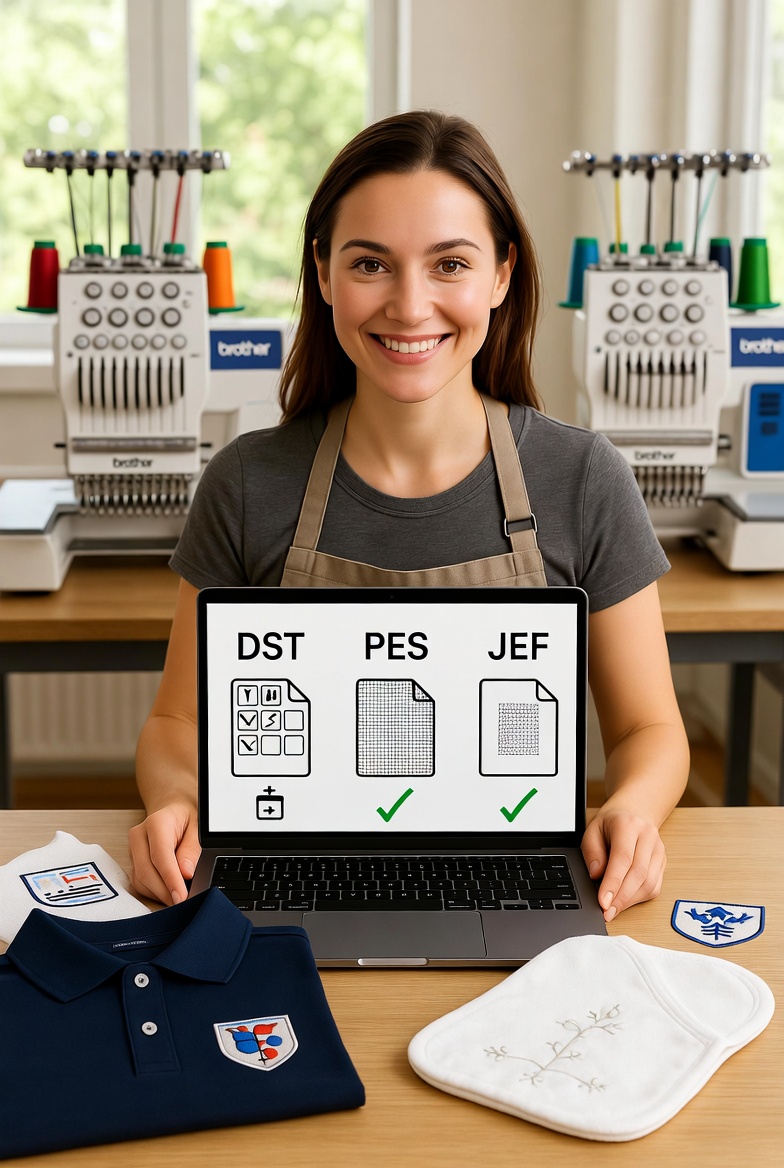
If your machine is a Brother or Babylock, use PES. It includes colour data so your machine displays the correct thread colours on screen. If your machine is a Tajima, Barudan, SWF, or other commercial machine, use DST. StitchFast generates both formats (plus five more) from every single upload, so you never have to choose — download whichever your machine needs.
What You Get
No extra charges. Every feature included with every conversion.
Fill, satin, and running stitches assigned per region. Angles optimised for coverage and minimal breaks.
Automatic edge overshoot so fill areas maintain their shape on fabric. Adjustable 0–1mm. Technical guide →
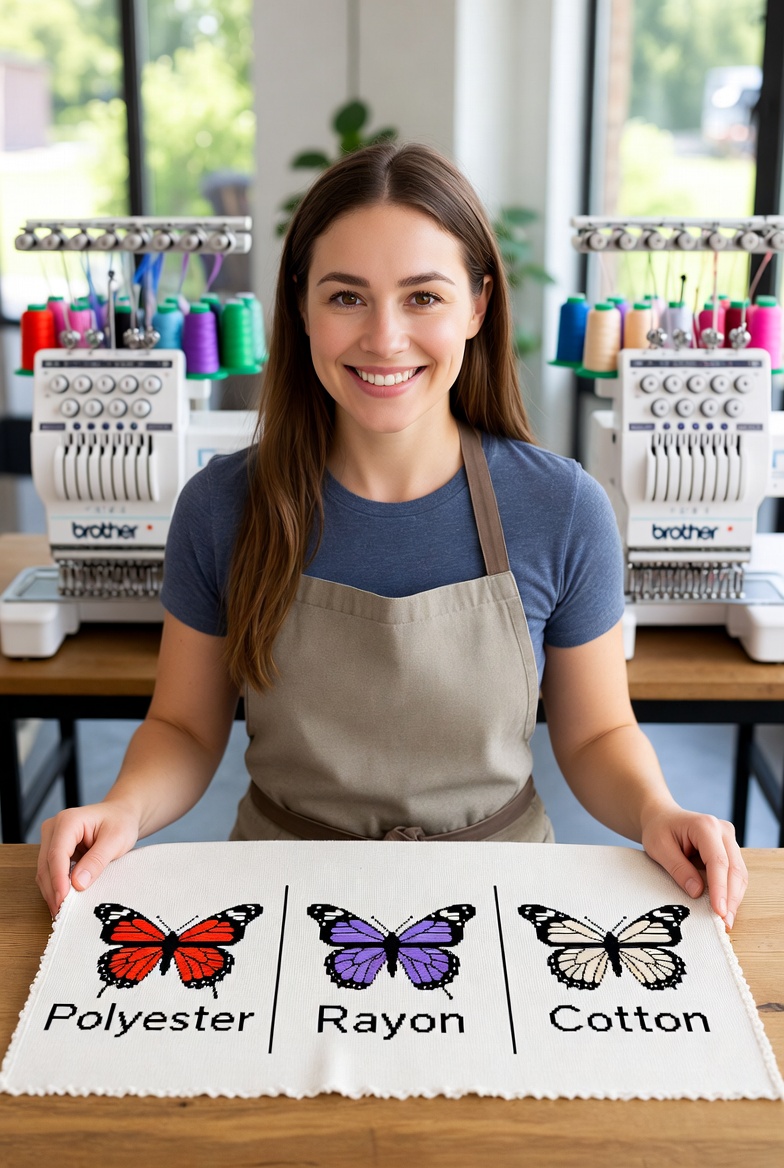
Every colour matched to a real Madeira Rayon thread number. Embedded in PES colour data. Thread types guide →
Preview the design stitching out in real time before downloading. Catch issues before fabric.
PES files include full thread colour information so your Brother machine displays the correct colours.
PES plus DST, JEF, EXP, VP3, HUS, and XXX from every upload. No extra cost.
Compatibility
StitchFast PES files work on every Brother and Babylock embroidery machine, including: Brother PE800, PE535, PE550D, SE600, SE625, SE1900, SE2000, PR1050X, PR680W, NQ3600D, Innov-is V3, V5, V7, XV8500D, Stellaire XJ1, XJ2, Entrepreneur Pro PR670E, and all other models that accept PES files.
Babylock machines that read PES include: Pathfinder, Meridian, Solaris, Solaris 2, Altair, Altair 2, Valiant, Destiny II, Ellagante, and all compatible models.
If you also need DST, JEF, or other formats for different machines, StitchFast generates all 7 formats from every upload at no extra cost. See our format comparison guide to find which one each machine needs.
Reviews
Rated 4.8 out of 5 from 312 users in over 40 countries.
FAQ
Common questions about converting images to PES embroidery files.
PES is an embroidery file format developed by Brother Industries. It contains stitch commands, colour data, and design metadata that Brother and Babylock machines read to reproduce designs on fabric. Unlike DST, PES includes thread colour information.
Yes, but it requires real digitizing — not just a format swap. StitchFast uses AI to analyse your image, identify regions, assign stitch types, and generate a proper PES file with fill stitches, underlay, pull compensation, and Madeira thread colour data.
All Brother embroidery machines support PES, including the PE800, PE535, SE600, SE1900, PR1050X, PR680W, and all Entrepreneur Pro models. Babylock machines including the Pathfinder, Meridian, Solaris, and Altair also read PES natively.
PES includes thread colour information and design metadata. DST only contains stitch coordinates and colour stop commands. Brother machines prefer PES; Tajima and commercial machines prefer DST. StitchFast generates both from every upload. Full format comparison.
Save the PES file to a USB flash drive and insert it into your machine's USB port. Navigate to the USB folder on screen, select your design, and load it. Some newer Brother machines also support wireless transfer.
PE-Design is Brother's official embroidery software costing several hundred pounds with a steep learning curve. StitchFast handles the majority of common digitizing jobs instantly at a fraction of the cost — see all features. For complex multi-layer designs with manual stitch editing, PE-Design offers more granular control.
Yes. StitchFast generates 7 formats from every upload: PES, DST, JEF, EXP, VP3, HUS, and XXX. Download whichever your machine needs. All included at no extra cost.
Single designs cost £4.99. Credit packs reduce the cost to as low as £3.50 per design. An unlimited plan is available at £29.99/month with no per-design charges. Credits never expire. See full pricing.
Case Studies
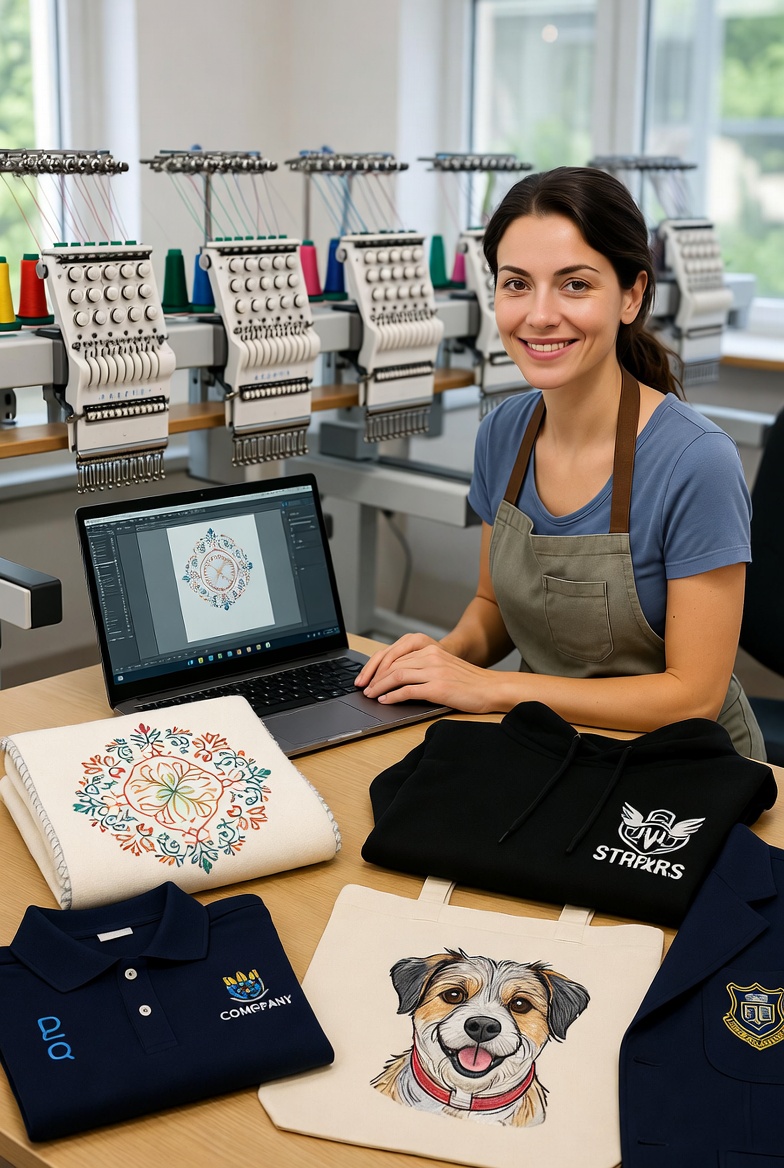
From Etsy sellers to bridal studios — real businesses generating PES files instantly.
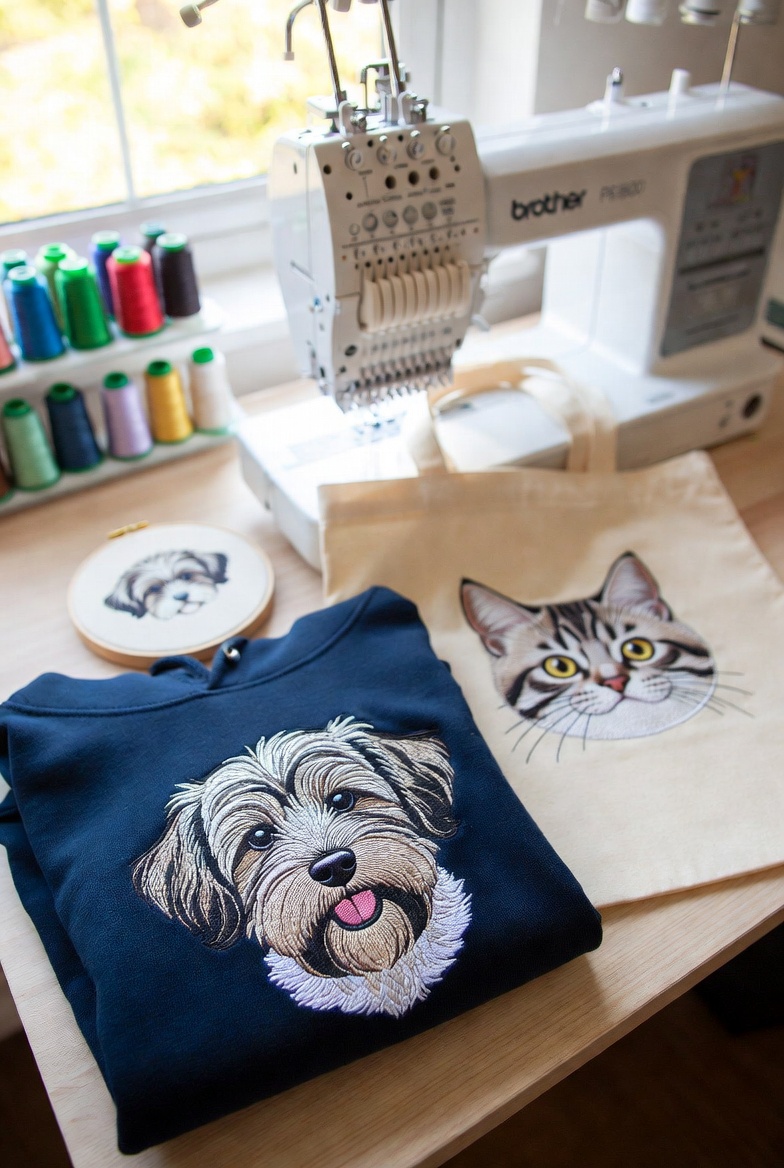
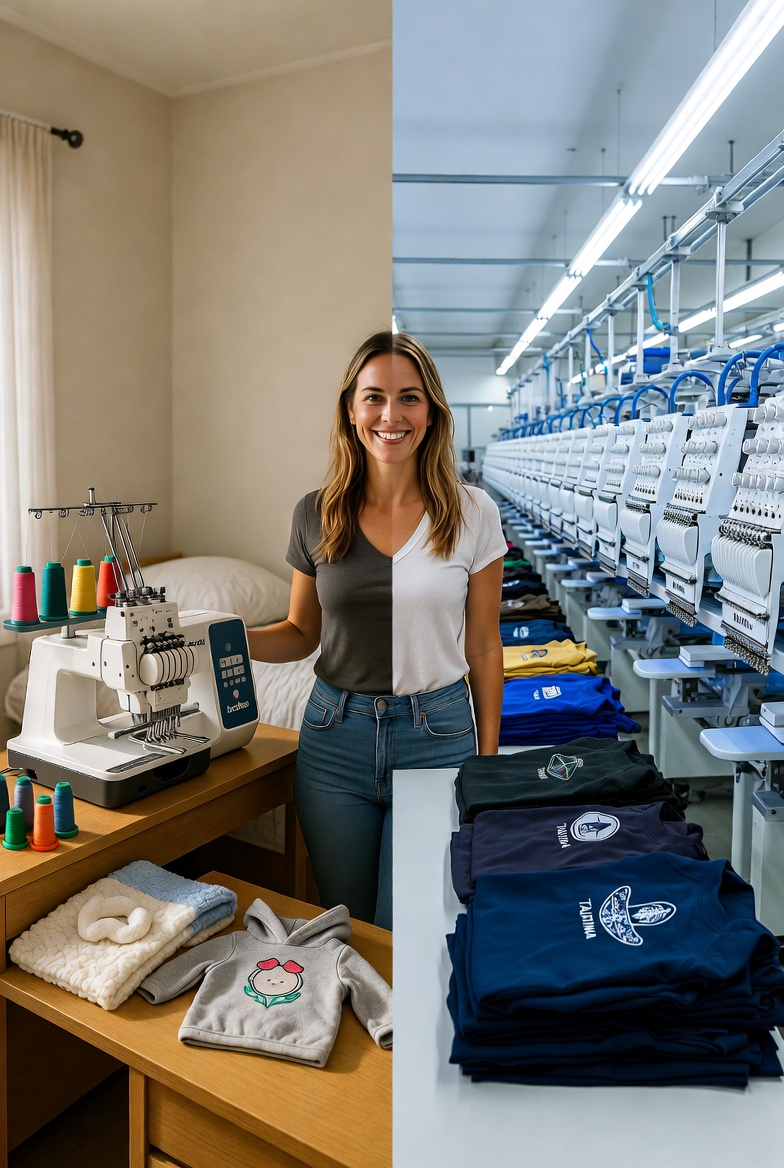
A Bristol-based home embroiderer turned her single Brother PE800 into a £3,000/month Etsy business by using StitchFast to instantly digitize custom pet portrait artwork — eliminating the digitizing bottleneck entirely.
Read case study →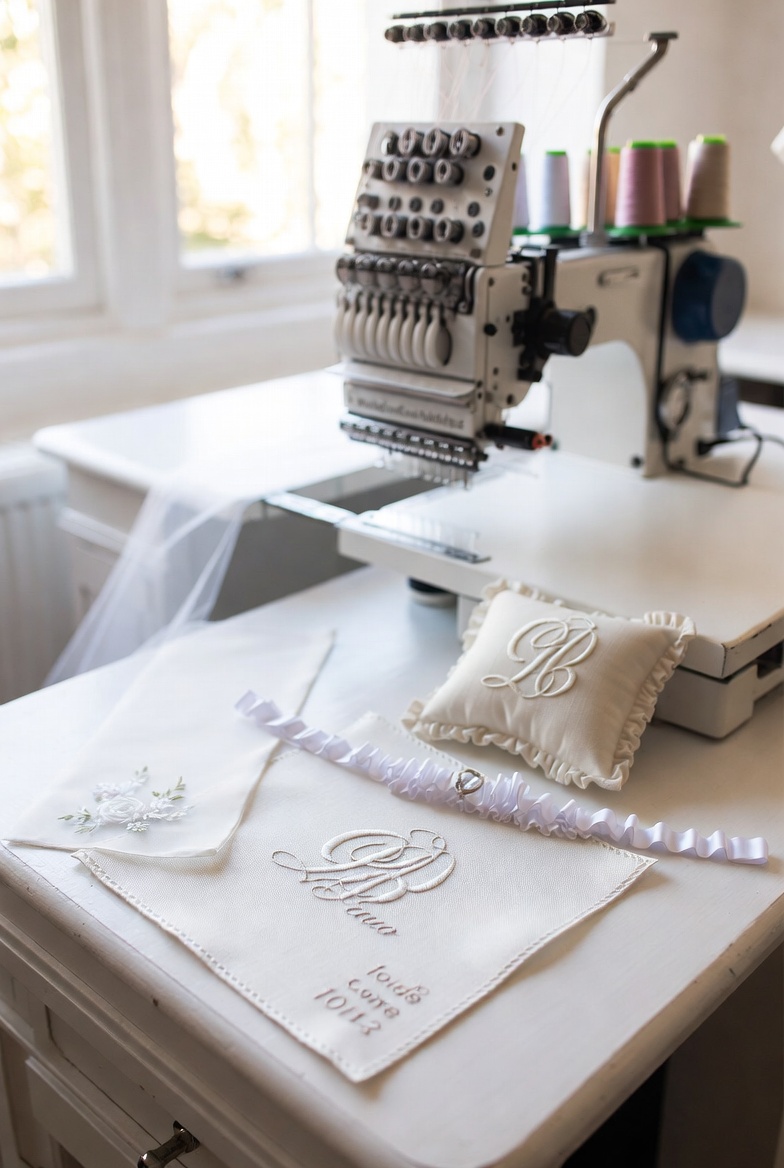
A luxury bridal embroiderer in Bath uses StitchFast to offer same-day bespoke monograms, wedding date stitching, and personalised veil embellishments — a service that previously required a 2-week lead time.
Read case study →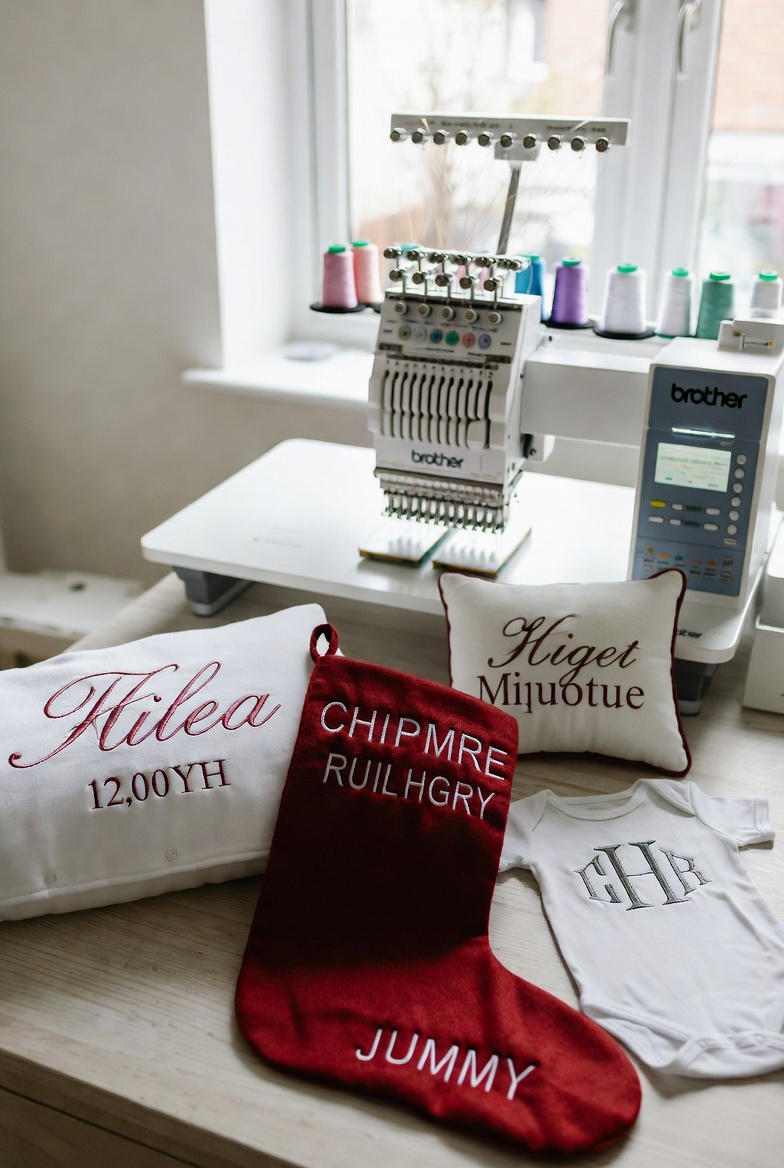
A Cardiff-based Etsy seller processing over 200 unique personalised embroidery orders per month uses StitchFast to generate custom PES files instantly — enabling one-day dispatch on every order.
Read case study →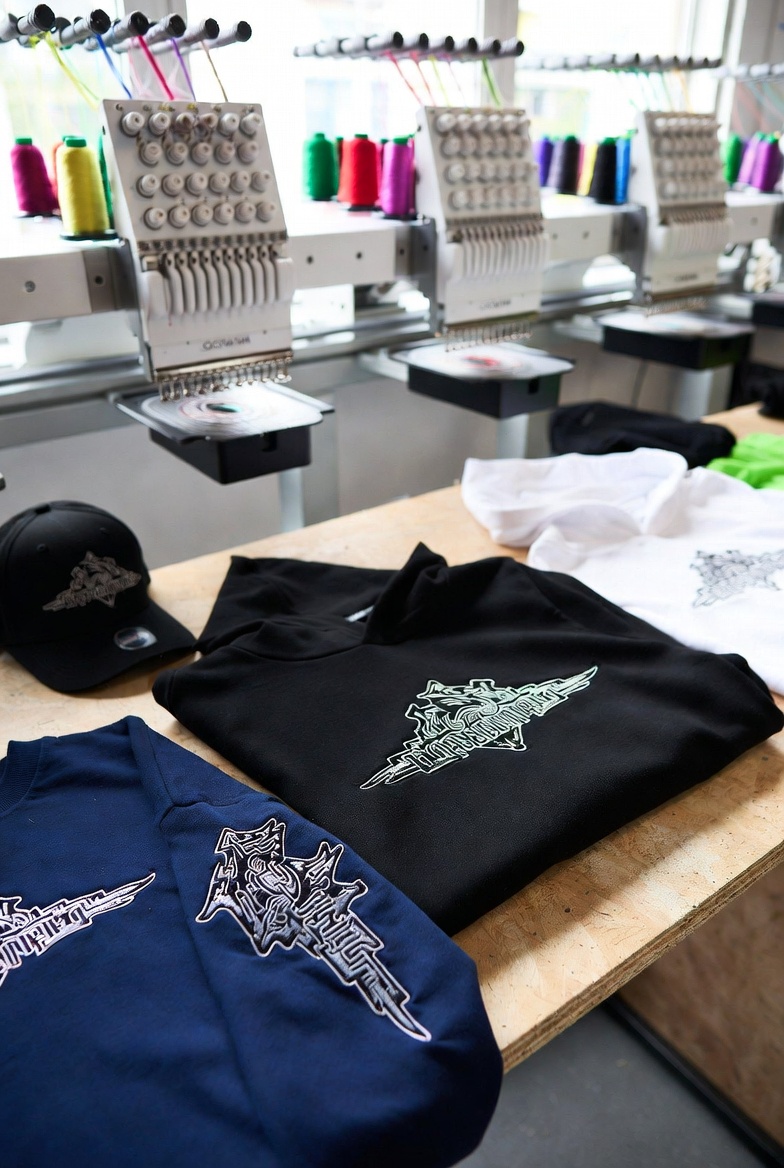
A London streetwear brand uses StitchFast's Unlimited plan to launch fresh embroidered designs every single week — a rapid-drop cadence that would have cost over £1,300 annually in manual digitizing fees.
Read case study →Blog & Resources
From PES file basics to scaling an embroidery business — everything you need to know.
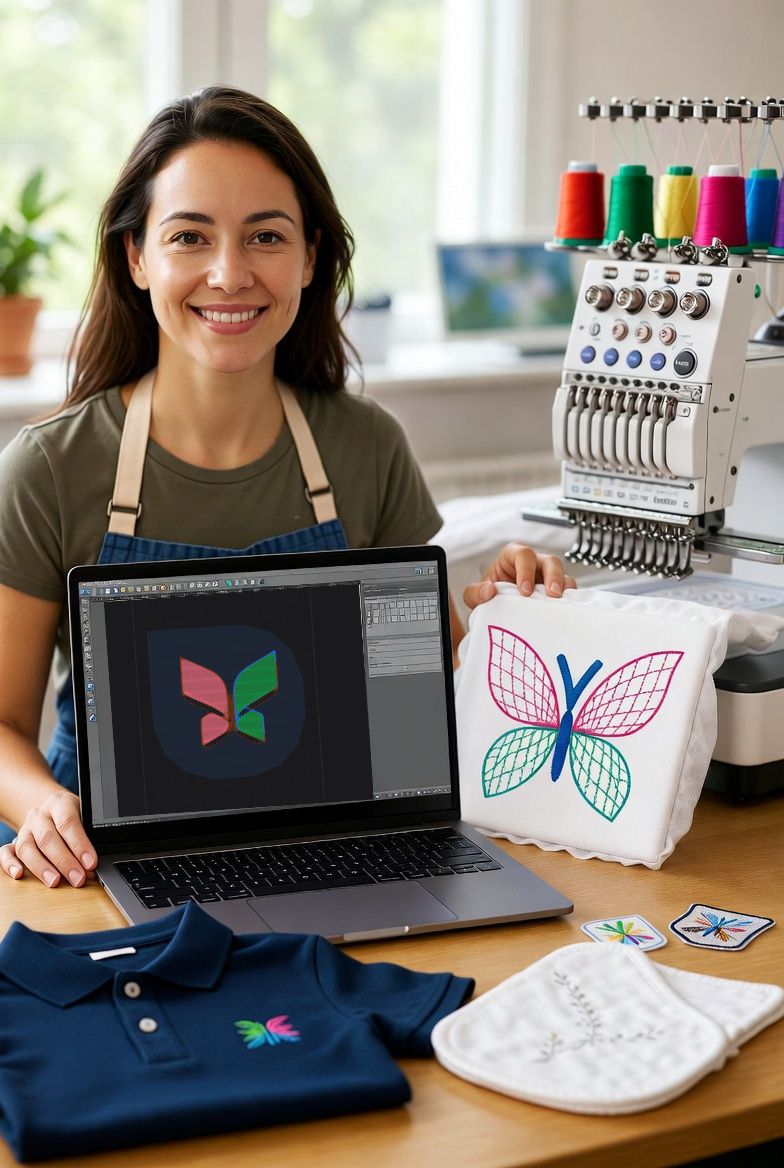
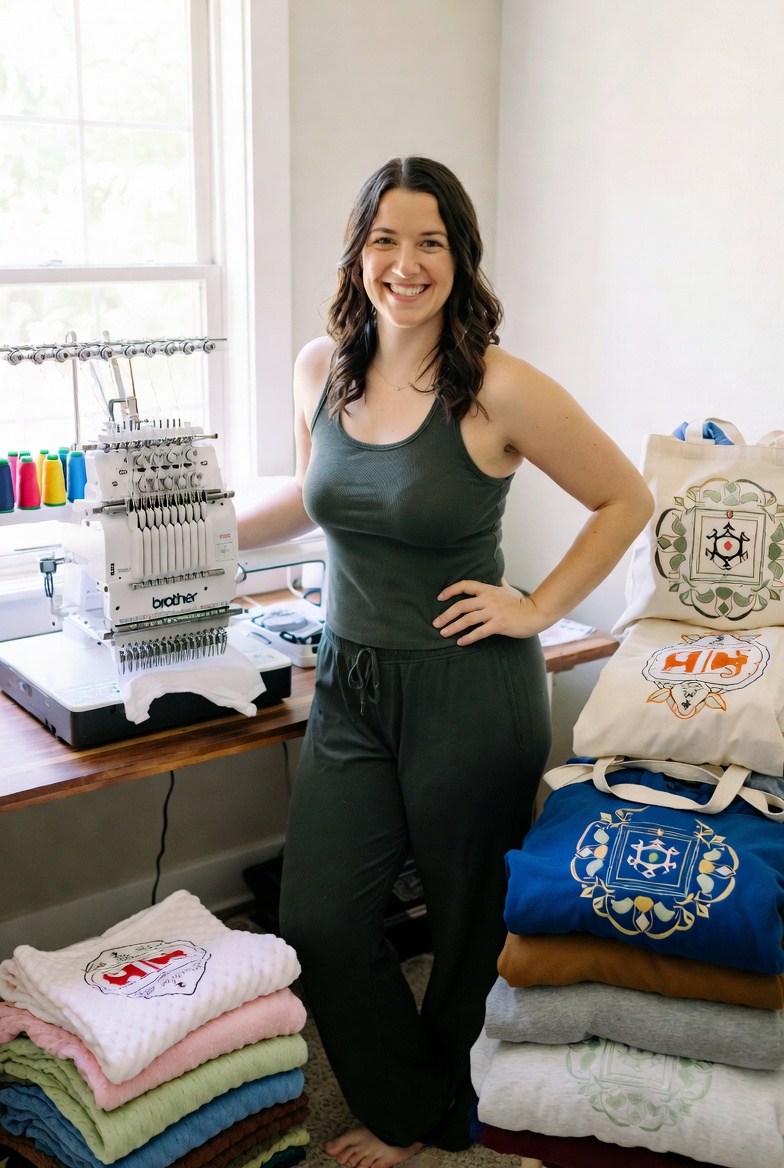
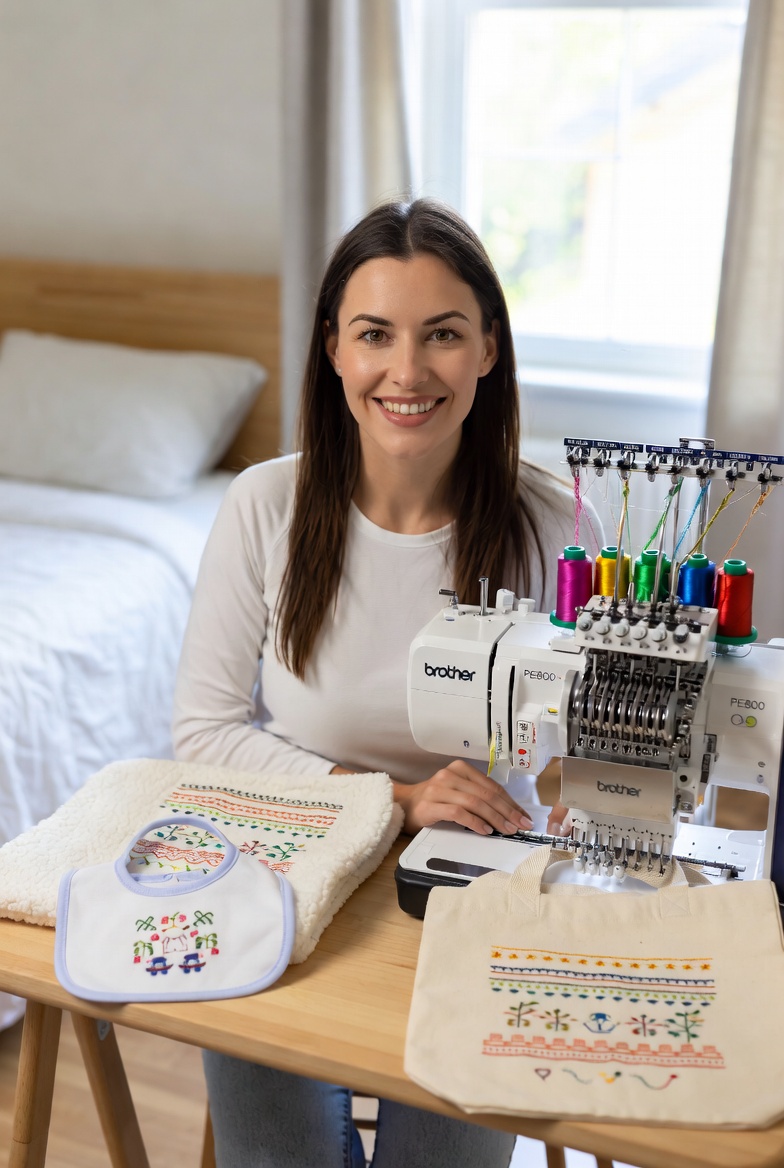
Upload an image and get a production-ready PES file for your Brother machine in under 60 seconds. From £3.50 per design.
Open PES Converter