If you have ever searched for embroidery designs online, you have encountered the bewildering array of file format abbreviations that accompany every listing. DST, PES, JEF, EXP, VP3, HUS, XXX — each represents a different embroidery stitch file format, and using the wrong one in your machine produces either an error message or, worse, a garbled mess of thread that bears no resemblance to the intended design. This guide cuts through the confusion and gives you the clear, practical information you need to choose the right format every time.
Why Are There So Many Formats?
The embroidery industry developed without a universal file standard because each major machine manufacturer created their own proprietary format. This is similar to the early days of word processing, when WordPerfect documents could not be opened in Microsoft Word and vice versa. Each manufacturer's format was designed to work optimally with their specific machines' capabilities, and the resulting fragmentation has persisted for decades despite the technical feasibility of standardisation.
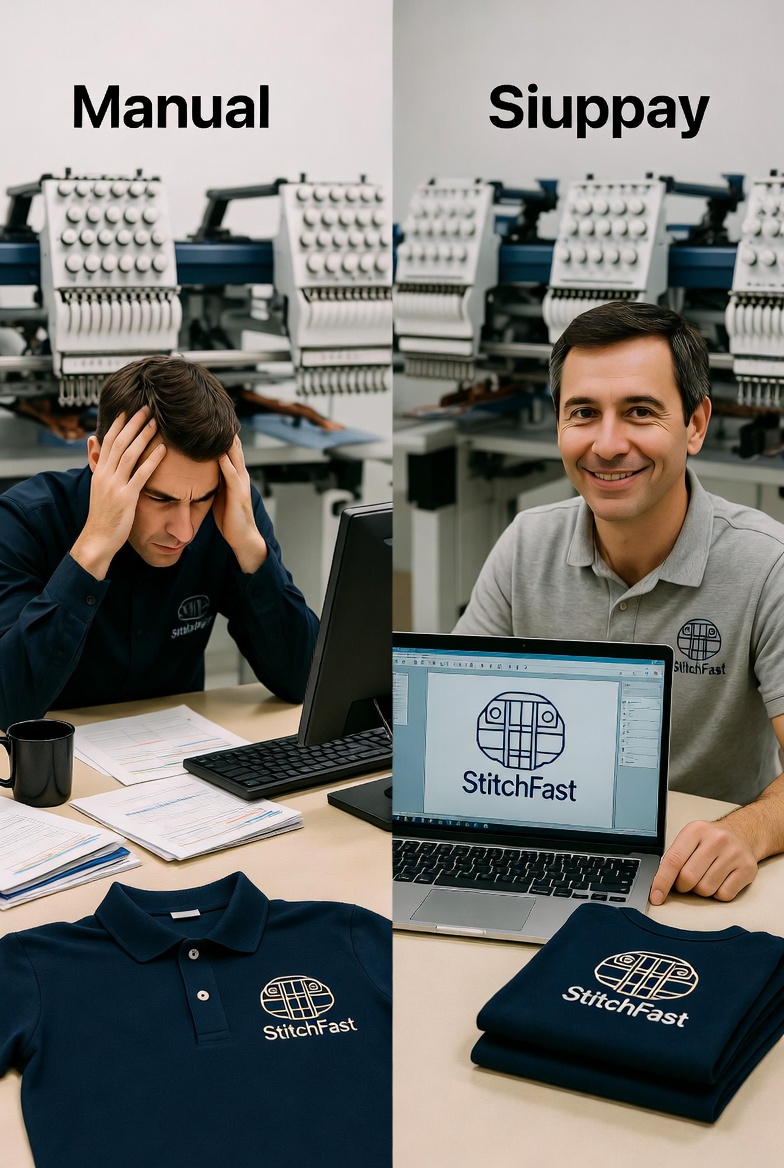
The practical consequence is that you must know which format your specific machine accepts and ensure that every stitch file you acquire is in that format. Fortunately, this is not as complicated as it sounds — once you know your machine's format, you simply request or download files in that format for every design. Modern digitizing platforms like StitchFast generate all major formats simultaneously, so you simply select your format when downloading.
The Major Formats Explained
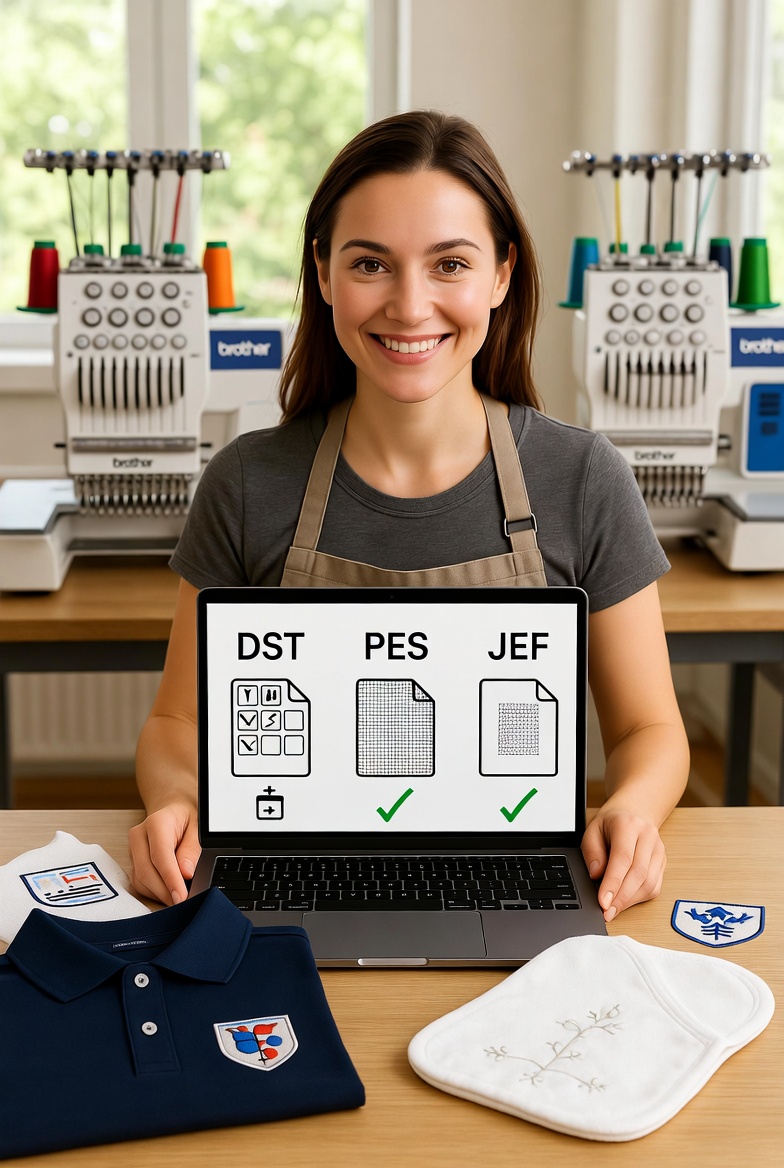
DST (Tajima) — DST is the granddaddy of embroidery formats and the closest thing the industry has to a universal standard. Originally developed by Tajima for their commercial machines, DST has been adopted by virtually every commercial embroidery machine manufacturer and most home machine brands as a secondary or tertiary supported format. If you are running a commercial operation with Tajima, Barudan, SWF, or most other commercial brands, DST is your primary format. DST files store stitch coordinates and colour change markers but do not store colour information — meaning the machine does not know which thread colour to use, and the operator must assign colours manually or follow a colour chart provided with the file. This limitation is actually an advantage in production environments where thread brands and exact shades may vary between facilities.
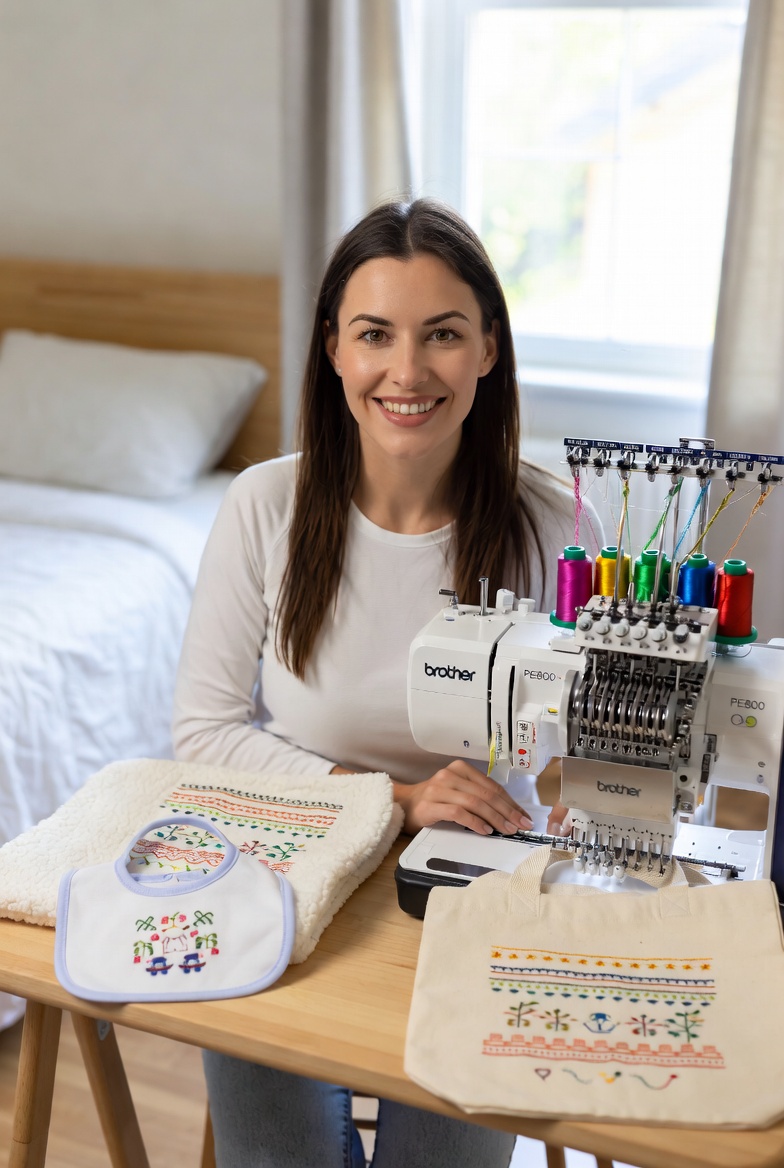
PES (Brother/Babylock) — PES is the native format for Brother and Babylock embroidery machines, which represent the largest share of the home and semi-professional embroidery machine market. PES files store stitch data plus colour information, allowing the machine to display thread colour suggestions on its screen. This makes PES more user-friendly for home embroiderers who benefit from the colour guidance. PES files have a maximum design size that varies by version (older PES versions support smaller designs; newer versions support hoop sizes up to 360x360mm). If you own a Brother PE800, PE535, PR1050X, or any other Brother embroidery machine, PES is your primary format. To use a PES file you load it straight onto the machine by USB or memory card — there is no need to open or edit it on a computer first. If a design only comes in another format, you can convert it to PES, but generating it as PES from the outset avoids any conversion loss.
JEF (Janome/Elna) — JEF is the native format for Janome and Elna embroidery machines. Like PES, JEF files include colour data. Janome machines also typically support DST as a secondary format, giving Janome users more flexibility in sourcing designs. If you own a Janome MC15000, MC9900, or any Janome embroidery machine, JEF is your primary format, with DST as an alternative.
EXP (Melco) — EXP is used primarily by Melco commercial embroidery machines. Like DST, EXP files do not include colour data. Melco machines are common in commercial embroidery operations, particularly in the US market. If your facility runs Melco equipment, EXP is your primary format.
VP3 (Husqvarna Viking/Pfaff) — VP3 is the native format for Husqvarna Viking and Pfaff embroidery machines. VP3 is one of the more feature-rich formats, supporting colour data, design notes, and larger hoop sizes. If you own a Husqvarna Viking Designer series or a Pfaff Creative series, VP3 is your primary format.
HUS (Husqvarna) — HUS is an older Husqvarna format that was used before VP3 was introduced. Some older Husqvarna machines require HUS format. If your machine documentation specifies HUS rather than VP3, use HUS. Newer Husqvarna machines typically accept VP3.
Does Format Affect Stitch Quality?
This is one of the most common questions from beginners, and the answer is reassuring: for practical purposes, no. The stitch data — the actual coordinates that determine where the needle goes — is effectively identical across formats. A design digitized for DST will produce the same physical stitches as the same design digitized for PES, provided both files were generated from the same source with the same parameters. The format is a container for the stitch data, not a determinant of the stitch quality.
The minor differences between formats relate to metadata (colour information, design dimensions, format-specific headers) rather than stitch content. A PES file includes colour codes that a DST file omits, but the actual stitches are the same. A VP3 file can store design notes that other formats cannot, but the stitched result is identical. When StitchFast generates a design in multiple formats, the stitch content is the same across all formats — the files differ only in their container format and metadata.
How to Check Your Machine's Format
If you are unsure which format your machine accepts, there are three ways to find out. First, check your machine's manual or specification sheet — the supported file formats will be listed in the technical specifications section. Second, check the manufacturer's website, which typically lists supported formats for each model. Third, look at the file types your machine's USB or card reader accepts — insert a USB drive containing stitch files in various formats and see which ones your machine recognises.
Most modern home embroidery machines accept their native format plus one or more additional formats. A Brother PE800, for example, accepts PES (native), DST, and PHC formats. A Janome MC15000 accepts JEF (native), DST, and several other formats. This multi-format support gives you flexibility when sourcing designs — if a design is available in DST but not in your native format, you may still be able to use it.
Converting Between Formats
If you have a stitch file in the wrong format, conversion software can translate it to the format your machine needs. Free tools like Ink/Stitch (a plug-in for Inkscape) and various online converters can handle basic format conversion. However, conversion is not always lossless — some format-specific features may not translate perfectly, and rounding errors in coordinate conversion can occasionally affect stitch quality on very detailed designs.
The better approach is to get your files in the correct format from the start. When using StitchFast, simply select your machine's format when downloading, and the file will be generated natively in that format — no conversion needed, no quality loss, no compatibility concerns. This native generation is always preferable to post-generation conversion.
Format Recommendations by Use Case
If you run a home embroidery operation with a single machine brand, use that brand's native format exclusively. If you run a commercial operation with multiple machine brands, standardise on DST (the most universal format) and convert to native formats only when specific machines require it. If you are sending files to an external embroidery supplier and do not know their machine brand, send DST — it works on virtually every commercial machine in existence.
If you are selling embroidery designs to other embroiderers, offer multiple formats to maximise your potential customer base. The standard set for design sellers is DST, PES, JEF, EXP, VP3, and HUS — covering all major machine brands. StitchFast generates all of these formats from a single uploaded image, making it easy to offer comprehensive format coverage without generating each file separately.
The format question, while initially confusing, resolves into a simple lookup once you know your machine. Check your machine, note the format, and request or download that format for every design. It is one of those topics that feels overwhelming when you do not know the answer and completely trivial once you do.
PES Format FAQs
What is the PES format?
PES is the native embroidery file format for Brother and Babylock machines. It stores both the stitch coordinates and the thread colour information, so the machine can display suggested thread colours on screen — which is why it is popular with home and semi-professional embroiderers.
Which machines use PES files?
Any Brother or Babylock embroidery machine uses PES as its primary format, including the Brother PE800, PE535 and PR1050X. If you own one of these machines, PES is the format to download.
How do I open a PES file?
You open a PES file by loading it onto your Brother or Babylock machine via USB or memory card. To preview one on a computer, free tools like Ink/Stitch or an online embroidery viewer can display it, but the file is meant to be stitched by the machine rather than edited like an image.
Can I convert a design to PES format?
Yes. Conversion tools can translate other formats to PES, though conversion is not always lossless on very detailed designs. The cleaner route is to generate the file in PES from the start — StitchFast outputs PES natively from a single uploaded image, so there is no conversion step and no quality loss.
What is the difference between PES and DST?
Both store the same stitch data, so the stitched result is identical. The difference is metadata: PES includes thread colour information, which suits home Brother and Babylock machines, while DST stores only stitch coordinates and is the near-universal format for commercial machines.