An Embird alternative with no add-on modules to buy
Embird is cheap to start but charges for each plug-in you need. StitchFast gives you the whole digitizing job in one place, in your browser, with no modules to assemble.
The simplest Embird alternative is StitchFast — one online tool that digitizes images into DST, PES and JEF without buying separate plug-in modules. Embird is cheap to start but charges per add-on; StitchFast includes analysis, digitizing and export in one flat price.
- Everything included — no Studio or Font Engine add-ons to buy
- Runs in the browser on any device, no dated desktop install
- From £3.50 per design, nothing else to assemble
What is Embird?
Embird is a long-running, modular embroidery suite from BALARAD, developed since 1997 and now in its 2026 release. The basic Embird program handles managing, resizing, editing and converting designs across more than 70 formats, and acts as a hub for optional plug-ins you buy separately: Digitizing Tools (also called Studio) for creating designs, Font Engine for lettering and vector conversion, Sfumato Stitch for photo embroidery, Cross Stitch, Iconizer and pre-digitized Alphabets. It is genuinely capable and machine-independent, works with any home or industrial machine, and its 70-plus format support is among the widest available. It is Windows software, though (a Mac needs Parallels or Wine), it is sold as a one-off licence with paid upgrades, and real digitizing means buying the base program plus the plug-ins you actually need.
The honest view
Embird: pros and cons
A fair look at what Embird does well and where it falls short — so you can judge whether an alternative is worth it.
What Embird gets right
- Very broad format support — 70+ formats, home and industrial machines
- Machine-independent — works with any brand
- One-off licence, and plug-in registrations carry into new versions
- Capable manual digitizing plus Sfumato photo embroidery and cross stitch
- Established and supported since 1997, with thread-catalog colour matching
Where it frustrates people
- Modular — real digitizing needs the base program plus paid plug-ins
- Windows-only; a Mac needs Parallels or Wine
- Dated interface with a steep learning curve
- Digitizing is manual and vector-based, not one-click AI
- The true cost adds up once you buy the plug-ins you need
Why people switch
Why embroiderers look for a Embird alternative
Embird's modular model is flexible, but it has trade-offs.
Buy each plug-in separately
The base price looks low, but real digitizing needs the Studio plug-in and often others — the pieces add up to more than the sticker suggests.
Interface feels old
Embird is powerful but its interface and workflow feel dated next to modern tools, which lengthens the learning process.
Local install, per-machine
Like the other desktop suites, Embird installs on Windows and stays there — no browser, no Mac, no tablet.
Before & After
From image to stitch file
Drag the slider — your image goes in, a production-ready embroidery file comes out in under 60 seconds.


Real StitchFast output — the same engine behind every file, whatever design you upload.
Head to head
StitchFast vs Embird
If you want one tool that just does the job, here is the comparison.
| Feature | StitchFast | Embird |
|---|---|---|
| Everything included | Yes | Plug-ins sold separately |
| Cost to actually digitize | From £3.50 / design | Base + Digitizing Tools plug-in |
| Works with any machine brand | Yes | Yes |
| File formats supported | Common (DST, PES, JEF…) | 70+ (widest) |
| Runs in a browser | Yes | No |
| Mac support | Native | Emulator only |
| Install required | None | Windows install |
| Price model | Pay per design | One-off + paid upgrades |
| Digitizing style | AI, automatic | Manual, vector-based |
| Learning curve | None | Steep, dated interface |
StitchFast vs Embird, feature by feature
The modular model
Embird's low entry price is for the basic program, which manages and converts designs. To actually digitize you add Digitizing Tools; for lettering, Font Engine; for photos, Sfumato Stitch — each a separate purchase with its own registration. StitchFast includes analysis, digitizing and export in one price, with nothing else to buy.
Digitizing approach
Embird's Digitizing Tools is a manual, vector-based workflow: you create outline objects over a template, then compile them to stitches (it does include auto-outline and trace tools). StitchFast is fully automatic — upload, AI-digitize, download — with no tracing or object work.
Platform and access
Embird is Windows software that you install and update; a Mac needs Parallels or Wine. StitchFast runs in any browser on Mac, Windows, Chromebook or iPad, with nothing to install.
Formats and machine support
Here Embird leads: 70-plus formats, machine-independent, home and industrial. StitchFast covers the common formats — PES, DST, JEF, EXP, VP3 and HUS — that read on virtually every machine, which is enough for most users but a narrower list than Embird's.
Pricing over time
Embird is a one-off licence, but you pay for each plug-in and for upgrade fees when new versions land (plug-in registrations do carry over). StitchFast is pay-as-you-go from £3.50 per design, or £29.99 a month unlimited, always on the current version.
Buyer's guide
What to look for in a Embird alternative
Not every tool that calls itself a Embird alternative actually improves on it. These are the things that matter.
All-in-one vs modular
Check whether digitizing, lettering and export are included, or whether you have to buy separate plug-ins to get a working setup.
Digitizing style
Manual vector digitizing gives control but takes skill; automatic AI gets you a file without the learning curve.
Platform
Windows-only tools need an emulator on a Mac. Browser tools work anywhere with nothing to install.
Total cost over time
Add up the base program, the plug-ins you actually need, and upgrade fees, then compare to pay-as-you-go pricing.
Format coverage
Most people only need DST, PES, JEF and a few others; very broad format lists matter mainly for unusual industrial machines.
Learning curve
A dated but powerful interface rewards practice; if you just need clean files now, automatic wins.
When Embird is still the right choice
Embird suits people who want the widest possible format support, enjoy assembling their own toolkit from plug-ins, and don't mind a dated, manual workflow. Its 70-plus format coverage, one-off licensing with carry-over plug-in registrations, and Sfumato photo embroidery are genuine strengths, and it has been supported since 1997. StitchFast is the better choice when you would rather not price up and stitch together separate modules — you get analysis, digitizing and export in one browser tool, from any device, with no plug-ins to manage and no learning curve.
Pricing
What StitchFast costs
No licence, no install, no contract. Pay per design or go unlimited monthly — cancel any time.
One design credit
£3.99 per design
£3.50 per design
Unlimited digitizing
Making the switch
How to move from Embird to StitchFast
No data to migrate, no software to uninstall. You can switch in the time it takes to digitize one design.
Gather your artwork. There is nothing to migrate from Embird — StitchFast works from your original image, so collect the logos and designs you want to stitch.
Upload to StitchFast. Drop in a PNG, JPG or SVG. No plug-ins and no template tracing — the AI analyses the design and generates the stitches.
Download your format. Grab DST, PES, JEF, EXP, VP3 or HUS — the formats that read on virtually every machine.
Keep Embird for what it's good at. If you already own it, Embird stays handy for converting unusual formats or heavy manual edits; use StitchFast for fast everyday digitizing.
Proof
StitchFast in the real world
Embird builds beautiful designs. So does StitchFast — here is what that looks like in practice.
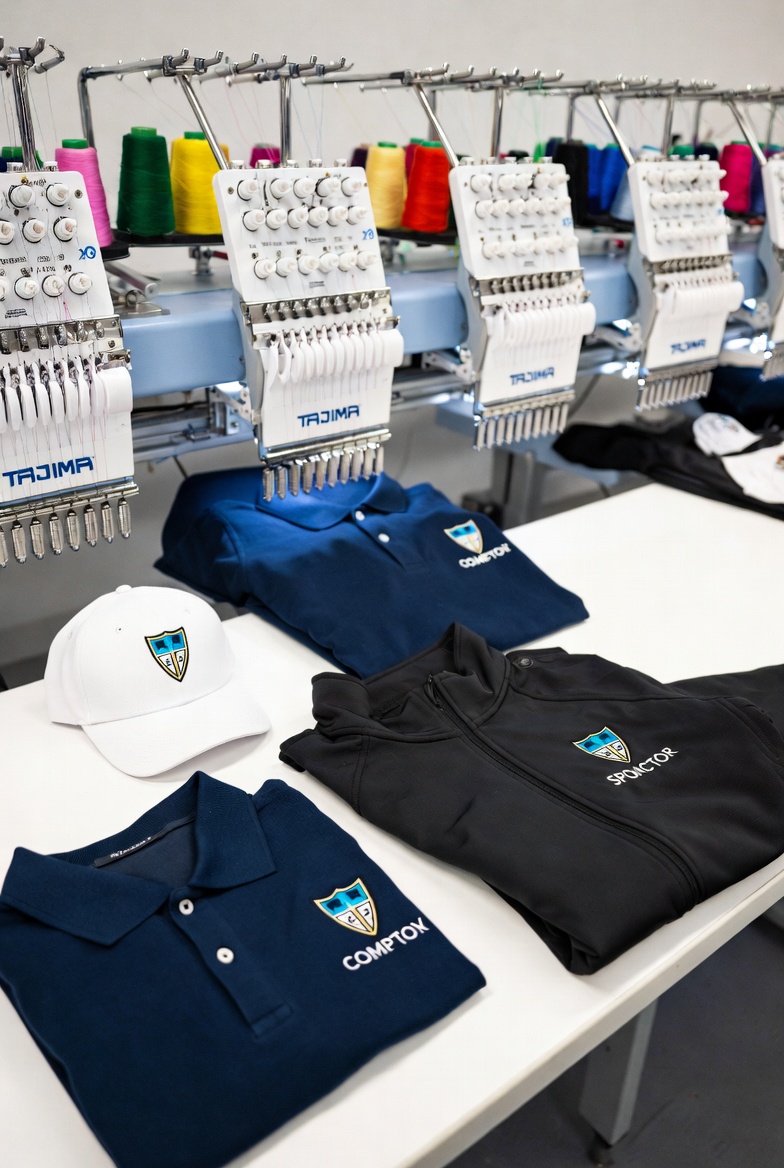
PromoKings
A Leeds promotional merchandise company processing 1,400+ unique client logos per year eliminated their entire five-day digitizing queue overnight using StitchFast — saving over £35,000 annually.
Read case study →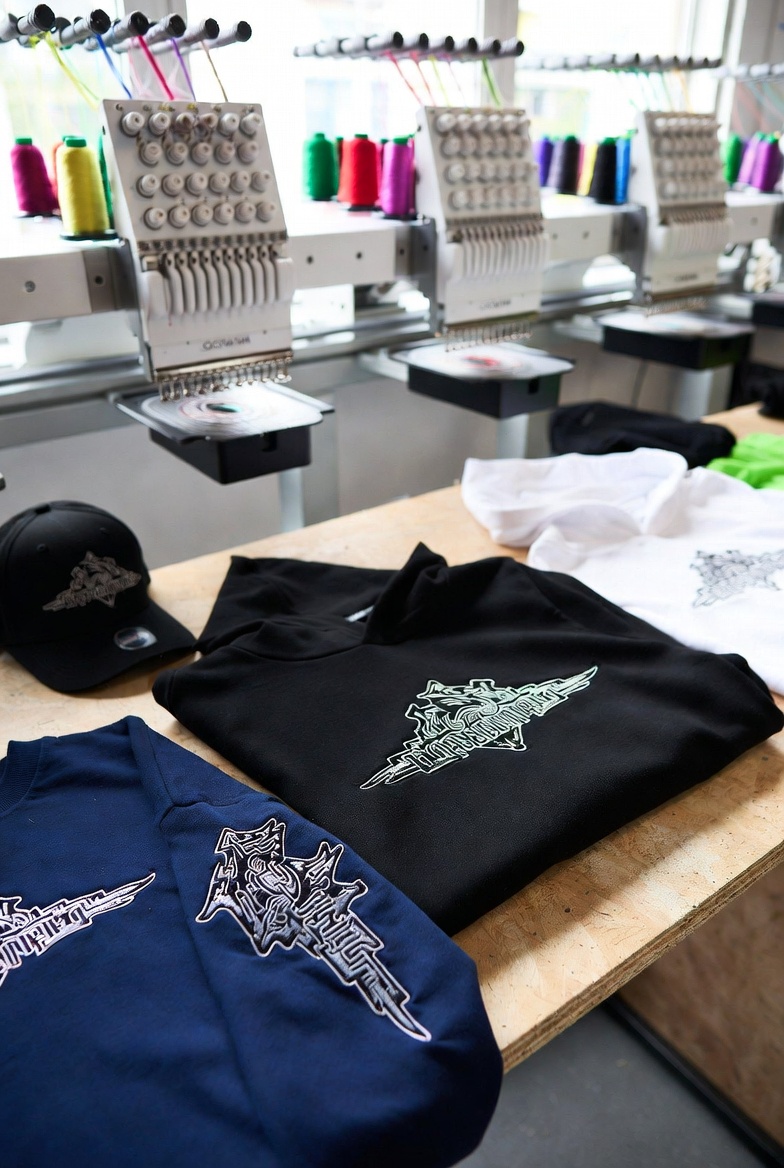
Urban Stitch
A London streetwear brand uses StitchFast's Unlimited plan to launch fresh embroidered designs every single week — a rapid-drop cadence that would have cost over £1,300 annually in manual digitizing fees.
Read case study →FAQ
Embird alternative — common questions
No. StitchFast is one tool — upload, digitize, download. There are no separate plug-ins for digitizing, lettering or photos; everything is included in the per-design or unlimited price.
Often, once you account for the plug-ins Embird needs for real digitizing — the base program plus Digitizing Tools, and Font Engine for lettering. StitchFast starts at £3.50 per design with nothing else to buy, though a one-off Embird licence can work out cheaper for very heavy, ongoing use.
Yes, natively in the browser — plus Chromebook, iPad and phone. Embird is Windows software and needs Parallels or Wine to run on a Mac.
Automatic. Embird's Digitizing Tools is a manual, vector-based workflow where you build outline objects and compile them to stitches. StitchFast's AI does that for you — you just upload and download.
StitchFast creates new stitch files from your original artwork rather than editing existing embroidery files. Your Embird designs already work on your machine; upload the source images for anything new.
StitchFast is optimised for logos, text and clean artwork rather than shaded photo embroidery. Embird's Sfumato Stitch is purpose-built for portraits and photos, so for that specific job Embird has the edge.
Yes — it exports the standard formats, so files load onto Brother, Janome, Bernina, Tajima and virtually all home and commercial machines, just like Embird output.
Keep reading
Related guides
Go deeper on formats, stitch quality and getting started.
More on Embird
Everything else worth knowing about Embird
Quick, honest answers to the most-searched Embird questions — each with the practical alternative.
Embird for Mac
It's Windows-only. Running it on a Mac means Parallels or Boot Camp.
Read →How much does Embird cost?
The basic price is only the start. What plug-ins really add.
Read →Embird plug-ins explained
Studio, Font Engine, Sfumato and the rest. Which you actually need.
Read →Is Embird worth it?
An honest verdict on the modular, format-heavy suite.
Read →Free Embird alternative
Embird isn't free. The genuinely free and low-cost routes.
Read →What formats does Embird support?
70+ formats, one of the widest ranges anywhere, explained.
Read →One tool. No plug-ins. No install.
Skip the module shopping list — upload your design and get a finished stitch file in under a minute.
Open StitchFast