Upload Your Design
Drag and drop any PNG, JPG, or SVG. Logos, text, artwork, badges.
Based in the UK and used by embroiderers in Plymouth, Devon, and worldwide. Upload any image — company logos, sports crests, text, artwork, badges — and download production-ready embroidery files with AI-generated stitch paths, automatic pull compensation, and Madeira Rayon thread codes. From £3.50 per design.
Embroidery in Plymouth
Plymouth's diverse economy spans maritime industries, defence contracting, and higher education, creating substantial demand for embroidered workwear and corporate apparel. The city's naval heritage continues through BAE Systems and other defence contractors, whilst the University of Plymouth and Plymouth Marjon University require embroidered academic dress, sports kit, and staff uniforms. The thriving hospitality sector, bolstered by tourism to the historic Barbican and National Marine Aquarium, relies heavily on embroidered chef whites, front-of-house uniforms, and branded merchandise for hotels and restaurants.
As Devon's largest city, Plymouth serves businesses across the South West peninsula, including nearby Saltash, Tavistock, and coastal communities throughout South Devon. The city's manufacturing base encompasses marine engineering firms and food processing companies, both requiring embroidered hi-vis workwear and safety garments. Local NHS trusts, including University Hospitals Plymouth, need consistent supplies of embroidered medical uniforms and polo shirts. Plymouth's numerous rugby, football, and sailing clubs also generate regular orders for embroidered team kit and leisurewear, reflecting the city's strong sporting traditions.
How It Works
No software to install. No embroidery experience needed. Works on any device.
Drag and drop any PNG, JPG, or SVG. Logos, text, artwork, badges.
AI assigns stitch types, calculates density, applies pull compensation, matches Madeira thread codes.
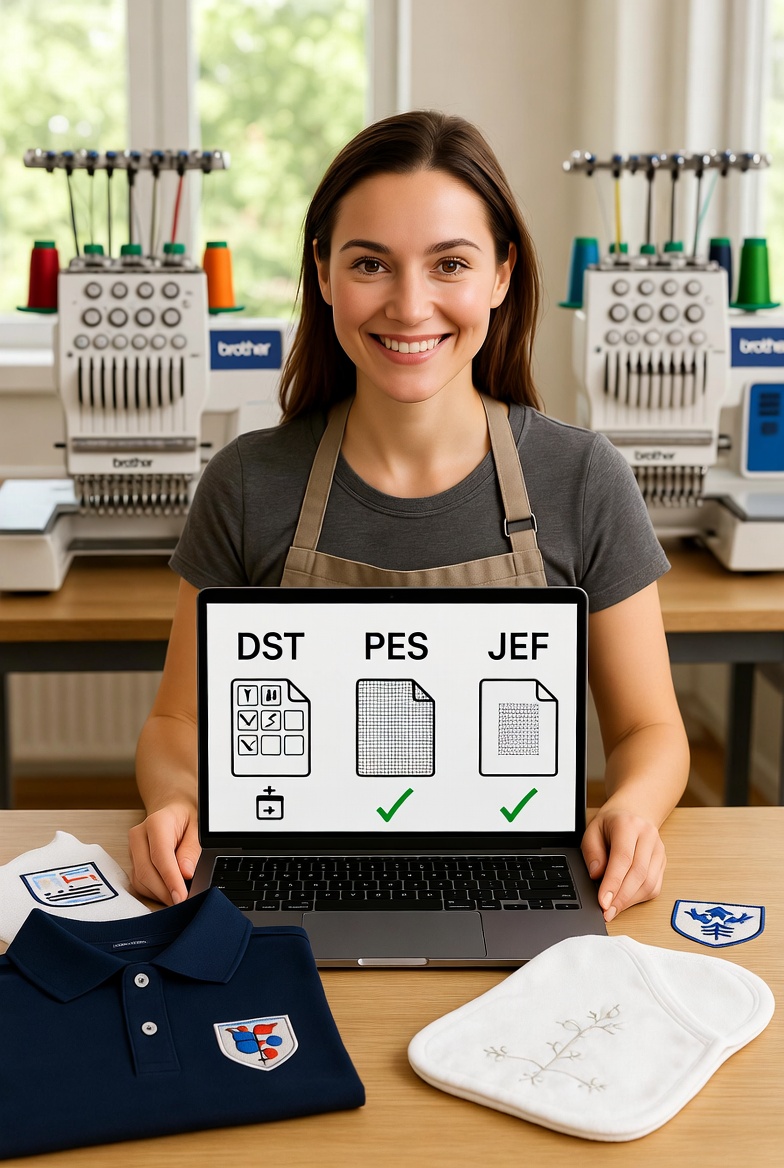
Get DST, PES, JEF, EXP, VP3, HUS, XXX. Preview stitches. Load into your machine and stitch.
Understanding Digitizing
If you are new to embroidery in Plymouth, digitizing might sound like a simple file conversion. It is not. When you upload a logo to StitchFast, the AI is not tracing outlines or swapping file formats. It is performing a complex analysis: identifying each colour region in your image, determining boundaries between areas, choosing appropriate stitch types for each region, calculating stitch angles that will produce clean thread coverage, setting density appropriate to the design size, generating underlay stitches that stabilise the fabric before the visible stitches go down, and applying pull compensation to every fill area so shapes remain dimensionally accurate after stitching.
The output is a binary embroidery file containing thousands of individual stitch coordinates, jump commands between disconnected areas, trim commands to cut jump threads, and colour change commands that tell the machine to stop and prompt the operator for a new thread colour. This is what makes the difference between a production-ready embroidery file and a traced vector that looks fine on screen but stitches out as a tangled mess on fabric.
Why StitchFast
Quality concerns about AI digitizing are understandable — early auto-digitizing tools were genuinely poor. But StitchFast is not auto-tracing. It uses AI that has been trained on professional digitizing patterns to make the same decisions a human digitizer makes: where to use fill versus satin, what angle produces the best coverage, how much underlay is appropriate, and how much pull compensation to apply. The difference is speed and cost.
Embroiderers across Devon who have tested StitchFast report clean stitch-outs on the first attempt for standard logo work. Fill coverage is even, edges are crisp, shapes hold their dimensions, and jump stitches are minimised. Is it perfect for every design? No. But for the standard logo and text work that makes up the majority of commercial embroidery, it is production-ready straight out of the box.
Use Cases
Cap embroidery is a staple of the Plymouth embroidery market — sports clubs, corporate events, branded merchandise, and fashion labels all need cap logos. Cap fronts are a smaller stitching area with stiffer material than standard garments, which means density and pull compensation settings need adjusting. StitchFast lets you set smaller hoop sizes and fine-tune density for the specific requirements of structured and unstructured caps.
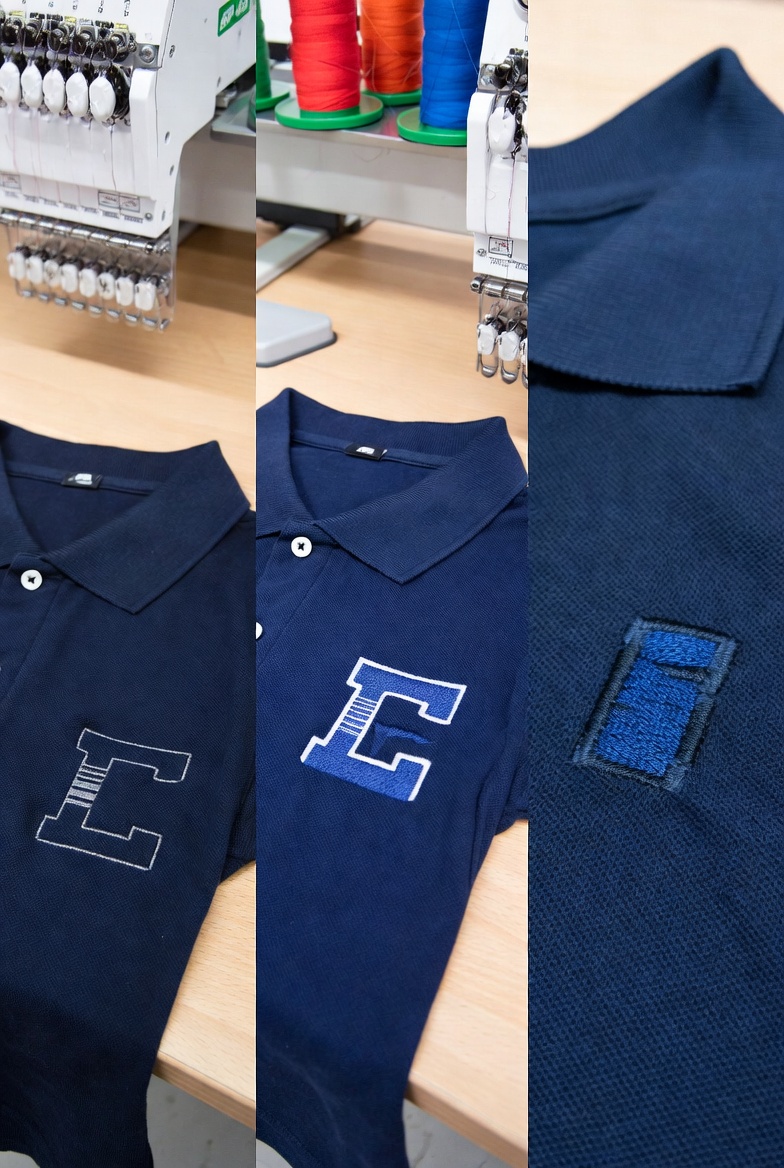
Left chest logos are the single most common embroidery job in Plymouth. Every corporate polo, staff shirt, and branded uniform needs a logo on the left chest. These designs are typically 8-10cm wide, 2-6 colours, with clean shapes and text. They are the ideal use case for AI digitizing because the design characteristics — solid fills, defined edges, limited colour palette — are exactly what produces the cleanest stitch output. Upload the logo, set your hoop size to 4x4 or 5x7 inches, and download. One credit, all 7 formats.
What You Get
No tiers. No feature gates. Every feature on every design.
Fill, satin, and running stitches assigned per region. Angles optimised for thread coverage.
Automatic edge overshoot so fill areas maintain correct dimensions on fabric. Technical guide →
Every colour matched to a real Madeira Rayon thread number for exact spool selection. Thread guide →
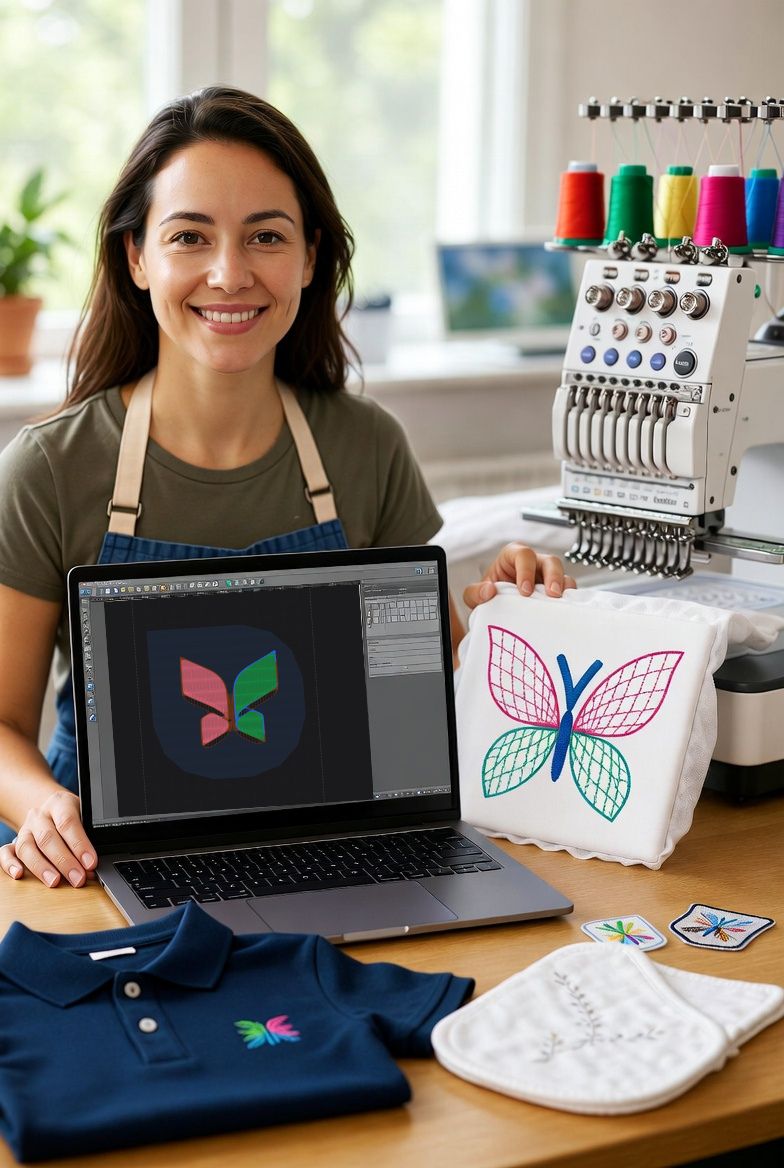
Preview the design stitching out in real time, colour by colour, before downloading.
DST, PES, JEF, EXP, VP3, HUS, XXX from every upload. No extra charges. Format guide →
Adjust hoop size, density, stitch length, underlay, pull comp, and max colours.
Best Practices
If your logo includes very fine detail that does not reproduce well at the intended embroidery size, the solution is usually simplification rather than more stitches. Remove fine serifs from text, thicken thin lines, merge very small colour areas with adjacent colours, and eliminate gradients. The simplified version will produce a much cleaner embroidery result.
Remember that embroidery is viewed at arm's length, not under a magnifying glass. Details that are visible on screen at 400%% zoom are invisible on a stitched garment viewed from a normal distance. Simplify aggressively and the embroidery will look better, not worse.
Comparison
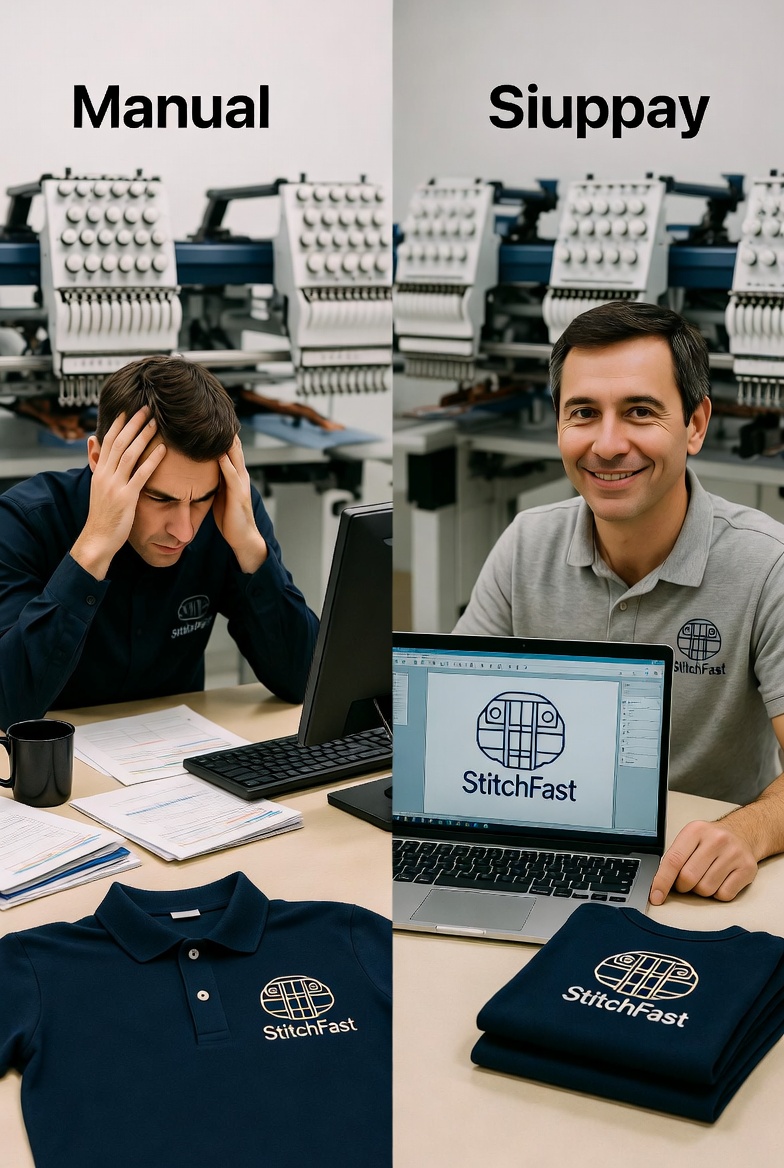
Most digitizers charge £5–£15 per design and take 24–48 hours. See the hidden cost of cheap digitizing.
| StitchFast | Manual Digitizer | |
|---|---|---|
| Cost per design | From £3.50 | £5–£15 |
| Turnaround | <60 seconds | 24–48 hours |
| Revisions | Unlimited | Extra charge |
| Pull compensation | Automatic | Manual |
| Thread codes | Madeira | Sometimes |
| Output formats | 7 formats | 1–2 formats |
| Stitch preview | Live simulation | Static image |
| Availability | 24/7 | Business hours |
| 10 designs / month | £29.99 unlimited | £50–£150 |
Pricing
Buy credits or go unlimited. Credits never expire.
Compatibility
StitchFast generates files compatible with every major embroidery machine brand used in Plymouth. DST files work on Tajima, Barudan, SWF, Happy, Toyota, ZSK, Melco, and Ricoma commercial machines. PES files work on every Brother and Babylock machine including the PE800, SE600, SE1900, and PR1050X. JEF files work on Janome and Elna. EXP files work on Melco and Bernina. VP3 files work on Husqvarna Viking and Pfaff. HUS files work on Husqvarna. XXX files work on Singer and Compucon.
Before & After
Drag the slider to see the transformation. Your image goes in — a production-ready embroidery file comes out.

Reviews
Rated 4.8 out of 5 from 312 users.
FAQ
Common questions about embroidery digitizing in Plymouth and Devon.
StitchFast supports 2-16 colours per design. For most commercial embroidery, 4-8 colours produces the best balance between visual fidelity and production efficiency. Each colour becomes a separate thread colour with a colour change command in the embroidery file.
Yes. StitchFast includes a real-time stitch simulation that shows every stitch path rendered on a virtual hoop with grid lines. You can watch the design stitch out colour by colour with adjustable playback speed. The thread list shows each Madeira colour code with stitch counts.
Yes. Cancel anytime from your dashboard with no cancellation fees. Your access continues until the end of your current billing period. No lock-in, no penalty.
Yes. StitchFast is a web-based tool used by embroiderers in Plymouth, across Devon, and worldwide. Upload your design from any device with a browser and download production-ready stitch files in under 60 seconds. There is no software to install and no embroidery experience needed.
Most designs are digitized in under 60 seconds. There is no queue, no waiting, and no business hours restriction. Upload at midnight from Plymouth, download at midnight. Complex designs with many colours may take slightly longer.
For standard logos, text, and clean artwork — approximately 80%% of commercial embroidery work — StitchFast is faster, cheaper, and more consistent than manual digitizing. For complex multi-layer designs with 3D puff, applique, or very fine detail, a manual digitizer may produce better results.
Yes. Every colour in your design is automatically matched to a real Madeira Rayon thread number. The thread list is displayed in the stitch preview and can be handed to machine operators or customers so they know exactly which spool to buy.
Pull compensation counteracts thread tension that naturally pulls fabric inward during stitching. Without it, fill areas shrink and shapes distort — a circle becomes an oval, text gets narrower. StitchFast applies pull compensation automatically (adjustable 0-1mm) so your design stitches out at the correct dimensions.
Embroidery digitizing is the process of converting a digital image into a file that an embroidery machine can read. It involves analysing the image, assigning stitch types to different areas, calculating stitch density and angles, adding underlay for fabric stability, and generating the binary file format your machine requires.
Yes. StitchFast generates proper binary embroidery files compatible with every major machine brand. DST works on Tajima, Barudan, SWF, Happy, and most commercial machines. PES works on Brother and Babylock. JEF works on Janome and Elna. All seven formats are tested and production-ready.
Case Studies
See how embroidery businesses cut costs and scale with AI digitizing.
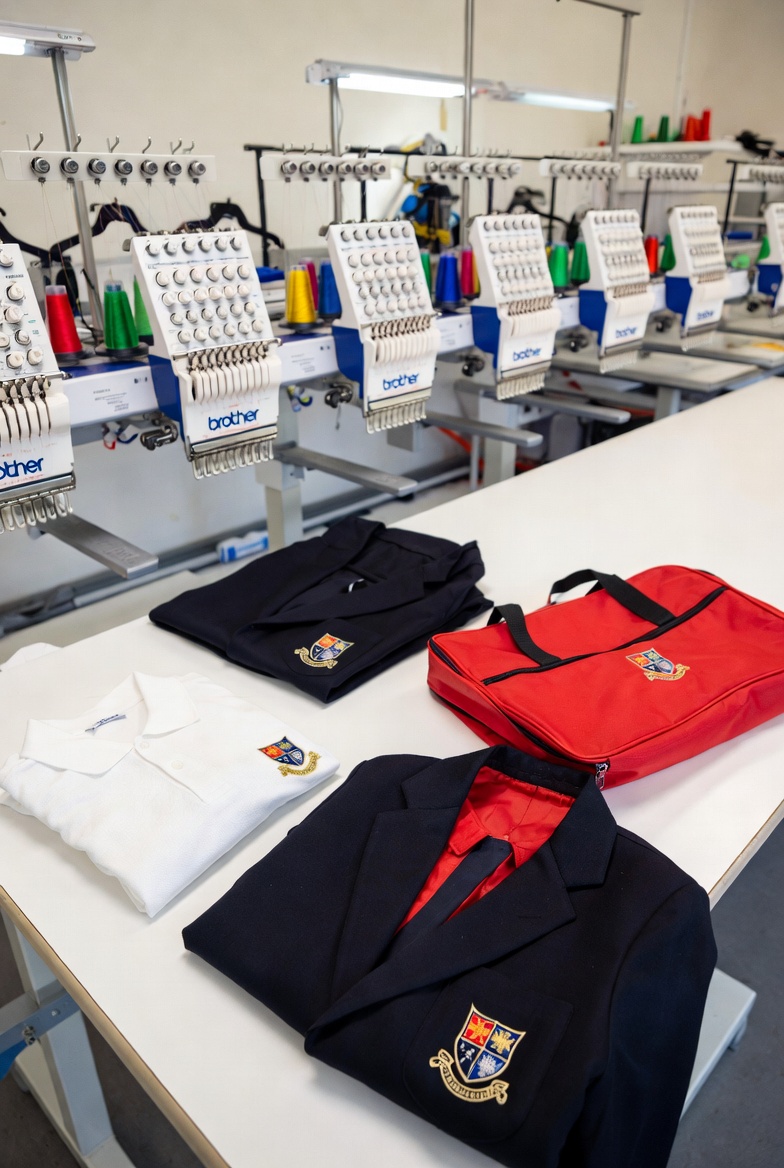
A Nottingham school uniform supplier digitized their entire catalogue of 165 school badges in a single week using StitchFast — a task that previously took three months of outsourced digitizing.
Read Case Study →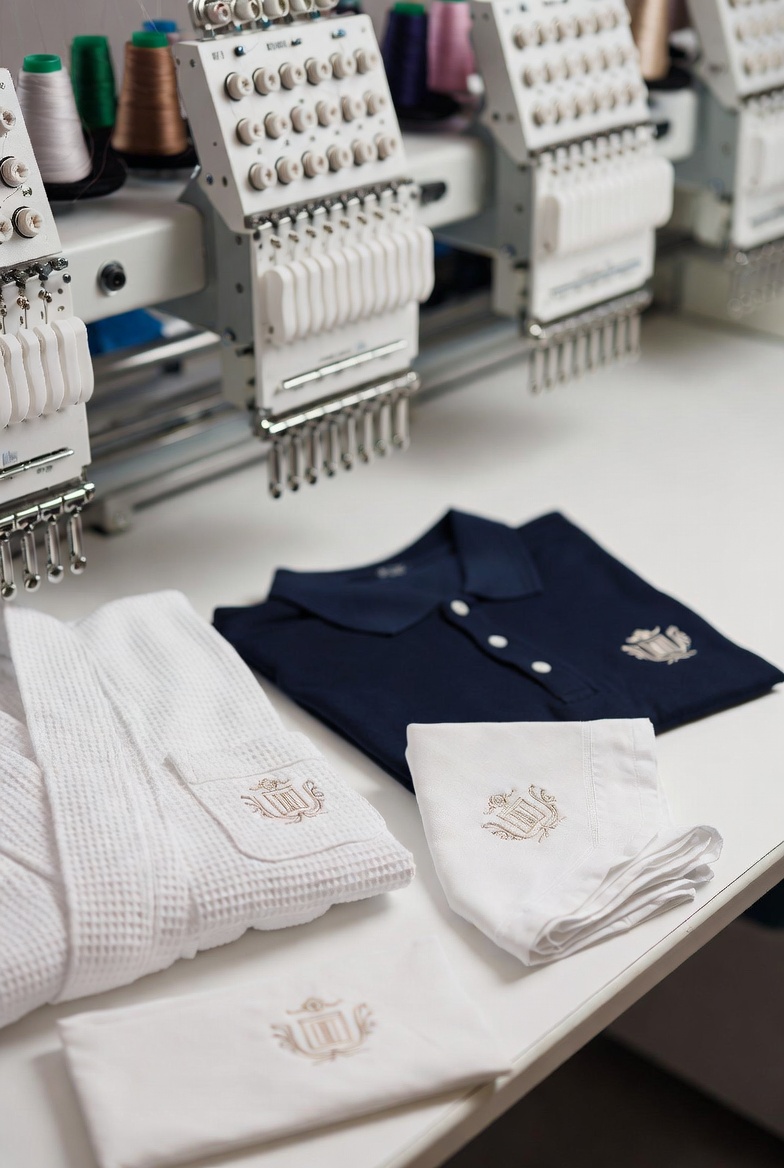
A Scottish hotel group standardised embroidered branding across 12 properties using StitchFast — achieving 100% logo consistency on staff uniforms, bathrobes, and table linens while cutting per-property costs.
Read Case Study →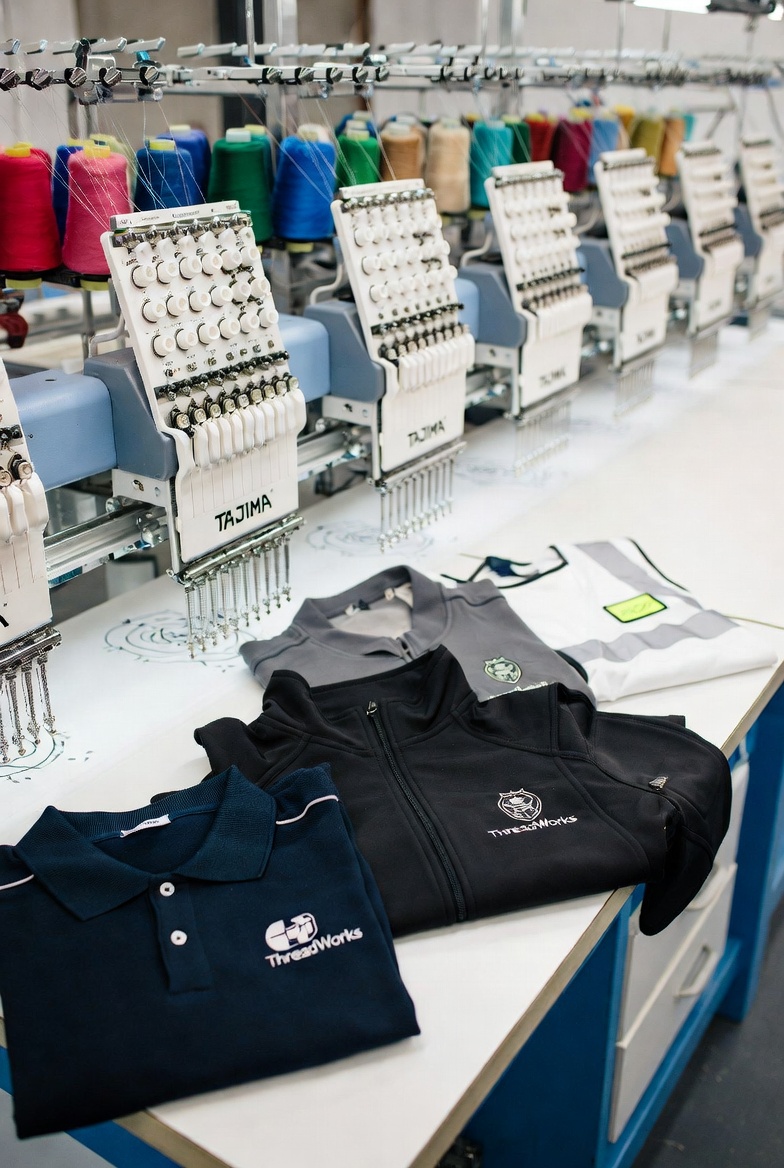
A Birmingham-based uniform supplier processing 800+ corporate logos per year slashed digitizing costs from £25 per design to £3.50 using StitchFast — and cut turnaround from 48 hours to under 60 seconds.
Read Case Study →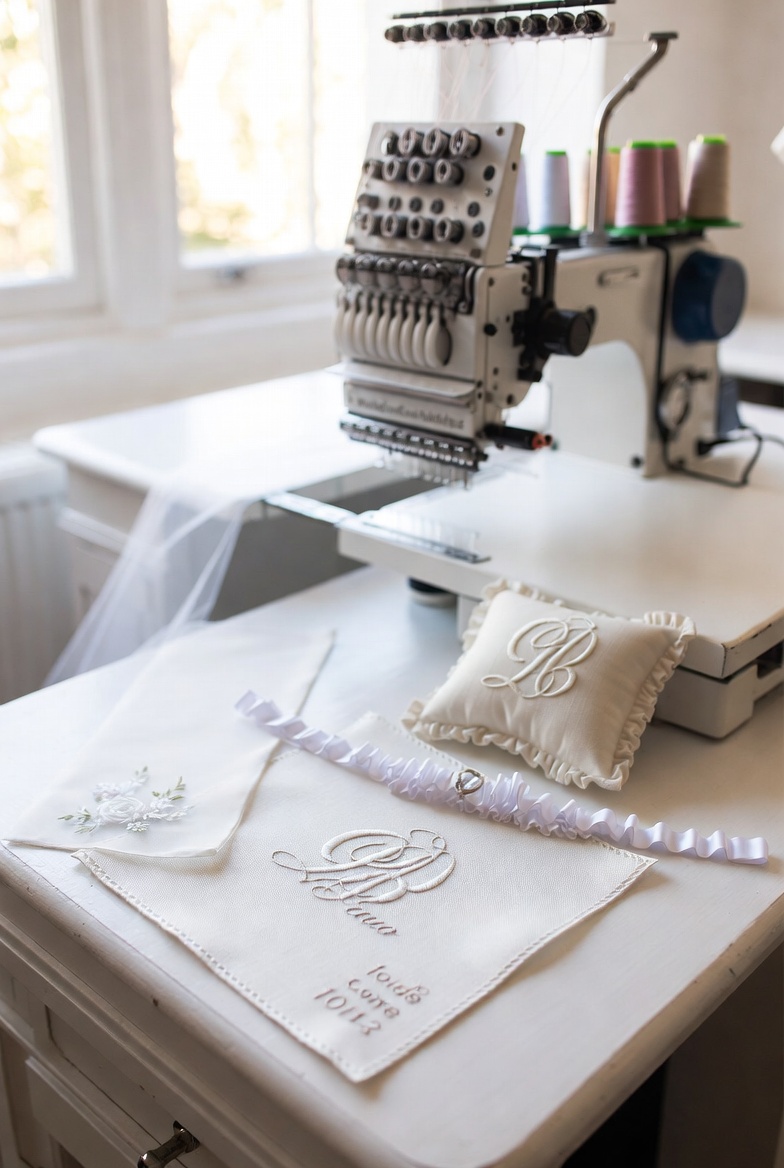
A luxury bridal embroiderer in Bath uses StitchFast to offer same-day bespoke monograms, wedding date stitching, and personalised veil embellishments — a service that previously required a 2-week lead time.
Read Case Study →Blog
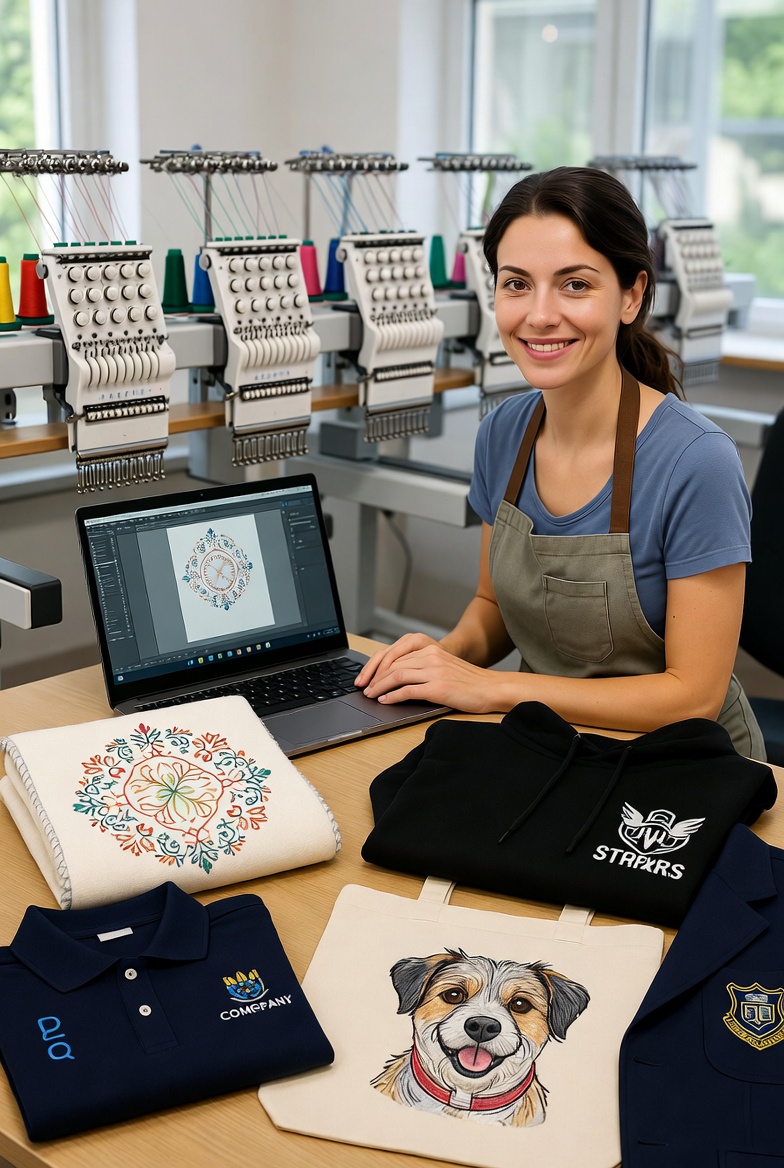
From £3.50 per design. 7 formats. Under 60 seconds.
Open StitchFast