Upload Your Design
Drag and drop any PNG, JPG, or SVG. Logos, text, artwork, badges.
Running an embroidery operation in Dallas? StitchFast handles the digitizing so you can focus on production. AI converts logos and artwork to stitch files with proper fill, outline, and underlay stitches. Adjustable settings for every parameter. Consistent results every time. From $3.50 per design. 24/7 availability.
How It Works
No software to install. No embroidery experience needed. Works on any device.
Drag and drop any PNG, JPG, or SVG. Logos, text, artwork, badges.
AI assigns stitch types, calculates density, applies pull compensation, matches Madeira thread codes.
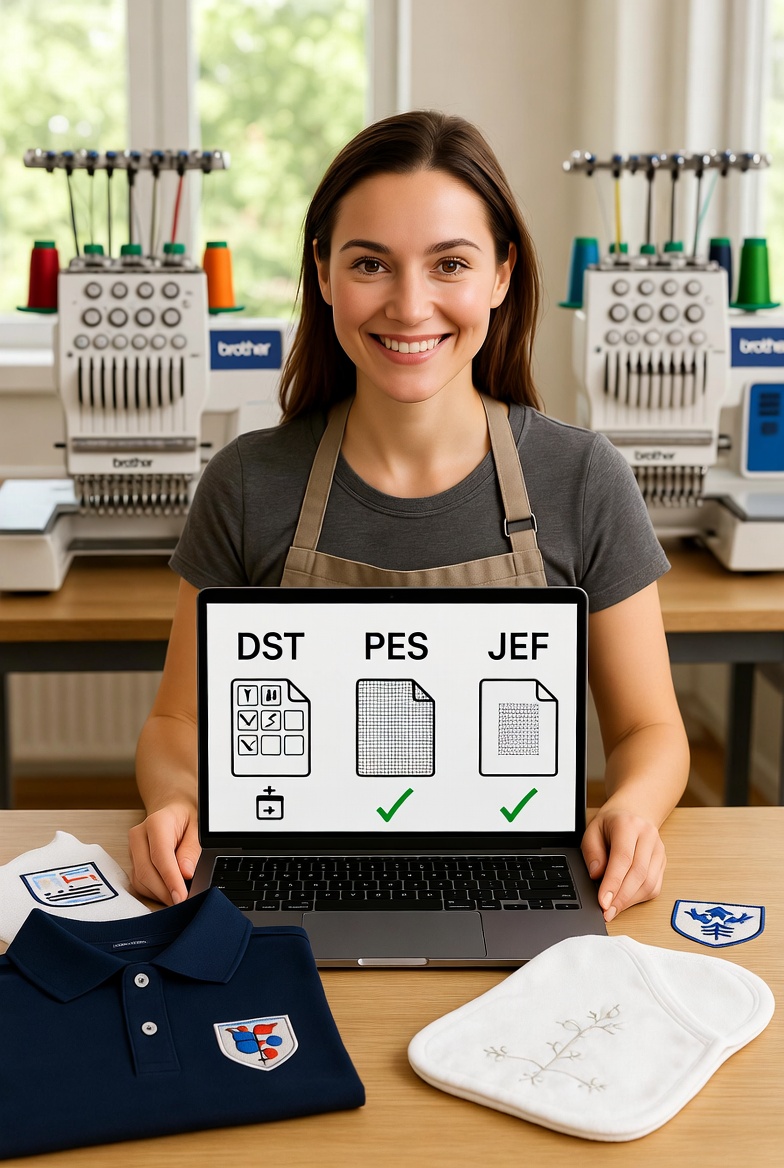
Get DST, PES, JEF, EXP, VP3, HUS, XXX. Preview stitches. Load into your machine and stitch.
Understanding Digitizing
Two types of tools claim to convert images to embroidery files. The first type — format converters — can only convert between existing embroidery formats, such as PES to DST. They cannot digitize an image. The second type — auto-tracers — trace the outline of an image and fill it with uniform stitches, ignoring underlay, pull compensation, stitch angle optimization, and density calibration. The results are often unusable on fabric.
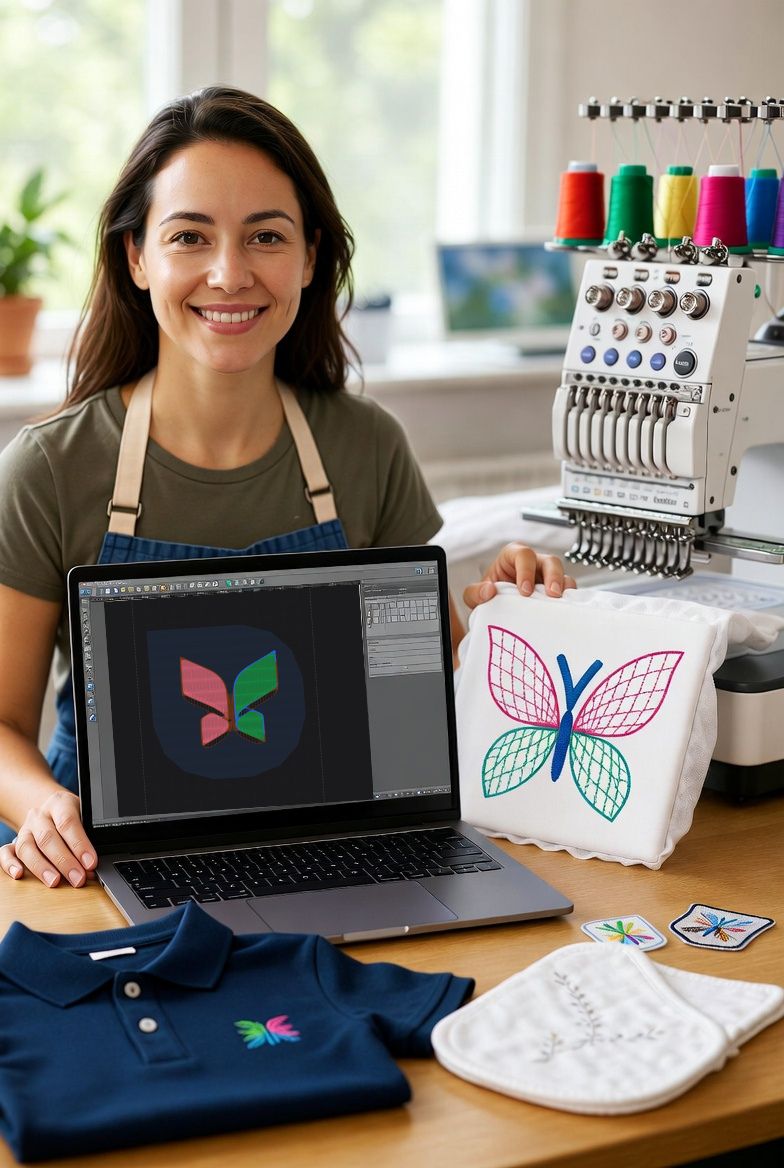
StitchFast is neither. It performs genuine AI digitizing: analyzing the image to identify regions, assigning stitch types per region (tatami fill for large areas, satin for narrow columns, running stitches for fine detail), calculating optimal stitch angles, generating proper underlay, and applying pull compensation. The output is a proper binary embroidery file — whether you need DST for Tajima, PES for Brother, or any other format — with thousands of precisely plotted stitch coordinates, jump and trim commands, and color change stops. This is what embroiderers in Dallas need to go from image to machine without a human digitizer in the middle.
Why StitchFast
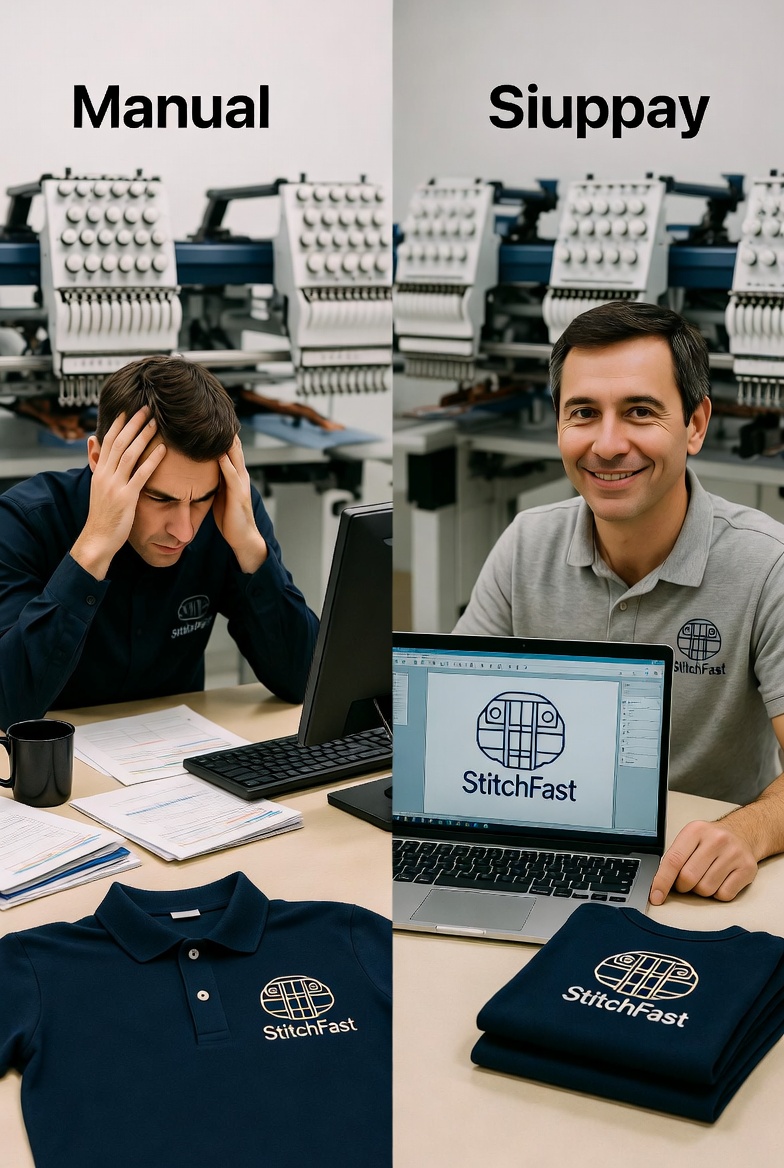
Manual digitizers produce excellent work for complex, multi-layer designs. But the honest reality is that approximately 80%% of commercial embroidery work in Dallas is standard logo reproduction: company logos on polo shirts, team crests on training kits, brand names on workwear, hotel logos on aprons. These designs are typically 2-8 colors with clean edges and solid fills — exactly what AI digitizing handles best.
Smart embroidery businesses in Texas are using StitchFast for the routine work — the left chest logos, the cap fronts, the standard workwear — and reserving manual digitizers for the rare complex jobs that genuinely need human expertise. The result is faster turnaround, lower costs, and consistent quality on the work that makes up the bulk of their revenue.
Use Cases
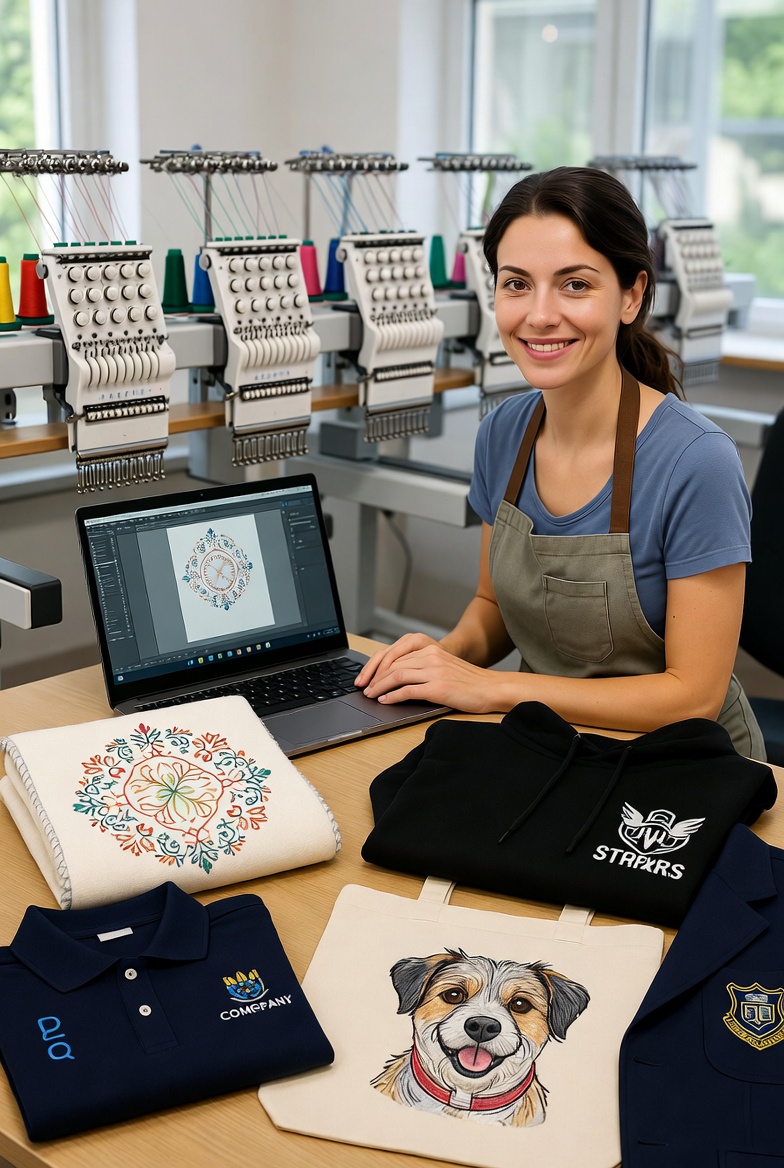
Left chest logos are the single most common embroidery job in Dallas. Every corporate polo, staff shirt, and branded uniform needs a logo on the left chest. These designs are typically 8-10cm wide, 2-6 colors, with clean shapes and text. They are the ideal use case for AI digitizing because the design characteristics — solid fills, defined edges, limited color palette — are exactly what produces the cleanest stitch output. Upload the logo, set your hoop size to 4x4 or 5x7 inches, and download. One credit, all 7 formats.
Schools and colleges across Texas need blazer badges, PE kit logos, house crests, and branded accessories digitized every year as new students join and uniforms are ordered. The repeating nature of school embroidery makes AI digitizing particularly cost-effective: digitize the badge once, use it for every order. The unlimited plan is ideal for school uniform suppliers handling multiple schools.
What You Get
No tiers. No feature gates. Every feature on every design.
Fill, satin, and running stitches assigned per region. Angles optimized for thread coverage.
Automatic edge overshoot so fill areas maintain correct dimensions on fabric. Technical guide →
Every color matched to a real Madeira Rayon thread number for exact spool selection. Thread guide →
Preview the design stitching out in real time, color by color, before downloading.
DST, PES, JEF, EXP, VP3, HUS, XXX from every upload. No extra charges. Format guide →
Adjust hoop size, density, stitch length, underlay, pull comp, and max colors.
Best Practices
StitchFast gives you control over several settings that affect the final output. Fill density (2-8 lines per millimeter) controls how closely the fill rows are packed together. Higher density produces more solid coverage but increases stitch count and production time. For standard cotton garments, 4 lines/mm is a good default. For badges and patches, increase to 6-8. For stretchy fabrics, decrease to 3-4.
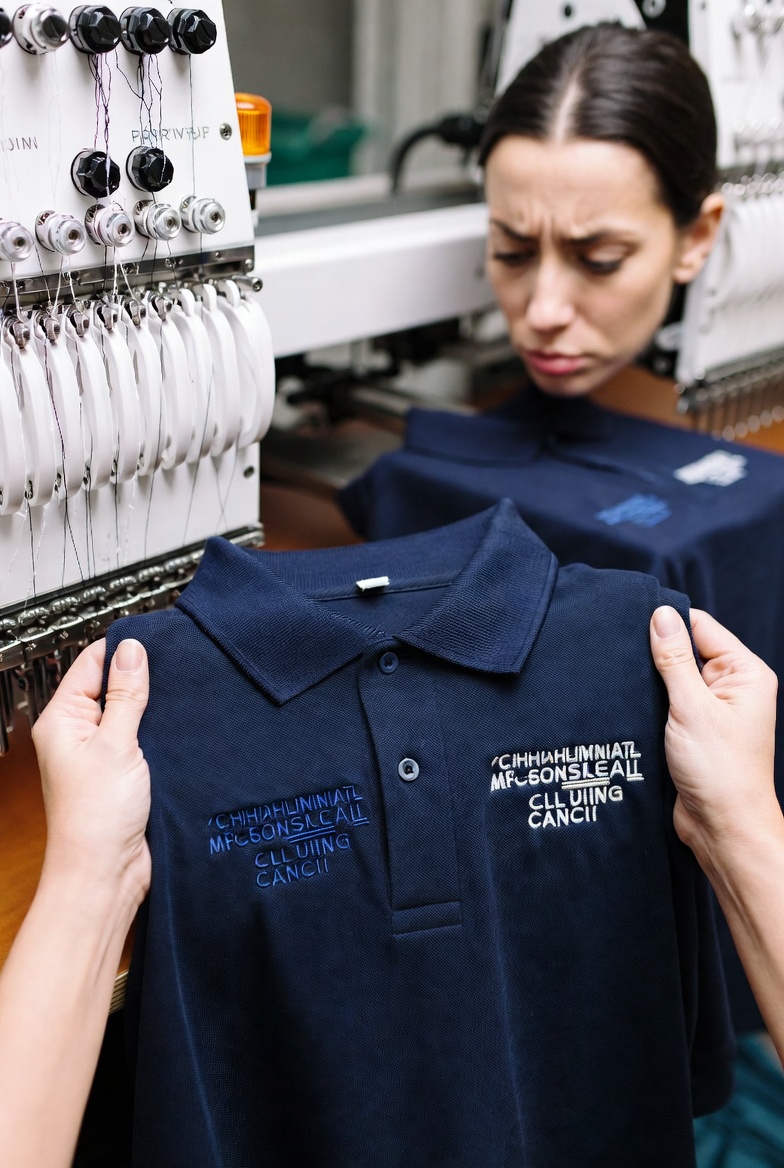
Pull compensation (0-1mm) controls how much the AI overshoots edges to counteract thread tension. For standard fabrics, 0.3mm is a good starting point. For heavy workwear fabrics with higher tension, increase to 0.5-0.7mm. If you notice shapes shrinking on test stitch-outs, increase pull compensation.
Comparison
Most digitizers charge $5–$15 per design and take 24–48 hours. See the hidden cost of cheap digitizing.
| StitchFast | Manual Digitizer | |
|---|---|---|
| Cost per design | From $3.50 | $5–$15 |
| Turnaround | <60 seconds | 24–48 hours |
| Revisions | Unlimited | Extra charge |
| Pull compensation | Automatic | Manual |
| Thread codes | Madeira | Sometimes |
| Output formats | 7 formats | 1–2 formats |
| Stitch preview | Live simulation | Static image |
| Availability | 24/7 | Business hours |
| 10 designs / month | $29.99 unlimited | $50–$150 |
Pricing
Buy credits or go unlimited. Credits never expire.
Compatibility
If you operate in Dallas and use Janome machines, download JEF files. JEF is Janome's native format and will load correctly on every Janome and Elna embroidery machine. Like PES, JEF includes thread color data for on-screen display. StitchFast generates JEF alongside six other formats from every upload.
Before & After
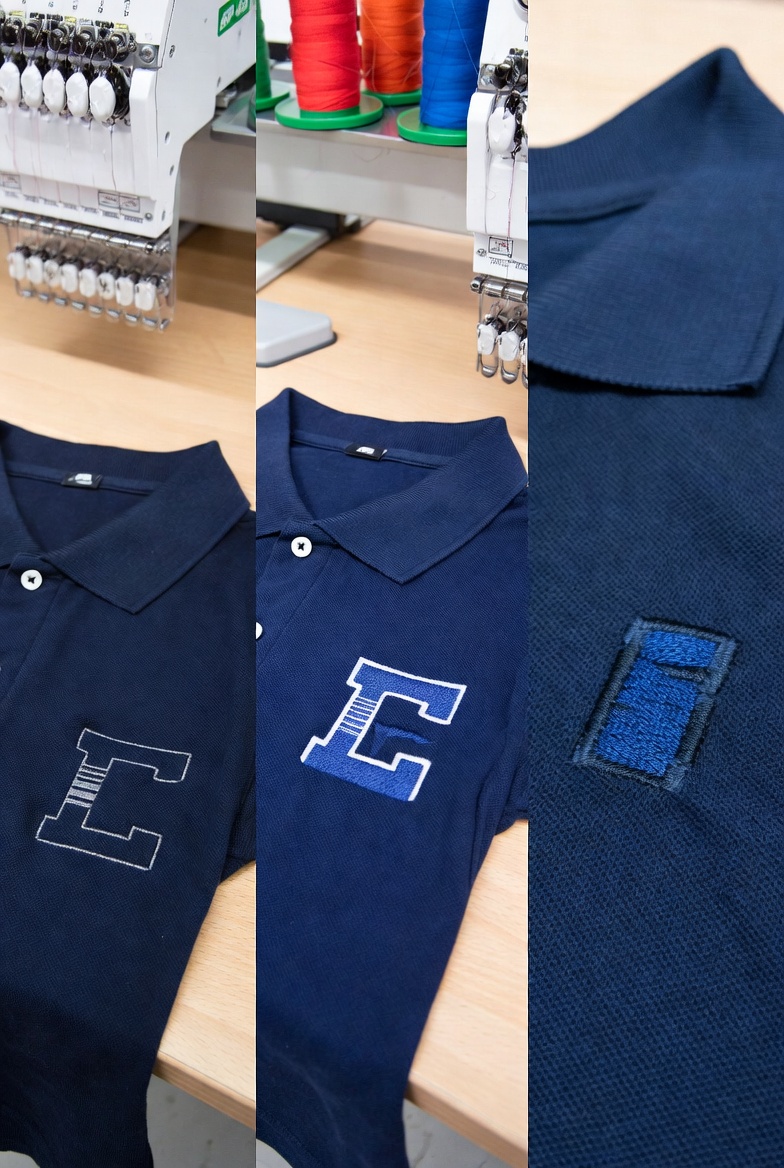
Drag the slider to see the transformation. Your image goes in — a production-ready embroidery file comes out.

Reviews
Rated 4.8 out of 5 from 312 users.
FAQ
Common questions about embroidery digitizing in Dallas and Texas.
Pull compensation counteracts thread tension that naturally pulls fabric inward during stitching. Without it, fill areas shrink and shapes distort — a circle becomes an oval, text gets narrower. StitchFast applies pull compensation automatically (adjustable 0-1mm) so your design stitches out at the correct dimensions.
Embroidery digitizing is the process of converting a digital image into a file that an embroidery machine can read. It involves analyzing the image, assigning stitch types to different areas, calculating stitch density and angles, adding underlay for fabric stability, and generating the binary file format your machine requires.
Yes. StitchFast generates proper binary embroidery files compatible with every major machine brand. DST works on Tajima, Barudan, SWF, Happy, and most commercial machines. PES works on Brother and Babylock. JEF works on Janome and Elna. All seven formats are tested and production-ready.
StitchFast supports 2-16 colors per design. For most commercial embroidery, 4-8 colors produces the best balance between visual fidelity and production efficiency. Each color becomes a separate thread color with a color change command in the embroidery file.
Yes. StitchFast includes a real-time stitch simulation that shows every stitch path rendered on a virtual hoop with grid lines. You can watch the design stitch out color by color with adjustable playback speed. The thread list shows each Madeira color code with stitch counts.
Yes. Cancel anytime from your dashboard with no cancellation fees. Your access continues until the end of your current billing period. No lock-in, no penalty.
Yes. StitchFast is a web-based tool used by embroiderers in Dallas, across Texas, and worldwide. Upload your design from any device with a browser and download production-ready stitch files in under 60 seconds. There is no software to install and no embroidery experience needed.
Most designs are digitized in under 60 seconds. There is no queue, no waiting, and no business hours restriction. Upload at midnight from Dallas, download at midnight. Complex designs with many colors may take slightly longer.
For standard logos, text, and clean artwork — approximately 80%% of commercial embroidery work — StitchFast is faster, cheaper, and more consistent than manual digitizing. For complex multi-layer designs with 3D puff, applique, or very fine detail, a manual digitizer may produce better results.
Yes. Every color in your design is automatically matched to a real Madeira Rayon thread number. The thread list is displayed in the stitch preview and can be handed to machine operators or customers so they know exactly which spool to buy.
Case Studies
See how embroidery businesses cut costs and scale with AI digitizing.
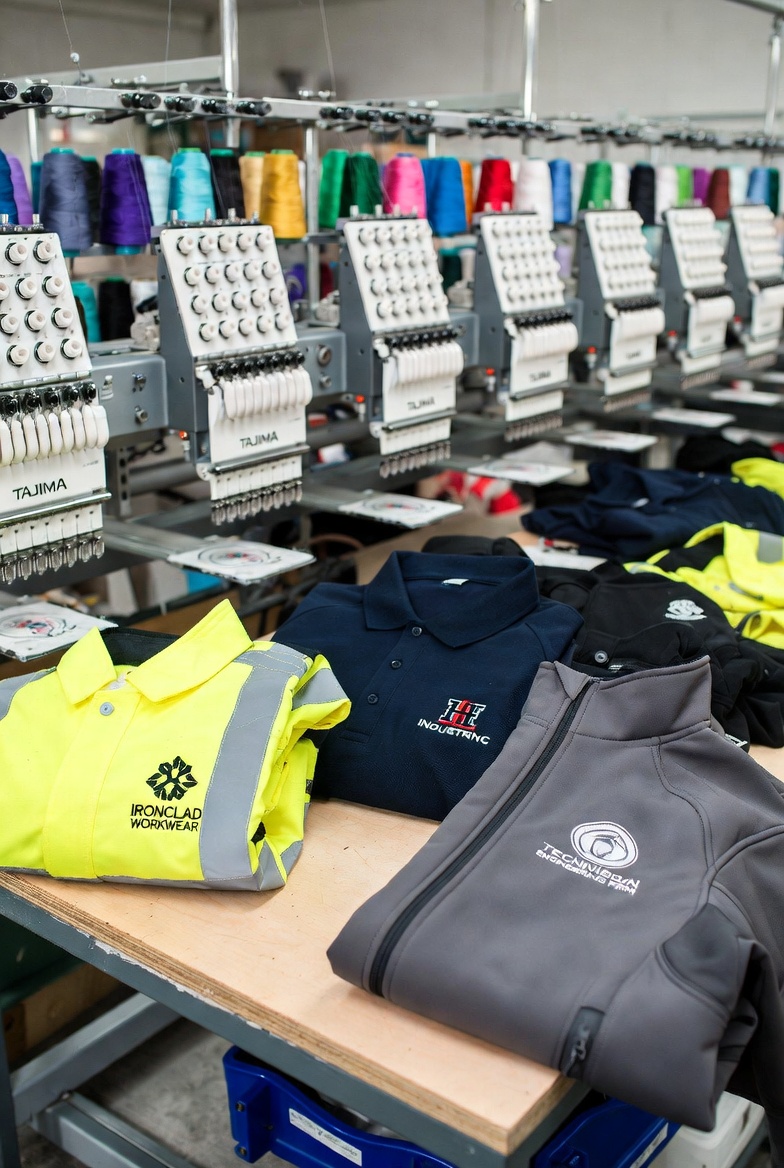
A Houston industrial workwear supplier processing over 60 new client logos per month uses StitchFast to deliver same-day onboarding for factory and manufacturing clients — saving 3 working days per new account.
Read Case Study →
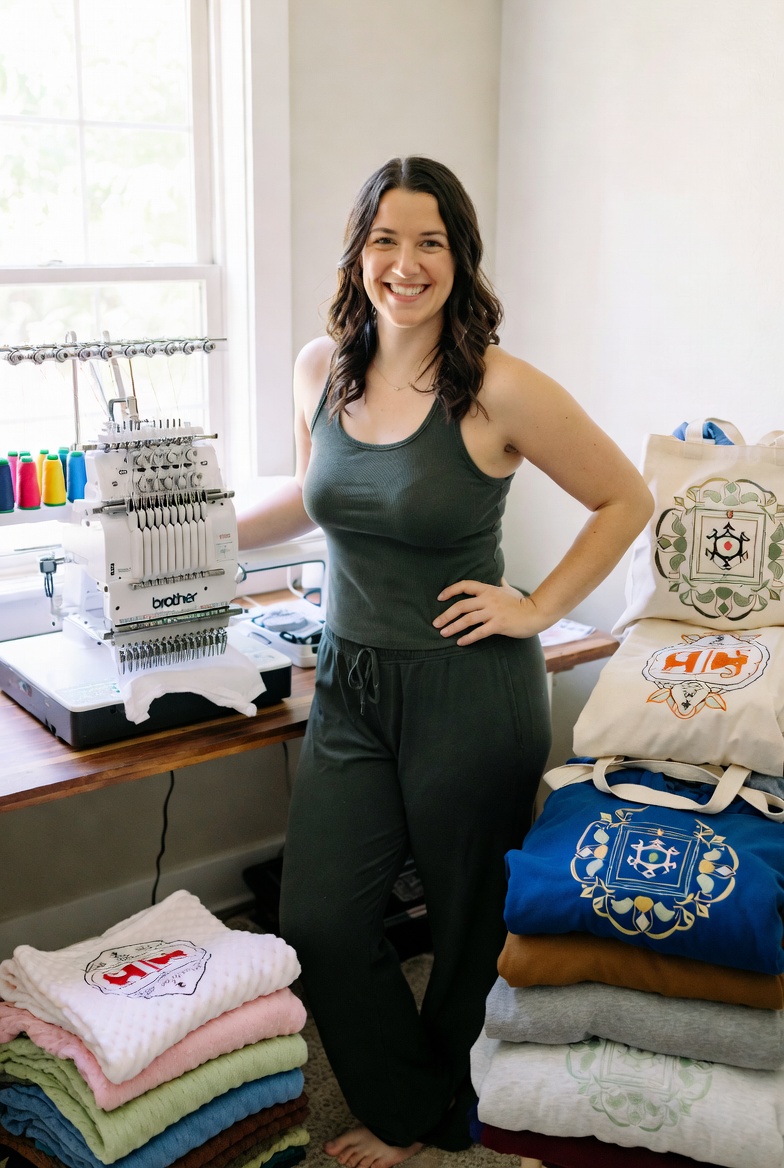
A Portland-based Etsy seller processing over 200 unique personalized embroidery orders per month uses StitchFast to generate custom stitch files instantly — enabling one-day dispatch on every order.
Read Case Study →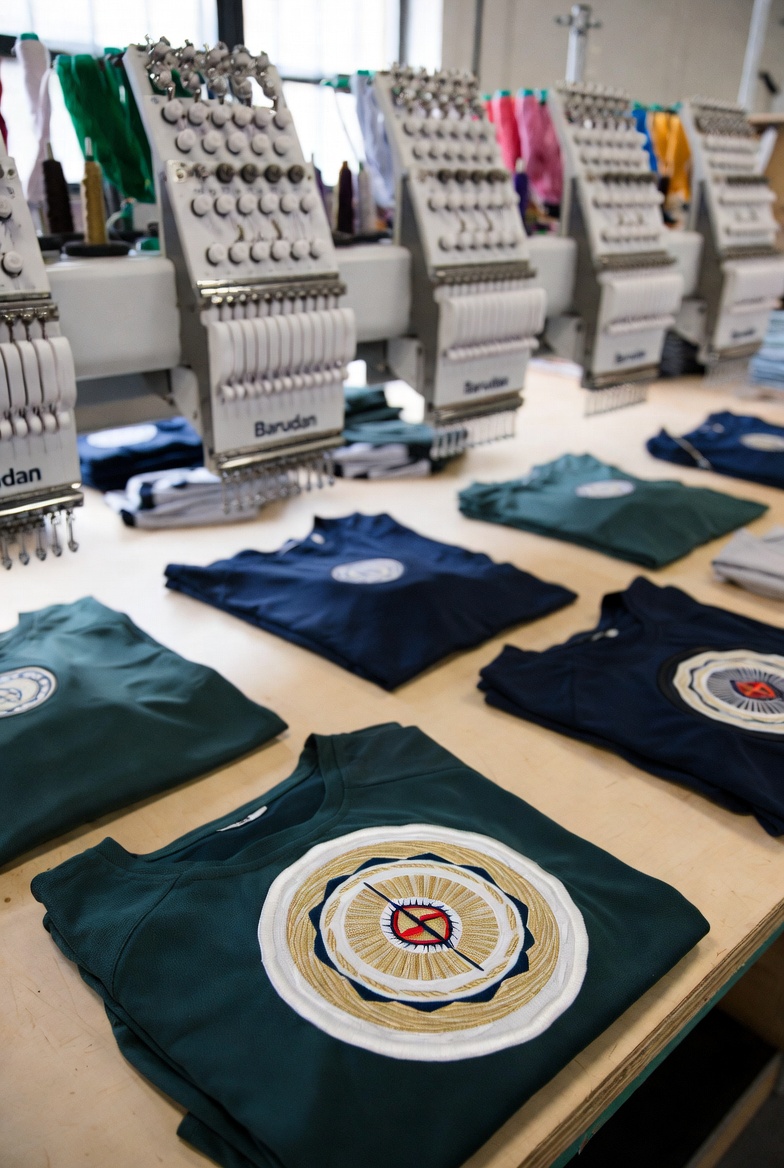
A Chicago team-uniform manufacturer scaled from 50 to 300 team clients per season after switching to StitchFast — eliminating the digitizing queue that previously capped their capacity.
Read Case Study →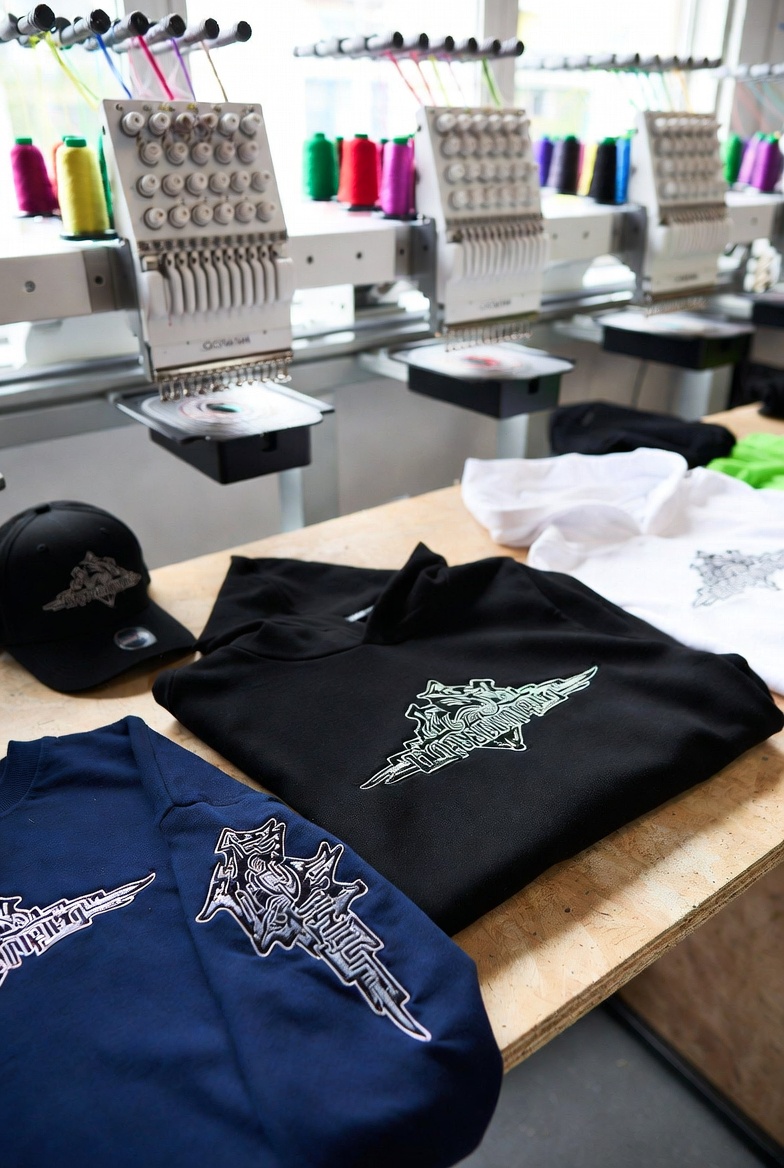
A Los Angeles streetwear brand uses the StitchFast Unlimited plan to launch fresh embroidered designs every single week — a rapid-drop cadence that would have cost over $1,300 annually in manual digitizing fees.
Read Case Study →Blog
From $3.50 per design. 7 formats. Under 60 seconds.
Open StitchFast