Upload Your Image
Drag and drop any PNG, JPG, or SVG. Logos, text, and solid artwork produce the best results.
The Brother PE800 reads the .PES format from a USB stick. Upload any PNG, JPG, or SVG and StitchFast digitizes it into a production-ready PES file sized for the PE800's 5"×7" hoop — in under a minute.
Quick answer: The Brother PE800 uses .PES files, loaded from a USB flash drive. It has a 5"×7" (130×180mm) embroidery field, so keep designs within that size. StitchFast converts any image to a ready-to-stitch PE800 PES file and includes the universal .DST as a backup.
How It Works
No embroidery software required. No experience needed. Works on any device.
Drag and drop any PNG, JPG, or SVG. Logos, text, and solid artwork produce the best results.
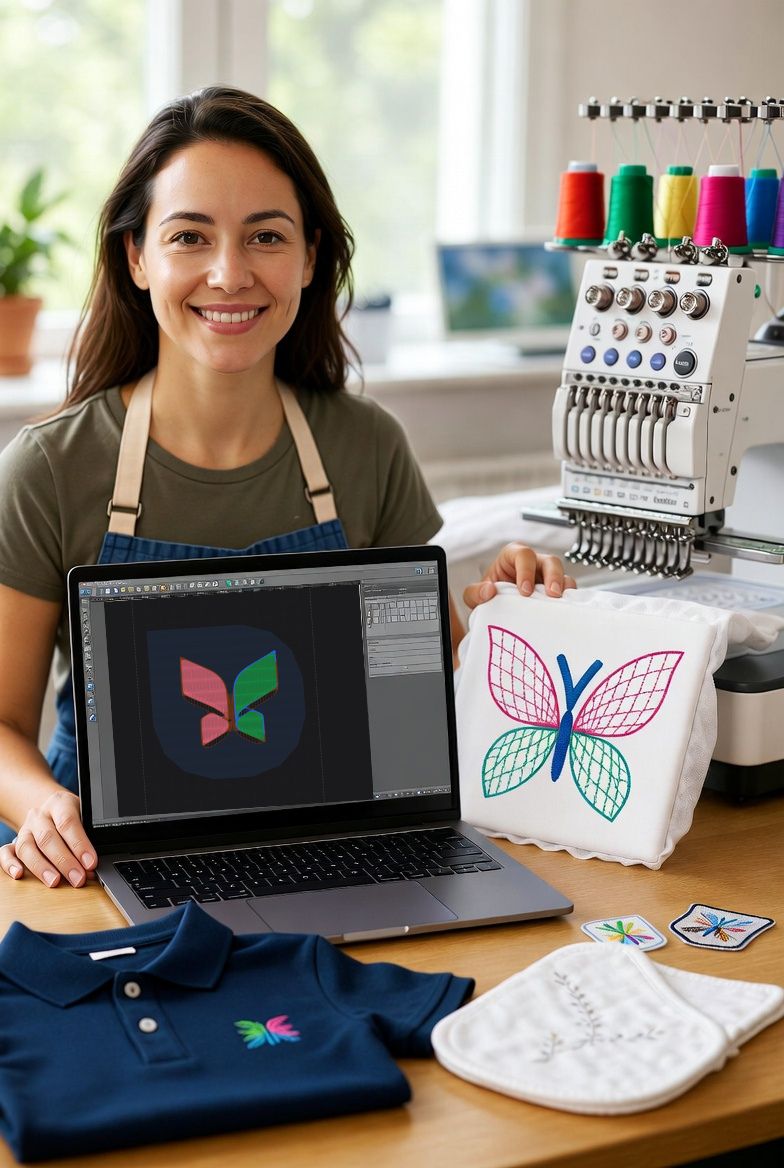
AI identifies regions, assigns stitch types, calculates density, and applies pull compensation automatically.
Watch a real-time stitch simulation, colour by colour, before you commit to downloading.
Get a production-ready file with correct stitch lengths, jumps, and colour changes. Machine-ready.
Before & After
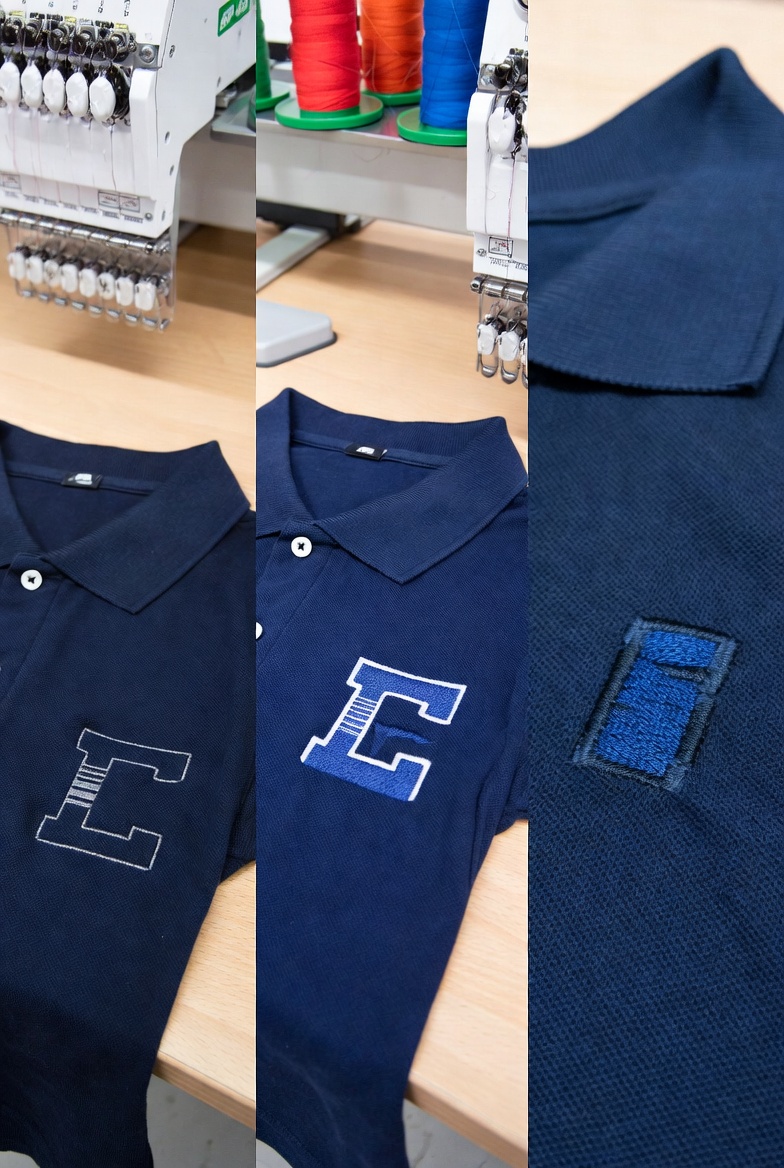
Drag the slider to see the transformation. Your image goes in — a production-ready embroidery file comes out.




Understanding PE800 files
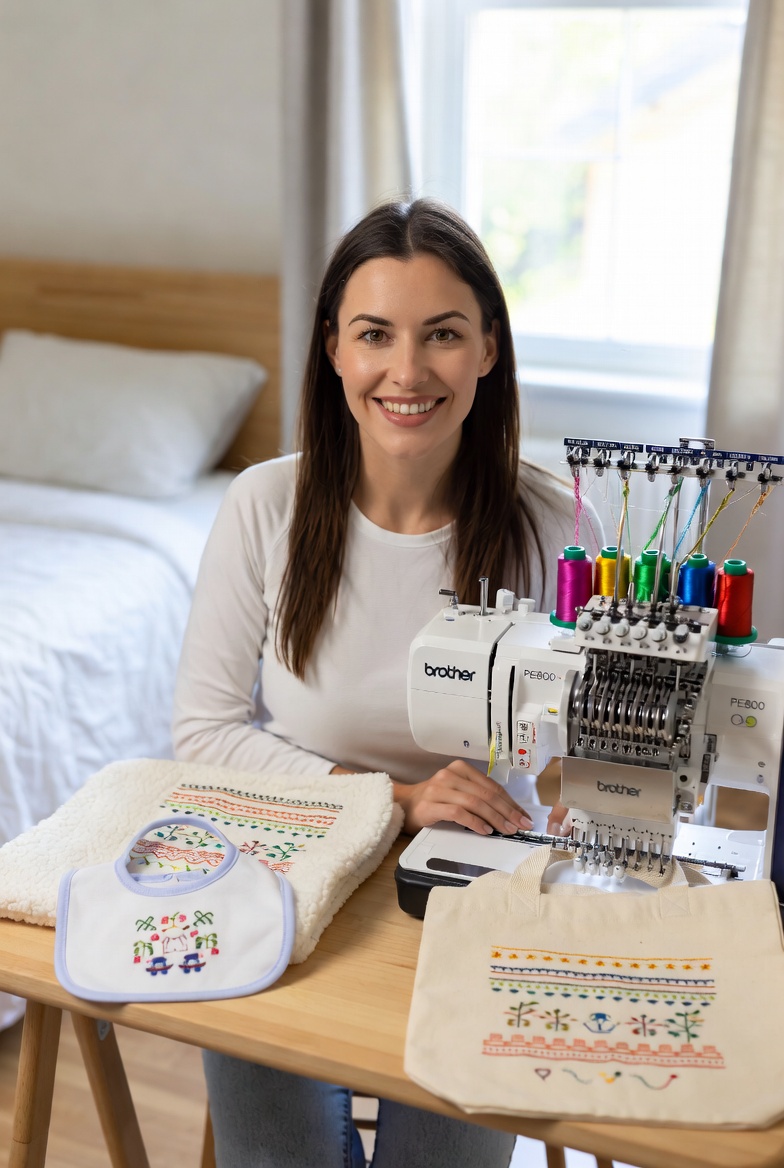
The Brother PE800 is an embroidery-only machine with a 5"×7" (130×180mm) hoop and a USB port for importing designs. It reads the native .PES format, which carries the full stitch data and the thread colour sequence, and it will also read a universal .DST if needed.
Because the PE800 has no internet connection or design software of its own, you prepare the file elsewhere and bring it over on a USB stick. StitchFast is the elsewhere: upload your logo or artwork, let the AI digitize it into a PES file, and download it ready to copy across. Keep the design inside the 5"×7" field so it fits the largest PE800 hoop.
A PNG or JPG will not stitch on a PE800 as-is — it has to be digitized into stitch commands first, with underlay and pull compensation so it holds up on fabric. That is exactly what StitchFast produces.
Compatible Machines
| Machine | Notes |
|---|---|
| Format | Native .PES (also reads universal .DST) |
| Largest hoop | 5"×7" — 130×180mm |
| Import | USB flash drive (FAT32 recommended) |
| Built-in designs | 138 designs, 11 fonts (yours import via USB) |
Loading Files
Convert your image on StitchFast and download the PES file. Copy it to the root folder of a USB flash drive.
Plug the USB stick into the PE800's USB port on the front right of the machine.
Tap the USB icon on the touchscreen, select your PES file, and it opens on the editing screen ready to position.
Load the Madeira thread colours from your StitchFast colour list, hoop your fabric within the 5x7 field, and start. The machine pauses at each colour change.
What You Get
No extra charges. Every feature is included with every conversion.
Fill, satin, and running stitches assigned per region, with angles optimised for coverage and minimal thread breaks.
Automatic edge overshoot so fill areas don't shrink when thread tension pulls the fabric inward.
Every colour matched to a real Madeira Rayon thread number so you know exactly which spool to load.
Preview the design stitching out in real time, colour by colour, before downloading. Free in the app.
Offset row fill for professional coverage. Configurable density from 2 to 8 lines per millimetre.
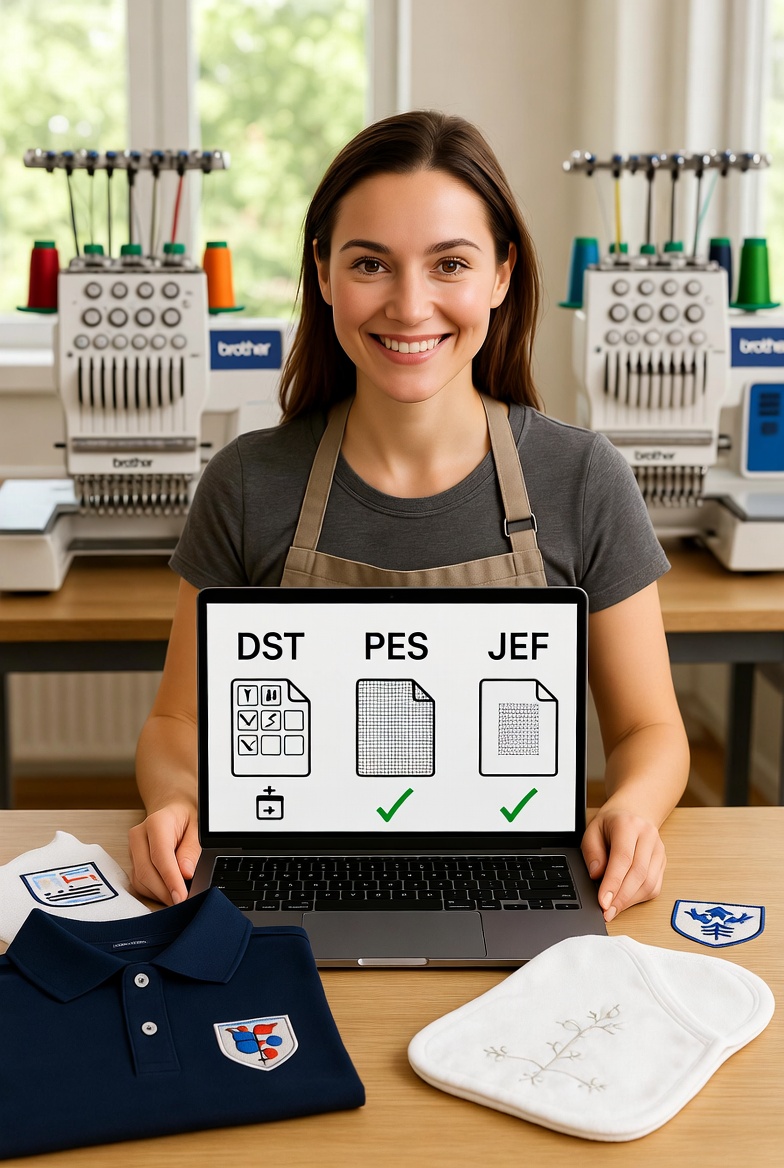
DST, PES, JEF, EXP, VP3, HUS, and XXX from every single upload. Download whichever your machine needs.
Other Formats
Every StitchFast conversion also outputs DST, JEF, EXP, VP3, HUS and XXX. For other Brother machines and hoop sizes, see the Brother embroidery files guide, and check which format your machine uses if you run more than one brand.
FAQ
The Brother PE800 uses the .PES embroidery format, loaded from a USB flash drive. It also reads the universal .DST format. StitchFast provides both from one upload.
The PE800 has a maximum embroidery field of 5"x7" (130x180mm). Keep your design within that size. StitchFast shows the finished dimensions before you download.
Upload a PNG, JPG, or SVG to StitchFast, let the AI digitize it into a PES file, preview the stitch simulation, and download. Copy the PES to a USB stick and import it on the PE800.
The PE800 only reads embroidery files like PES and DST, not images. A JPG has to be digitized into stitch data first. StitchFast does that conversion in under 60 seconds.
Your first file is free. After that it's from £3.50 per design, with credit packs and a £29.99/month unlimited plan. All seven formats are included every time.
Case Studies
See how embroidery businesses use StitchFast to generate production-ready embroidery files instantly.
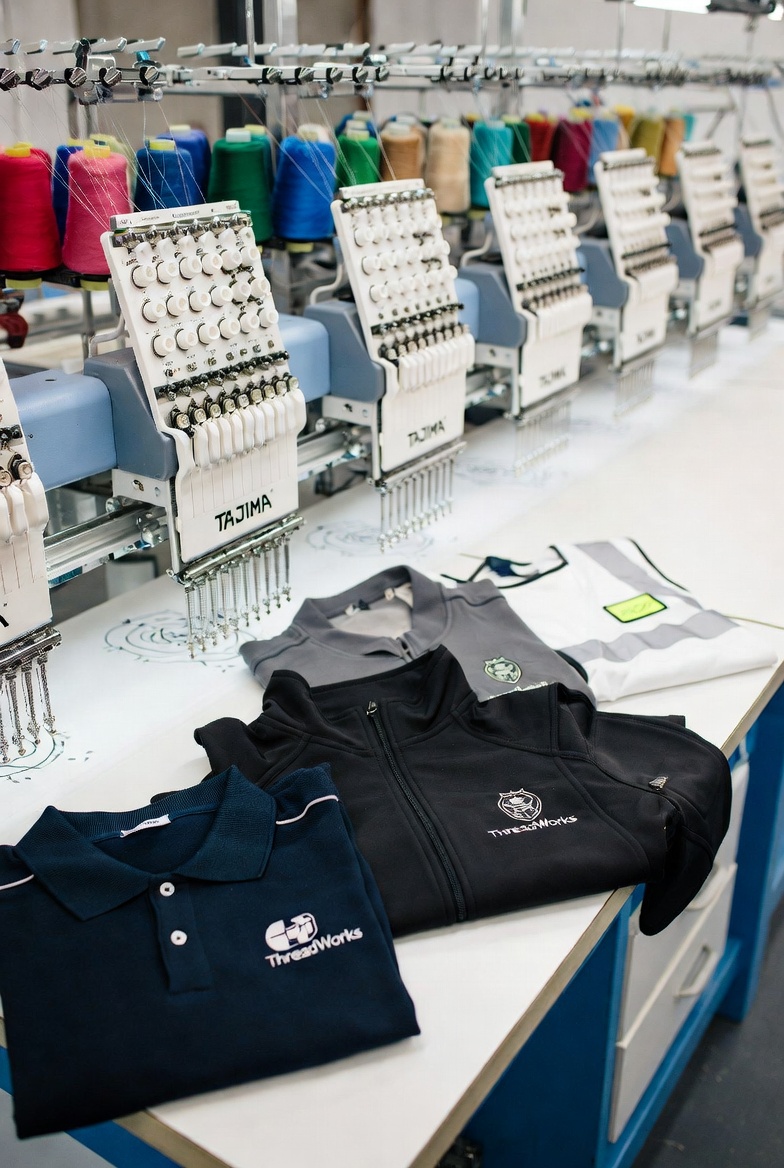
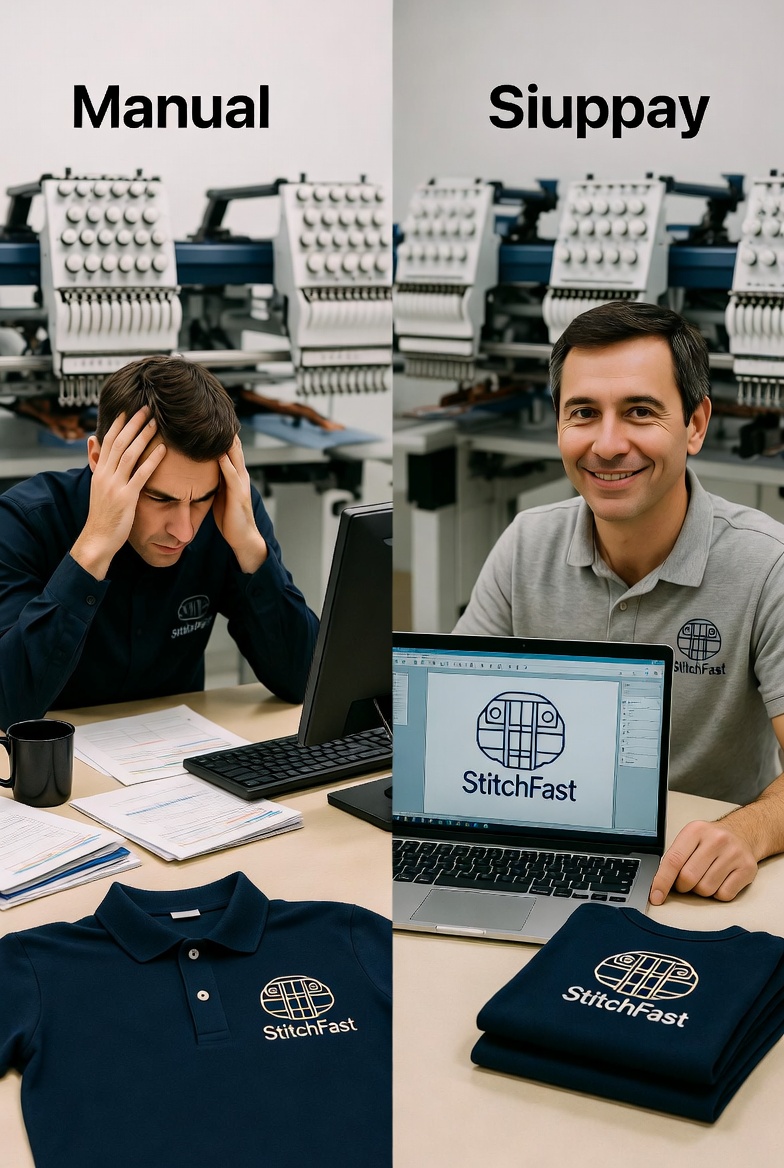
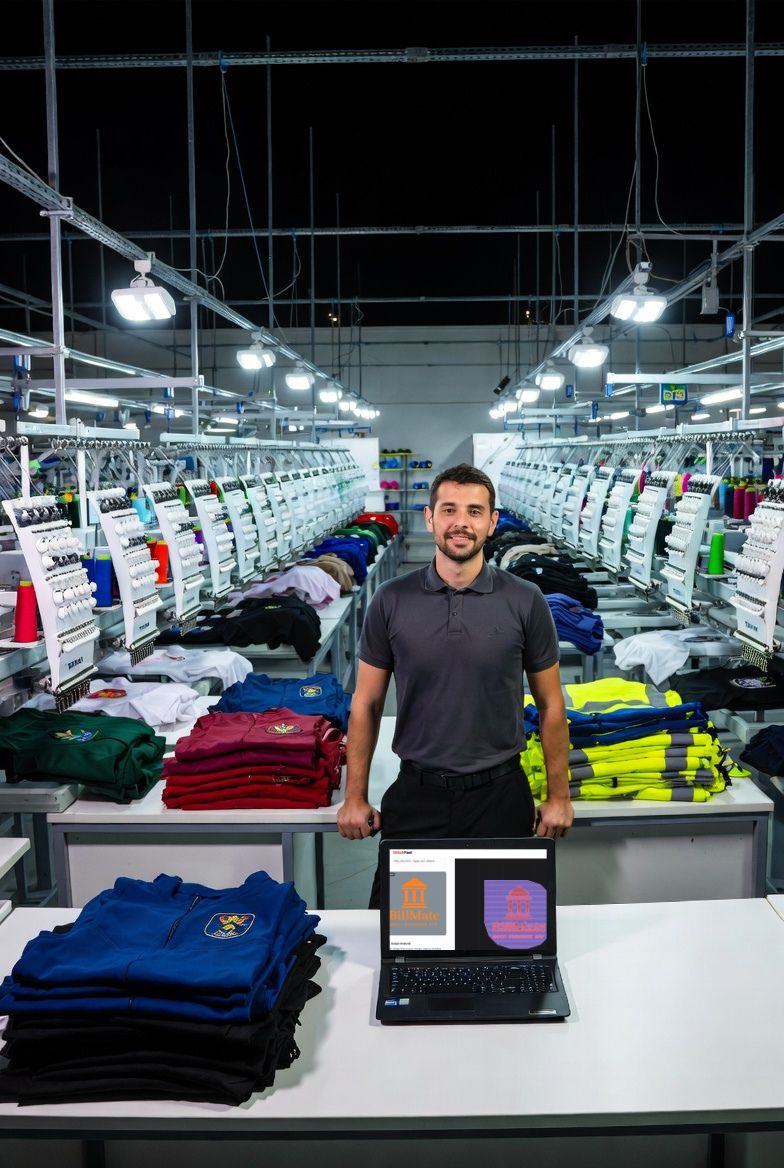
A Birmingham-based uniform supplier processing 800+ corporate logos per year slashed digitizing costs from £25 per design to £3.50 using StitchFast — and cut turnaround from 48 hours to under 60 seconds.
Read case study →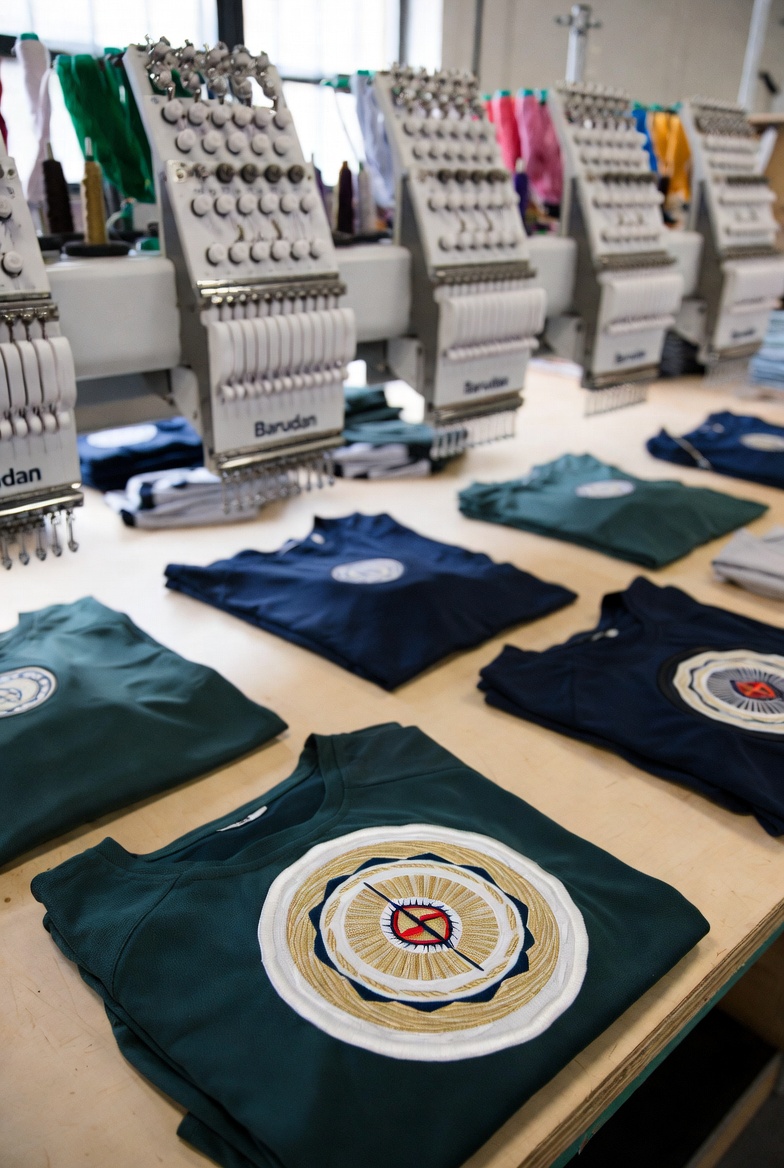
A Manchester sports kit manufacturer scaled from 50 to 300 team clients per season after switching to StitchFast — eliminating the digitizing queue that previously capped their capacity.
Read case study →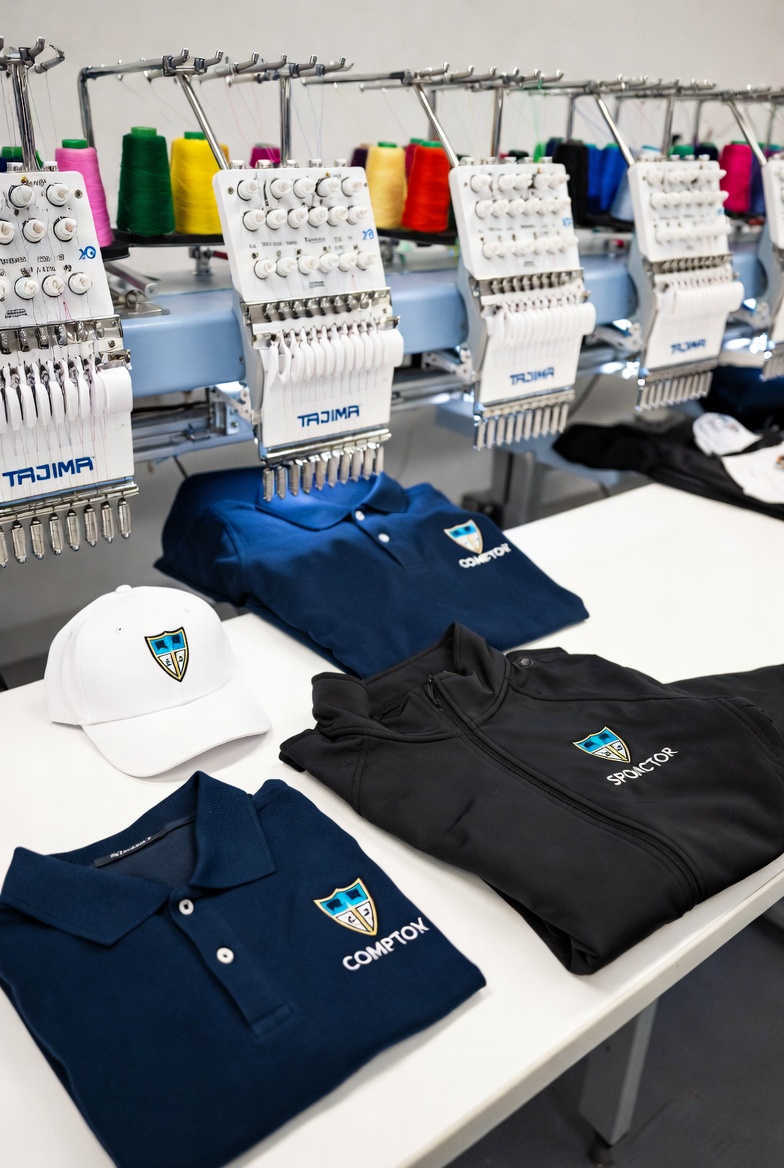
A Leeds promotional merchandise company processing 1,400+ unique client logos per year eliminated their entire five-day digitizing queue overnight using StitchFast — saving over £35,000 annually.
Read case study →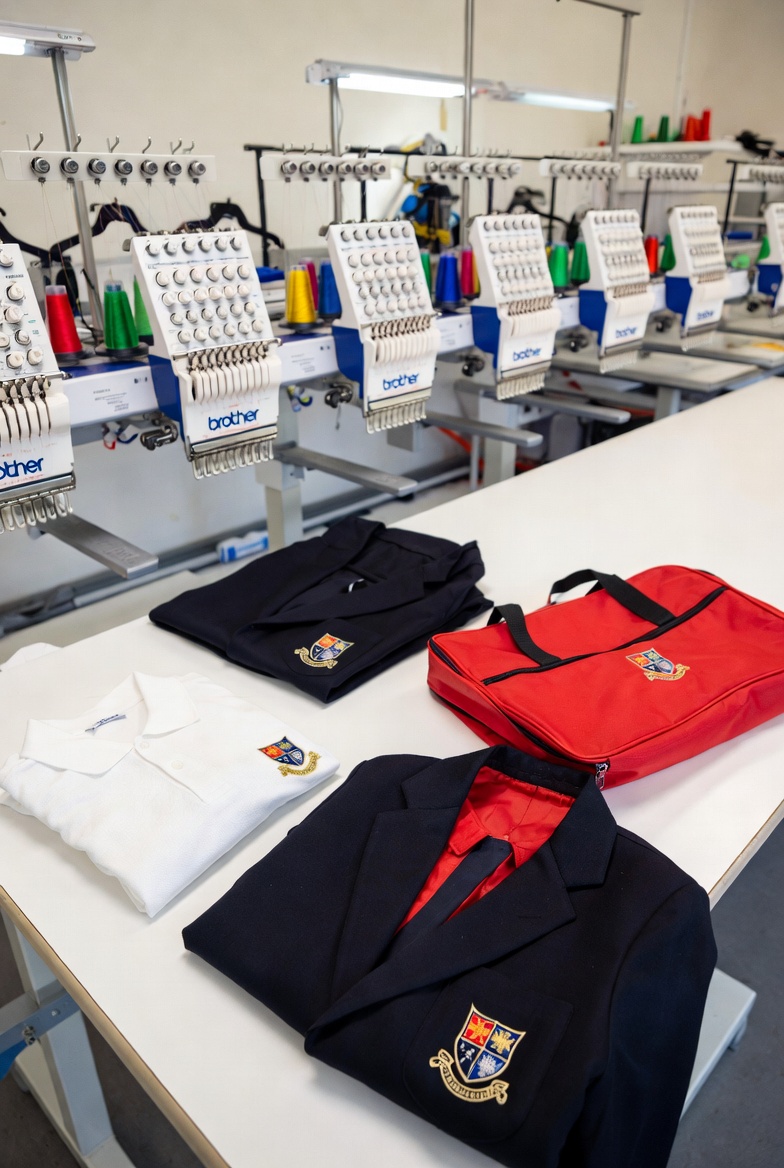
A Nottingham school uniform supplier digitized their entire catalogue of 165 school badges in a single week using StitchFast — a task that previously took three months of outsourced digitizing.
Read case study →Blog & Resources
From beginner guides to factory-floor automation — everything about embroidery files and digitizing.
Upload an image and download a production-ready file in under 60 seconds. From £3.50 per design — your first file is free.
Convert an image now