Upload Your Image
Drag and drop any PNG, JPG, or SVG. Logos, text, and solid artwork produce the best results.
Upload a PNG, JPG, SVG or PDF and StitchFast digitizes it into a machine-ready embroidery file — DST, PES, JEF and four more — in under 60 seconds. Real digitizing, not auto-tracing.
Quick answer: An image stores pixels or paths, not stitches, so it has to be digitized before it will sew. StitchFast analyses your image and generates real stitch data, outputting all seven embroidery formats from a single upload.
How It Works
No embroidery software required. No experience needed. Works on any device.
Drag and drop any PNG, JPG, or SVG. Logos, text, and solid artwork produce the best results.
AI identifies regions, assigns stitch types, calculates density, and applies pull compensation automatically.
Watch a real-time stitch simulation, colour by colour, before you commit to downloading.
Get a production-ready file with correct stitch lengths, jumps, and colour changes. Machine-ready.
Before & After
Drag the slider to see the transformation. Your image goes in — a production-ready embroidery file comes out.

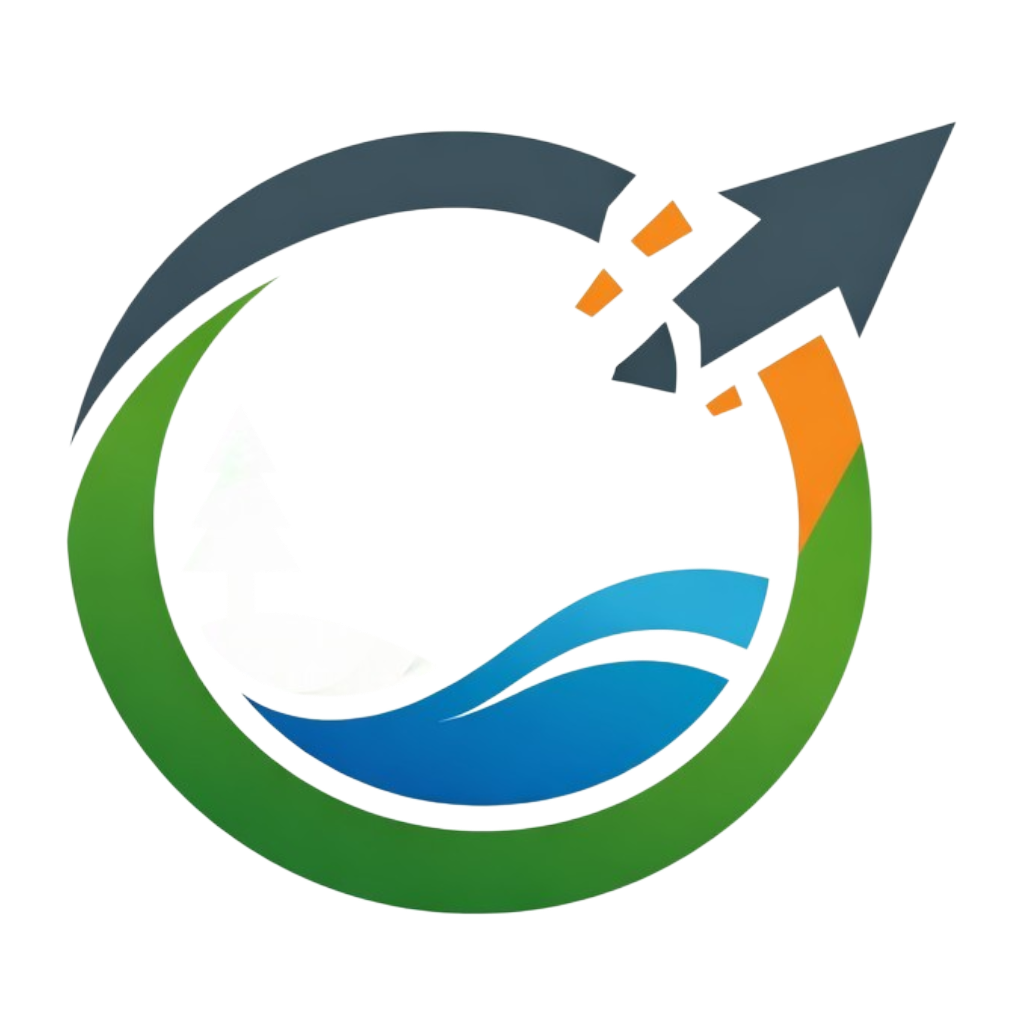
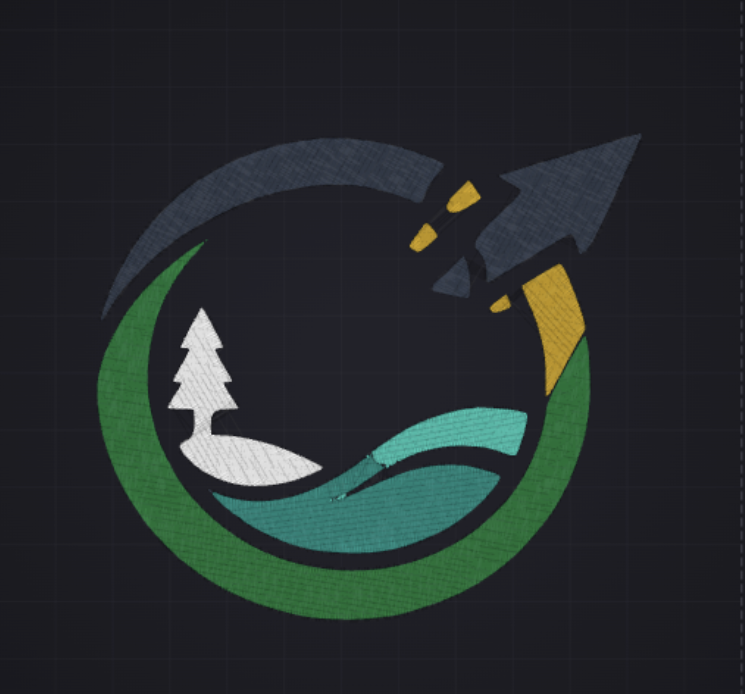
IMAGE in
StitchFast accepts any common image — PNG, JPG, WEBP or SVG — and turns it into a machine-ready embroidery file. Whether it is a raster photo or a clean vector logo, the AI analyses the artwork and generates real stitch data from it.
The one thing to remember: an image stores pixels or paths, not stitches. Converting it to a embroidery file means digitizing — fills versus satins, density, underlay and pull compensation. StitchFast handles all of it automatically and gives you every major format from one upload.
Every format
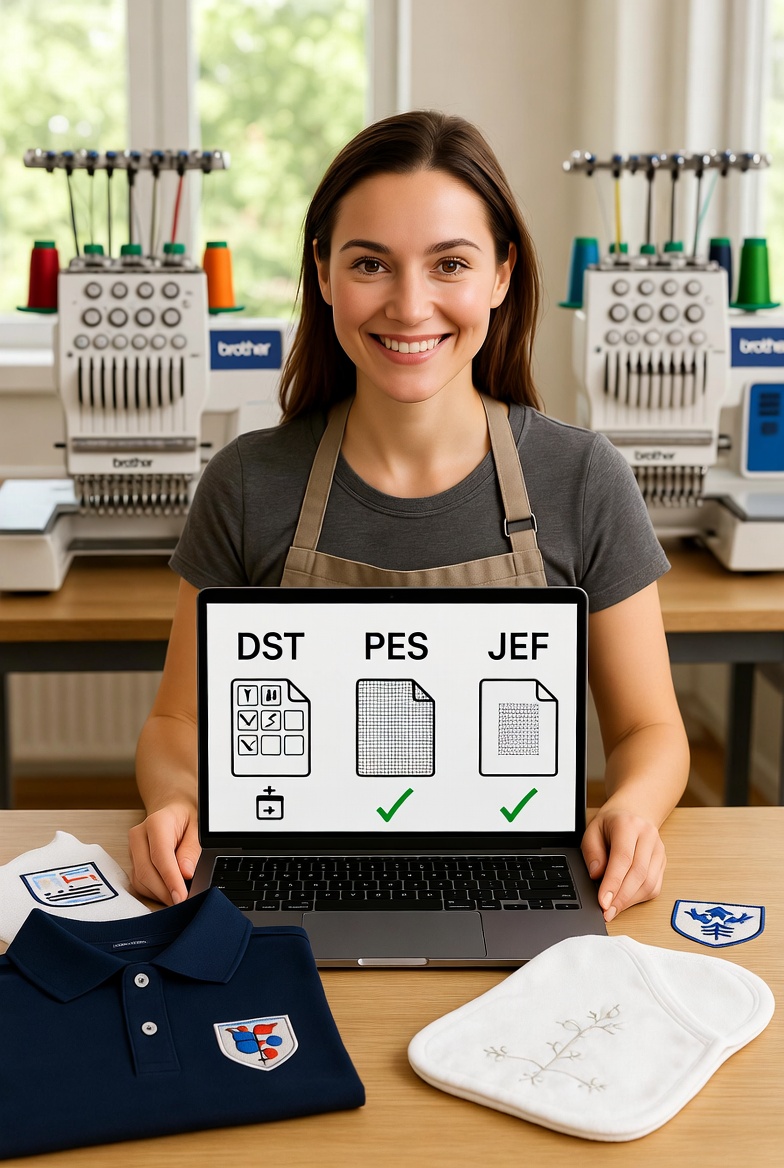
StitchFast doesn't lock you to one format. Every conversion outputs all seven major embroidery formats — DST, PES, JEF, EXP, VP3, HUS and XXX — from a single upload, so whatever machine you run, the right file is there. Download the one your machine needs, or all of them. Not sure which? See which format your machine uses.
Choose Your Image Type
Each one covers how to prepare that file type and which machine format to pick.
Photos of logos, email attachments and anything saved as JPG or JPEG.
Logos with a transparent background. The best everyday starting point.
Vector artwork and craft cut files, with the cleanest edges of all.
The brand pack or logo sheet your designer or customer sent.
AI, EPS and other vector formats from design software.
Portraits and photographs, which need a different approach to logos.
Know your machine format already? Go straight to image to DST, image to PES or image to JEF.
Best Results
Logos, text and artwork with solid colour areas convert far better than busy, low-contrast images. Distinct edges give the AI clear regions to work with.
A transparent-background PNG or an SVG produces the sharpest edges. Remove busy backgrounds before converting.
Fewer colours means fewer thread changes and a faster, cleaner stitch-out. For most designs, 6–12 colours is plenty.
What You Get
No extra charges. Every feature is included with every conversion.
Fill, satin, and running stitches assigned per region, with angles optimised for coverage and minimal thread breaks.
Automatic edge overshoot so fill areas don't shrink when thread tension pulls the fabric inward.
Every colour matched to a real Madeira Rayon thread number so you know exactly which spool to load.
Preview the design stitching out in real time, colour by colour, before downloading. Free in the app.
Offset row fill for professional coverage. Configurable density from 2 to 8 lines per millimetre.
DST, PES, JEF, EXP, VP3, HUS, and XXX from every single upload. Download whichever your machine needs.
Compatible Machines
| Machine | Notes |
|---|---|
| Brother / Babylock | PES |
| Janome / Elna | JEF |
| Tajima / commercial | DST |
| Bernina / Melco | EXP |
| Pfaff / Husqvarna Viking | VP3 |
| Singer | XXX |
Case Studies
See how embroidery businesses use StitchFast to generate production-ready embroidery files instantly.
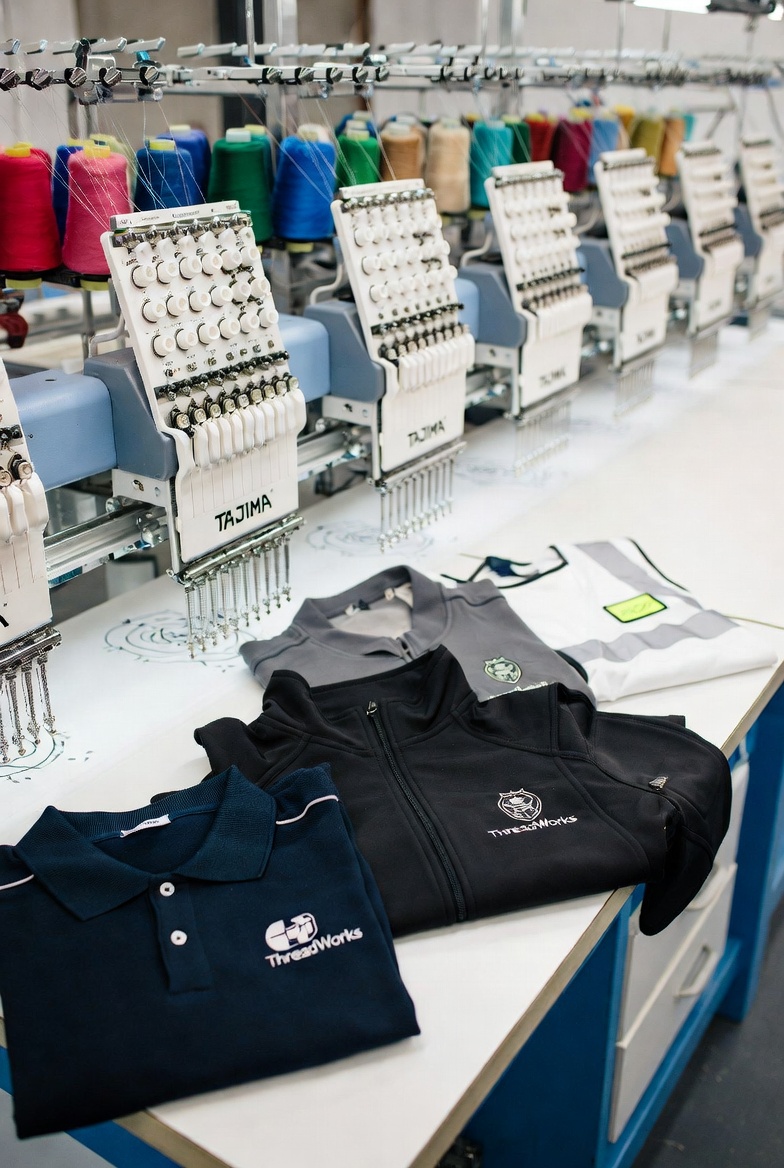
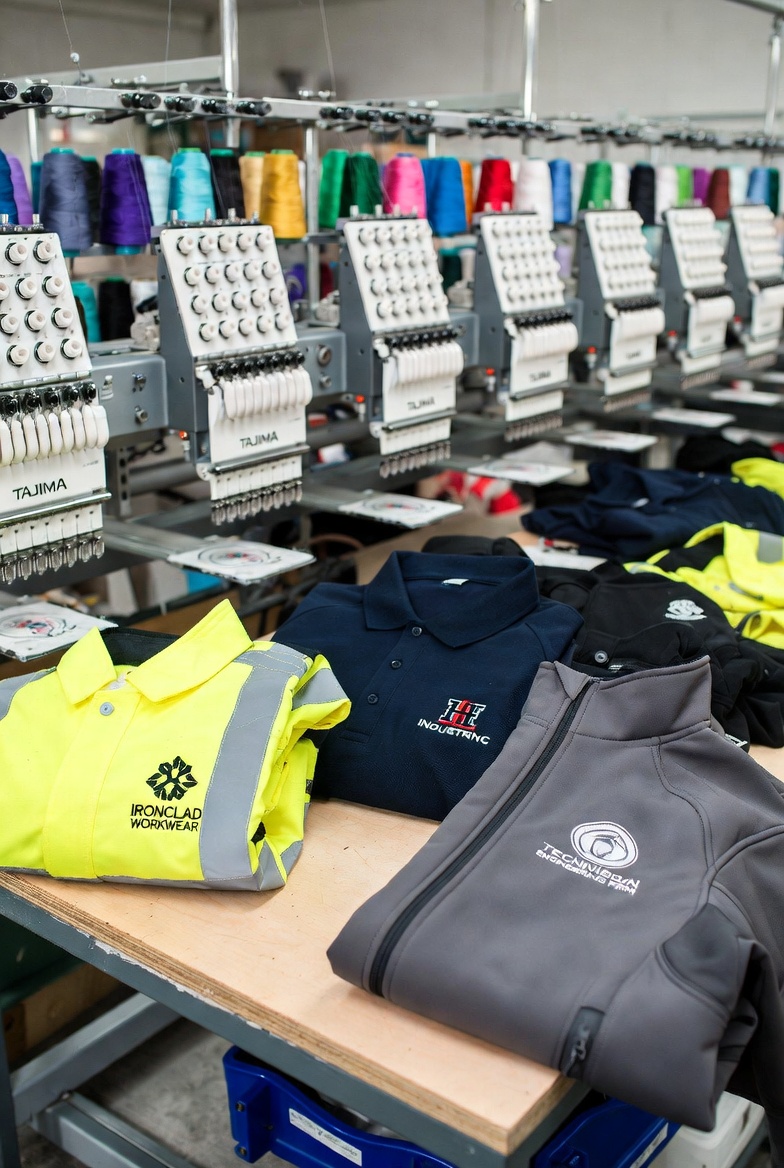
A Birmingham-based uniform supplier processing 800+ corporate logos per year slashed digitizing costs from £25 per design to £3.50 using StitchFast — and cut turnaround from 48 hours to under 60 seconds.
Read case study →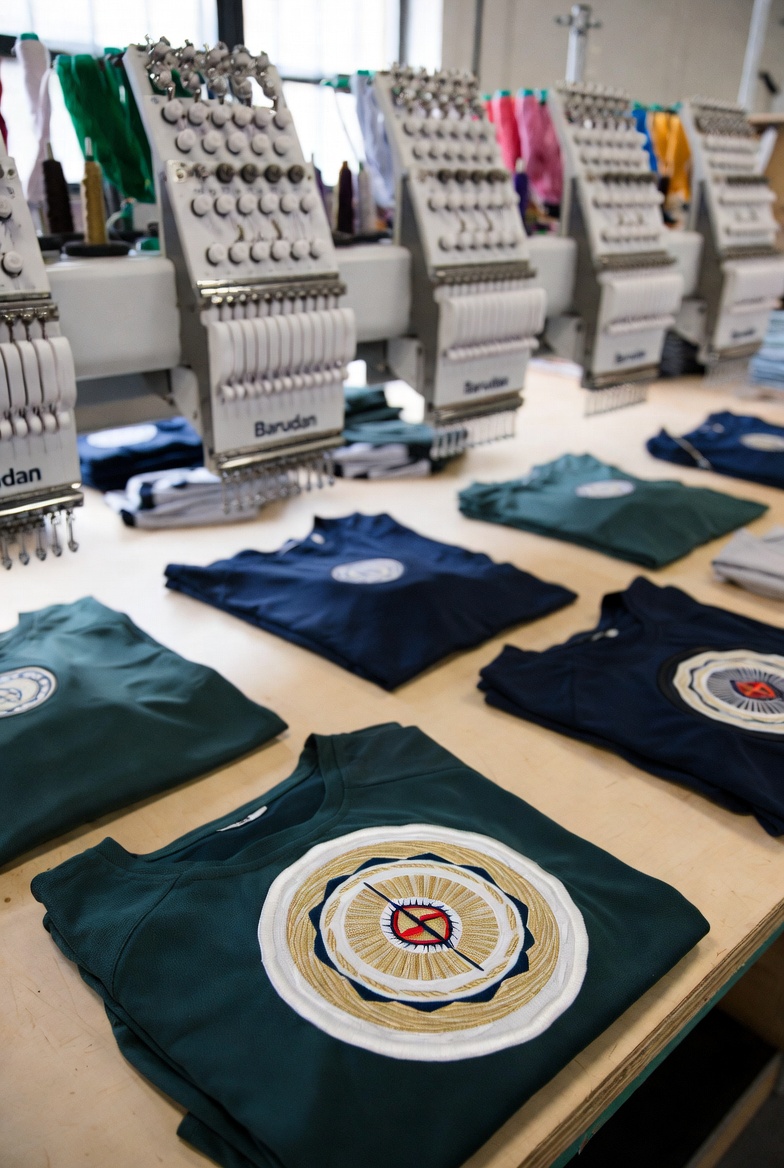
A Manchester sports kit manufacturer scaled from 50 to 300 team clients per season after switching to StitchFast — eliminating the digitizing queue that previously capped their capacity.
Read case study →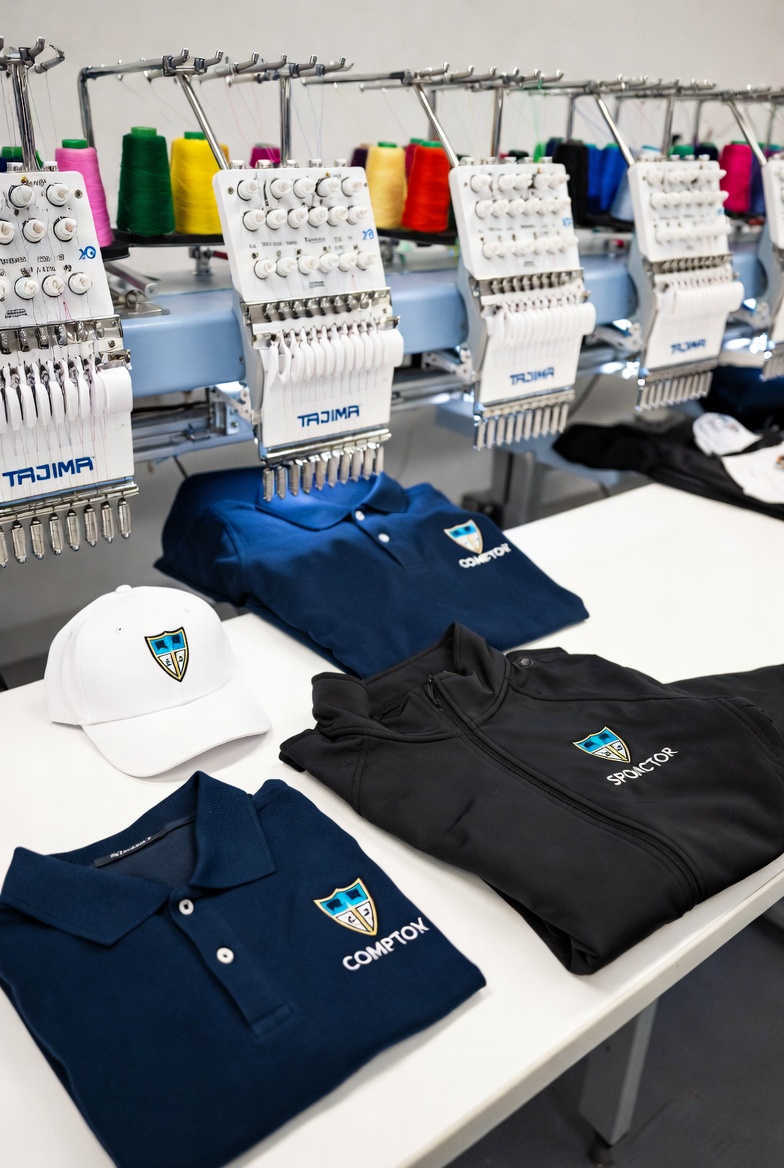
A Leeds promotional merchandise company processing 1,400+ unique client logos per year eliminated their entire five-day digitizing queue overnight using StitchFast — saving over £35,000 annually.
Read case study →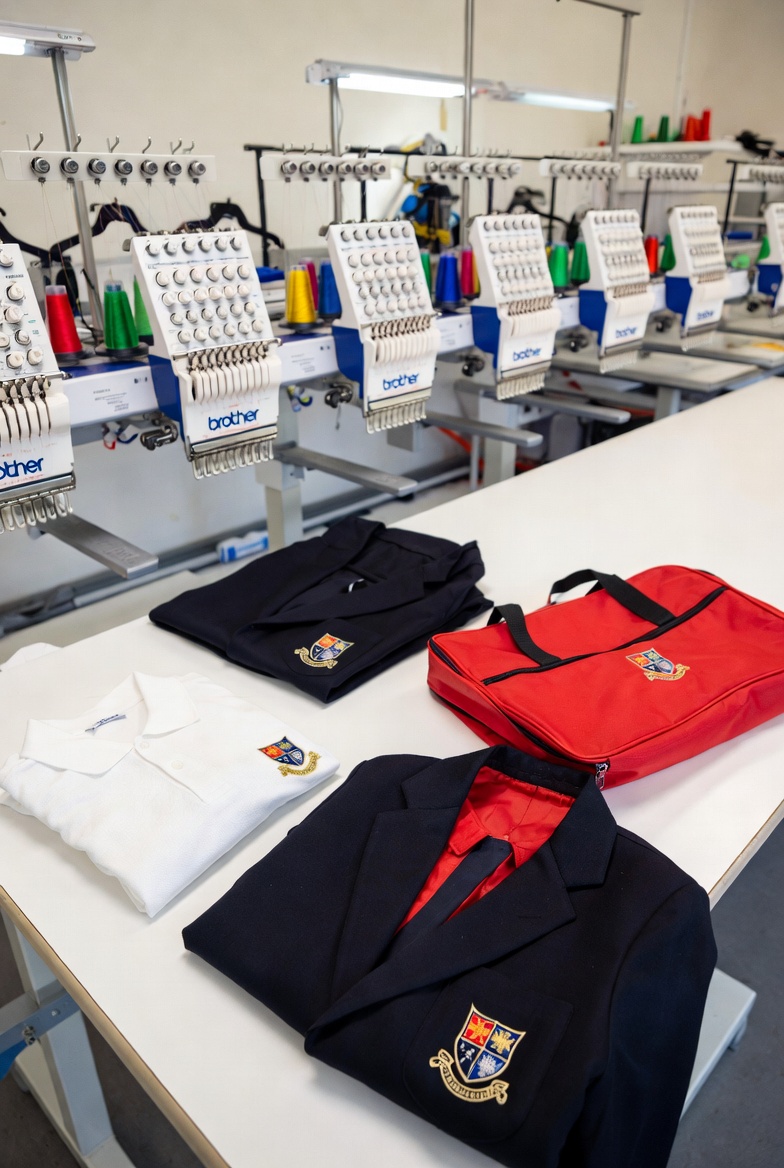
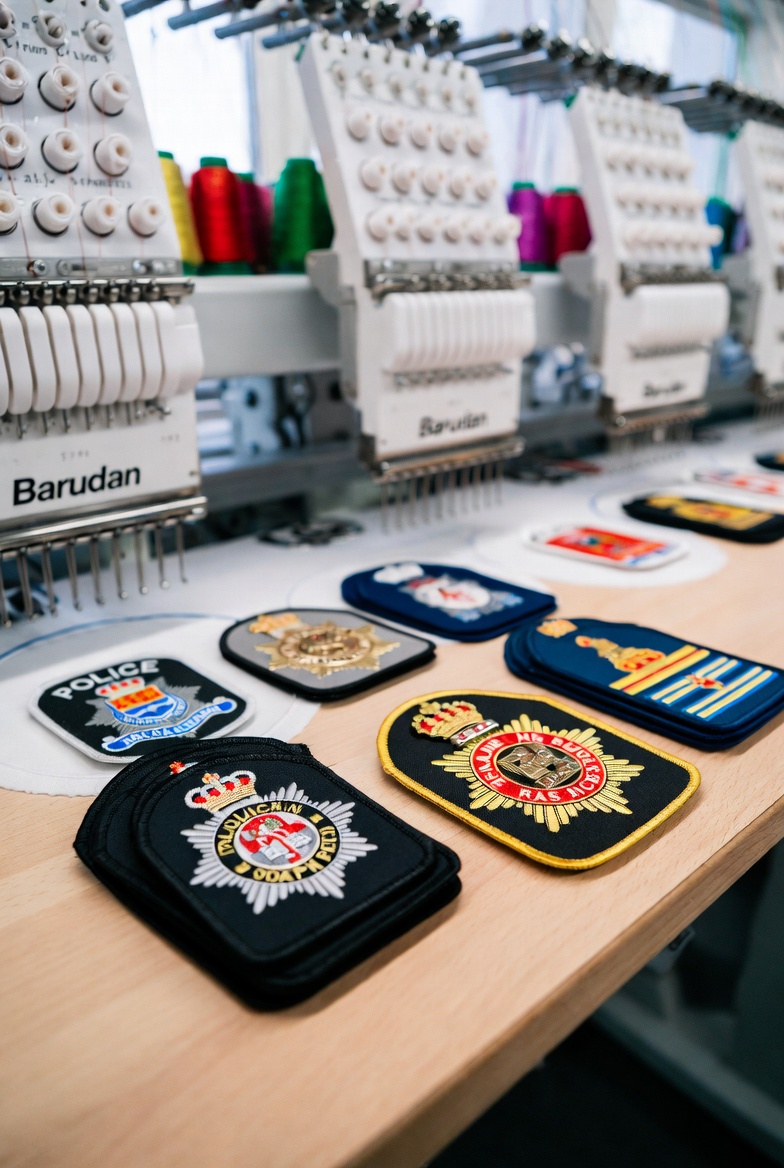
A Nottingham school uniform supplier digitized their entire catalogue of 165 school badges in a single week using StitchFast — a task that previously took three months of outsourced digitizing.
Read case study →Blog & Resources
From beginner guides to factory-floor automation — everything about embroidery files and digitizing.
FAQ
Yes, but it requires digitizing, not a file rename. An image stores pixels; an embroidery file stores stitch commands. StitchFast uses AI to analyse your image, assign stitch types, add underlay and pull compensation, and generate a proper file in under 60 seconds.
You get all seven formats from a single upload, so whether you run a Brother, Janome, Tajima or Bernina, the right file is included.
Most files convert in under 60 seconds. There is no queue, and you can preview the stitch simulation free before you download.
Yes. Your first file is free, and the stitch-simulation preview is free in the app. After that it is from £3.50 per design, with credit packs and a £29.99/month unlimited plan.
Every conversion includes all seven major formats — DST, PES, JEF, EXP, VP3, HUS and XXX — from one upload, so you are covered whatever machine you use.
Upload an image and download a production-ready file in under 60 seconds. From £3.50 per design — your first file is free.
Convert an image now